HeadsUpAI

Google AI Studio Adds Native Android Development and Workspace Integration

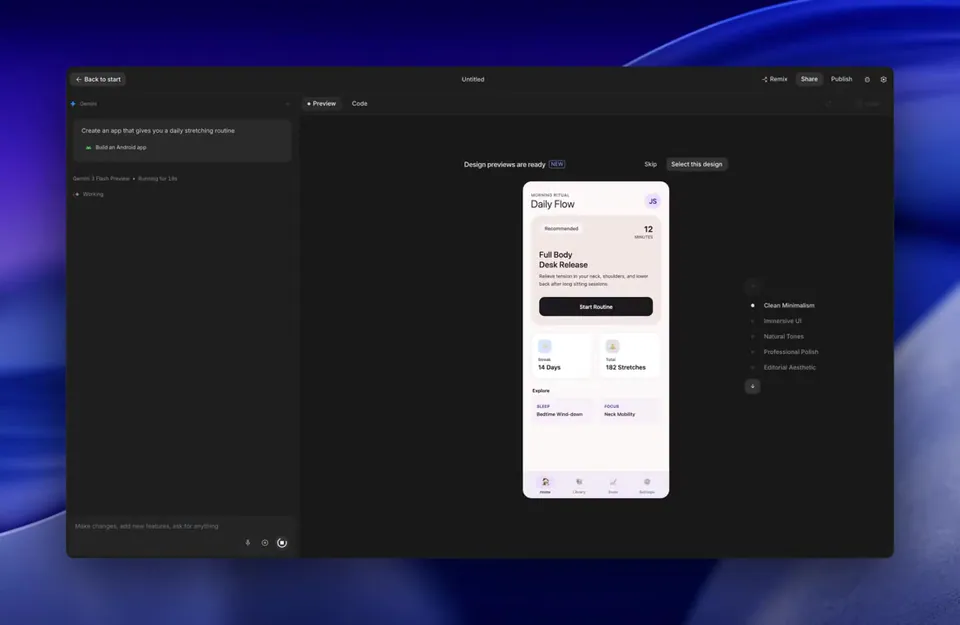
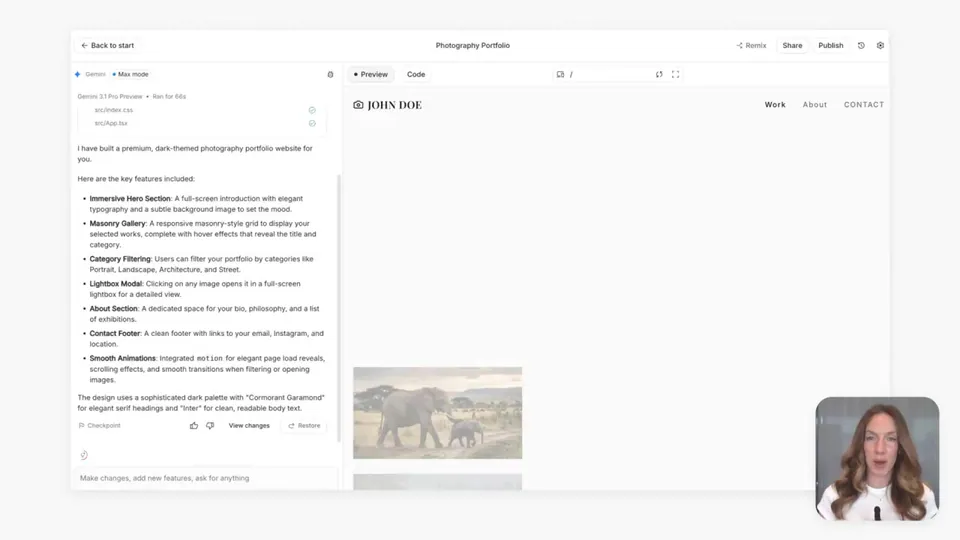
Google expanded AI Studio into a development environment that generates native Android apps from natural language prompts. The platform produces production-quality Kotlin code using Jetpack Compose and includes an in-browser emulator. This update follows the launch of managed agents in the Gemini API, providing the backend infrastructure for these autonomous workflows.
Android code pattern
Kotlin and Jetpack Compose
Workspace integrations
Sheets, Drive, and Docs
Asset generation model
Nano Banana
Free tier
First 2 apps deployed at no cost
Local export target
Google Antigravity

This shift moves AI Studio beyond prototyping into competition with AI-native IDEs. By integrating native Android SDKs and Google Workspace data—including Sheets and Drive—Google is eliminating environment setup friction. It allows developers to build functional tools that interact with organizational data without managing complex local dependencies or high-performance hardware.

You can now build and deploy native mobile apps or Workspace-connected dashboards with zero upfront infrastructure cost. Projects export to Google Antigravity for team collaboration, and a new mobile app is available for pre-registration. New users can deploy their first two applications to Google Cloud for free without providing a credit card.

Still wondering? A few quick answers below.

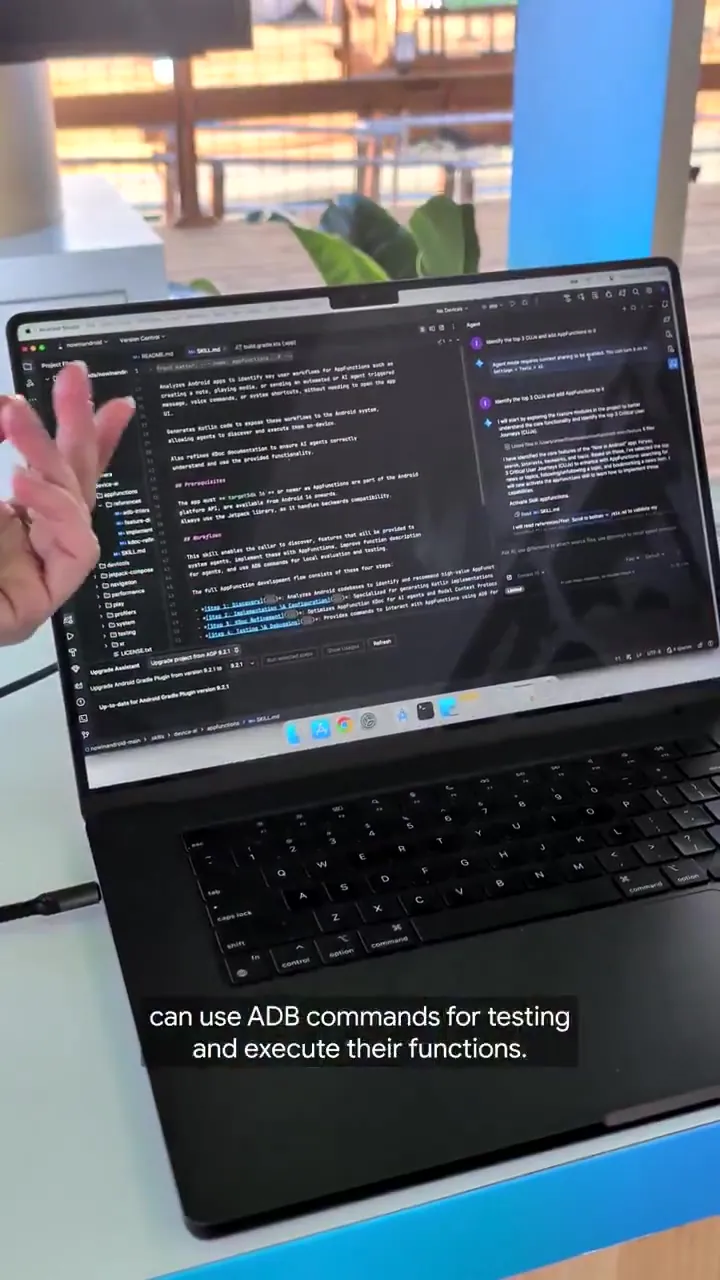
You can build native Android applications by selecting the build tab and describing your idea through natural language prompts. The platform generates production-quality Kotlin code using the latest Jetpack Compose patterns. It includes an in-browser emulator and Android Debug Bridge support, allowing you to preview and install apps without managing local SDKs.

Yes, Google Workspace is now directly accessible from applications built within the platform. This integration allows developers to build custom dashboards using Google Sheets data, create tools that organize files in Google Drive, and develop applications that interact with documents and data your team already uses, all without leaving the AI Studio environment.

Google now allows new builders to deploy their first two applications to Google Cloud at no cost without requiring a credit card. For developers who already have billing enabled for their projects, deployments will continue to default to the standard Cloud Run Free Tier, providing a low-barrier path for moving from prototypes to production.

Google is launching a dedicated mobile app that brings the full build-mode experience to smartphones. Currently available for pre-registration, the app allows you to iterate on code, preview builds, and share live deployments for feedback while on the go. It also features a mobile gallery for remixing existing applications.

You can export your projects directly to Google Antigravity for faster iteration and team scaling. This export process preserves your entire project state, including conversation history, project files, and secrets. This allows professional development teams to transition from a browser-based prompt environment to a more robust local development workflow.

Share this update