
Google AI Studio
@GoogleAIStudio
vibe code @Android apps directly in AI Studio and test on your phone get started today: https://t.co/HyTlhP5sFr https://t.co/U1Z9mH6Nk5
85retweets1klikes
View on X Google AI Studio
· Updated
Google AI Studio now supports building Android applications using natural language prompts and testing them directly on physical devices. This update moves AI-assisted development from web-based prototypes to native mobile software that can be validated on actual hardware.
This shift addresses the final stage of AI-assisted mobile development by allowing immediate validation on physical hardware. While previous iterations focused on web prototypes, native mobile development typically requires complex local environments. This update follows the launch of a mobile version of Google AI Studio designed to enable rapid application prototyping on the go.
You can start building Android apps today by describing goals in the AI Studio interface. The platform handles the underlying generation and allows syncing to your phone for live testing. This workflow extends the Google visual edit mode and UI annotation tools and the Google AI Studio Workspace connectors for the same prototyping environment.
vibe code @Android apps directly in AI Studio and test on your phone get started today: https://t.co/HyTlhP5sFr https://t.co/U1Z9mH6Nk5
Still wondering? A few quick answers below.
Every HeadsUpAI update is written based on its original source and reviewed before it's published. Read our editorial standards →
More like this
 Google AI StudioMay 21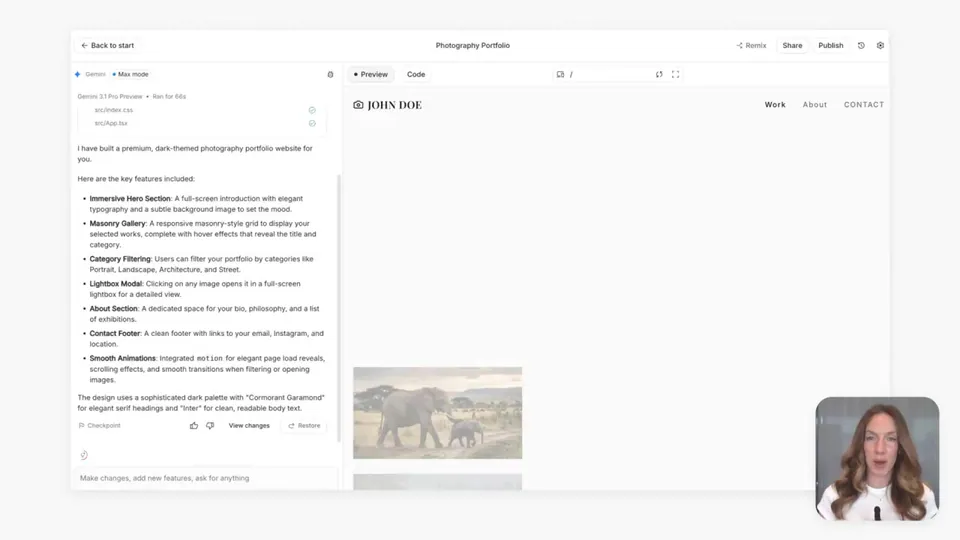
 GoogleApr 8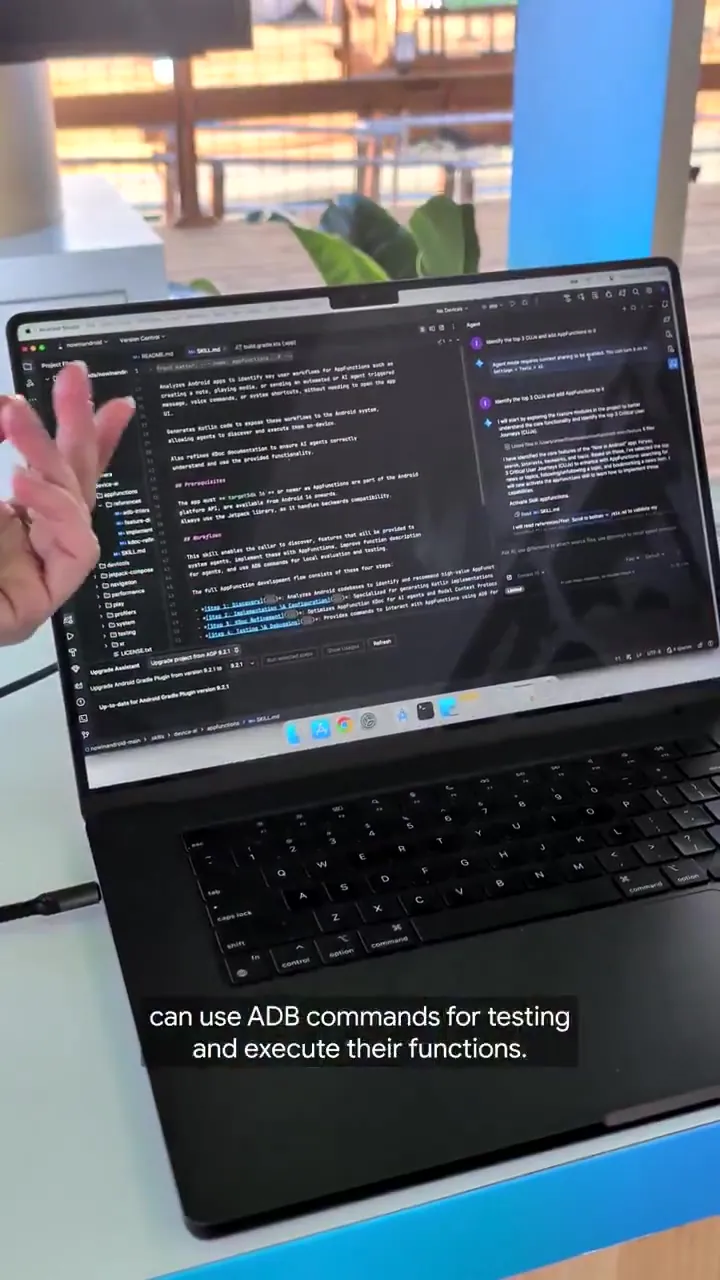
 Android DevelopersMay 28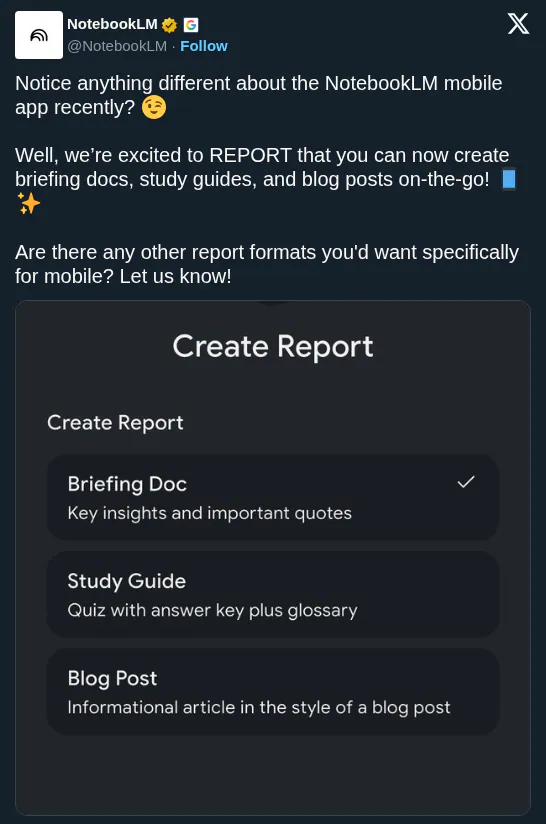
 Gemini NotebookJun 7