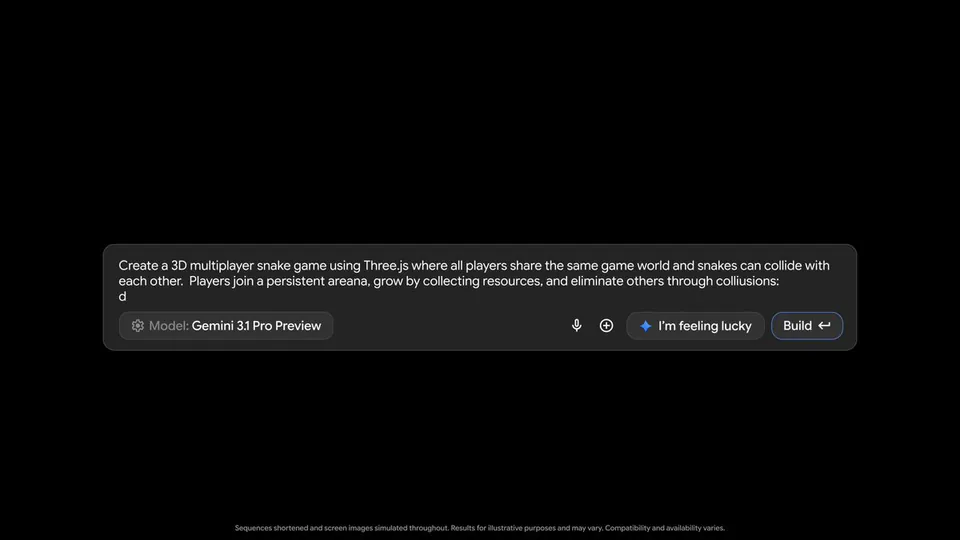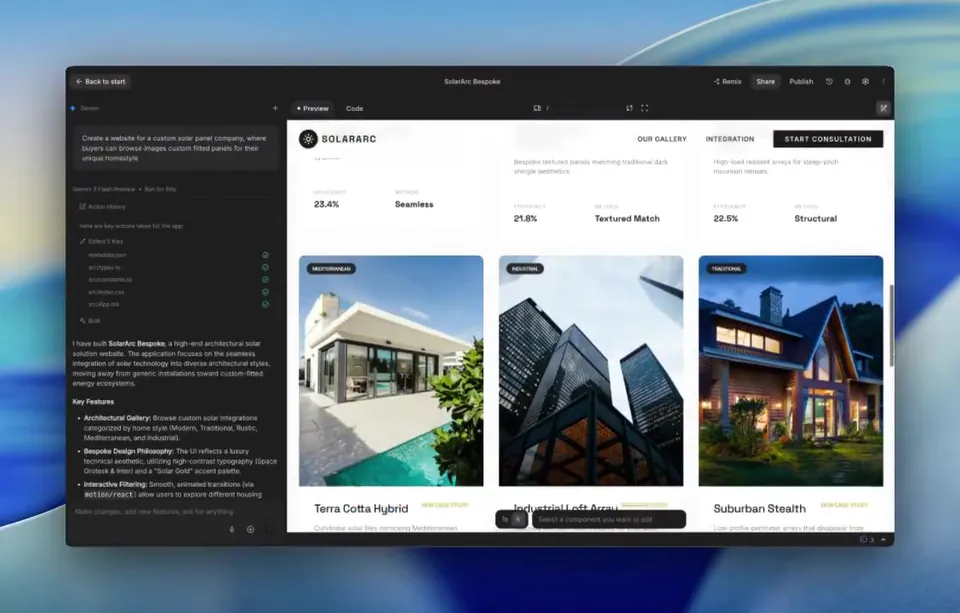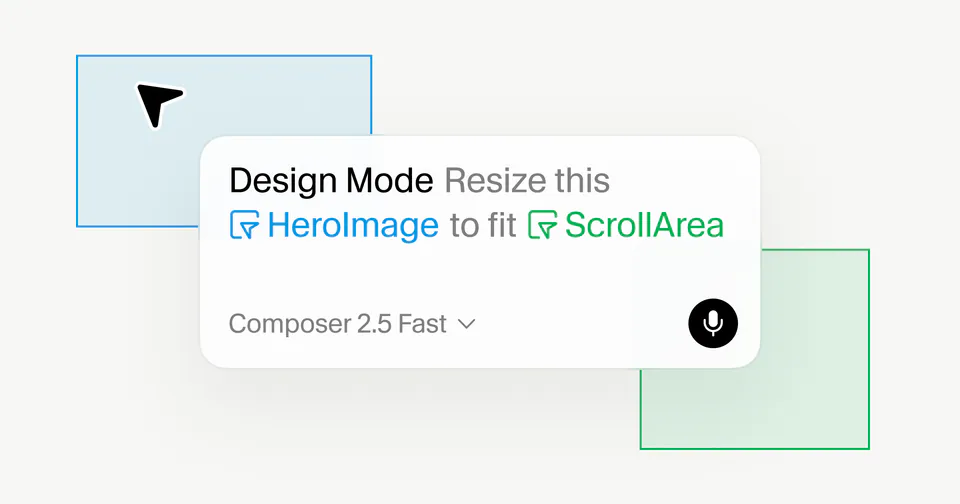
Today we are rolling out edit mode in AI Studio Vibe Coding ✏️, select components to quickly edit them, annotate right on the UI with a pen, and select image assets to change them with Nano Banana + upload content! https://t.co/Ct9H98o3iT
Google Adds Visual Edit Mode and UI Annotation to Vibe Coding
· Updated
Google introduced Edit Mode for Vibe Coding in AI Studio, shifting the platform from text-only prompts to a multimodal (processing text, images, and visual input) experience. Users can now click UI components to target them for modification or use a pen tool to annotate changes. This extends Google AI Studio's full-stack vibe coding.
- Edit Mode features
- Component selection and UI annotation
- Image editing
- Nano Banana integration and file uploads
- Platform
- Google AI Studio
- Input methods
- Pen tool and direct selection
- Availability
- Rolling out now in AI Studio
Visual feedback addresses a friction point in agentic coding—AI that writes and iterates on code. While natural language defines logic, describing precise layouts is cumbersome. This approach mirrors Replit Agent 4's visual design canvas, signaling a move toward agents that interpret visual intent alongside text instructions.
You can now iterate on designs by swapping image assets using Nano Banana—Google's integrated image generation tool—or by uploading content. These features are live in AI Studio, matching Google's multimodal Gemini File Search expansion. Try the new tools to build and refine applications through direct visual interaction and natural language.
Logan Kilpatrick
@OfficialLoganK
73retweets886likes
View on XStill wondering? A few quick answers below.
Edit Mode is a new visual interface in Google AI Studio that allows users to modify applications by interacting directly with the UI. Instead of relying solely on text prompts, you can select specific components to edit them or use a pen tool to draw annotations and notes directly on the interface.
You can annotate the UI by entering the new Edit Mode within the Vibe Coding environment. Once active, you can use a digital pen tool to draw or write instructions directly on the application interface. This visual feedback helps the AI agent understand exactly which elements need changes and what those modifications should look like.
Yes, the new update allows you to select image assets within your application to change them. You can either upload your own content or use Nano Banana, which is Google's integrated tool for generating and editing images, to swap out assets and refine the visual style of your project through the Edit Mode interface.
The new Edit Mode and annotation tools are rolling out within the Google AI Studio platform. You can try these features by visiting the official AI Studio build website. These tools are designed to support vibe coding, a development style where you build and iterate on software using natural language and visual feedback.