HeadsUpAI

Google AI Studio Integrates Nano Banana to Automate App Asset Generation

· Updated

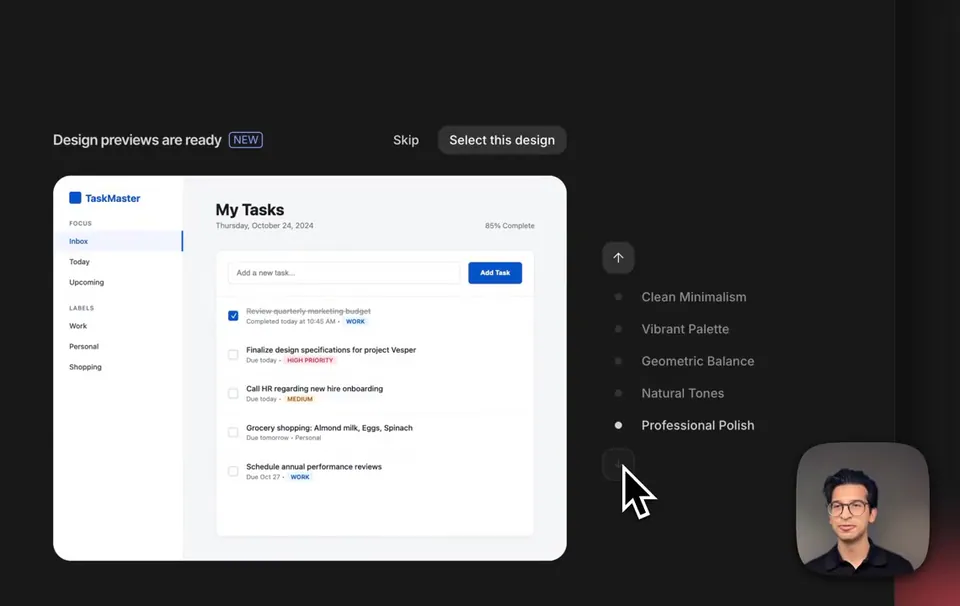
Google AI Studio integrated the Nano Banana image generation model to automatically produce custom visual assets as an application is being built. This update follows the recent launch of automated app design themes, allowing the platform to populate prototypes with relevant icons rather than generic placeholders.

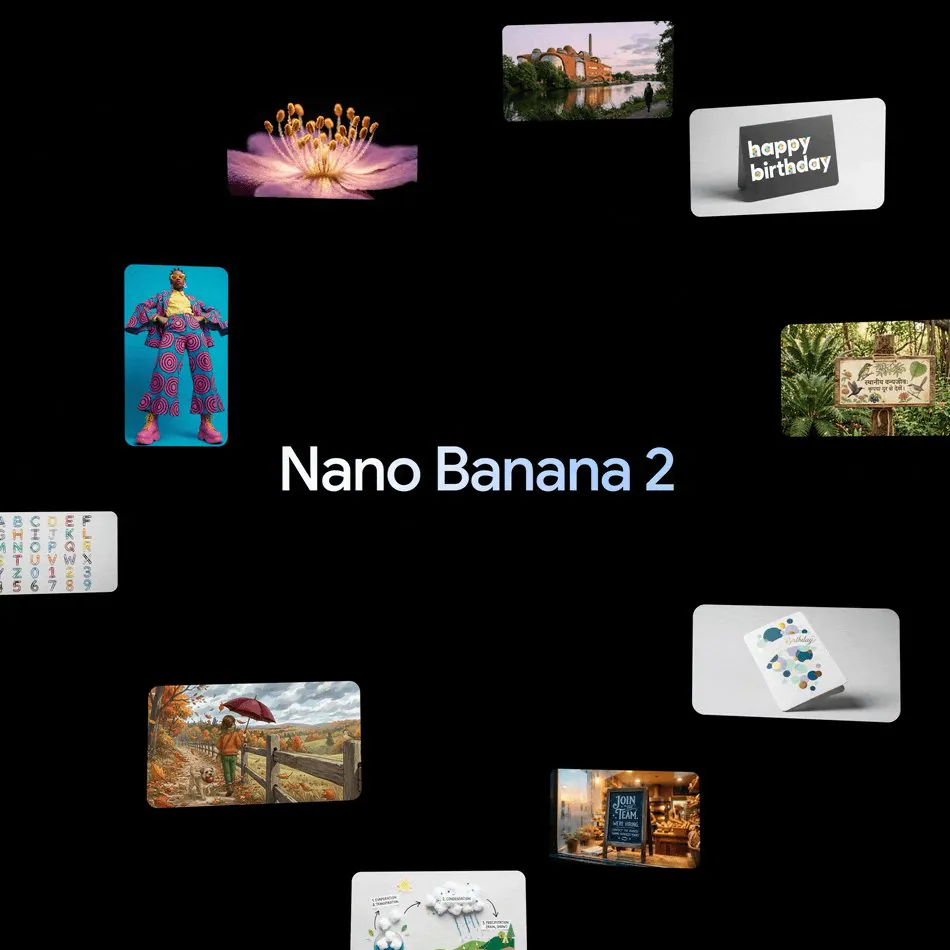
This integration addresses the "last mile" of prototyping where developers typically stall to source visual content. By combining code generation with Nano Banana 2's high-fidelity output, the platform creates MVPs that look like finished products. It mirrors a broader industry shift toward Replit Agent 4's visual design canvas.

You can now use the redesigned edit tool to select UI components, draw annotations for the AI, and manually swap generated assets. These features are available within the AI Studio Build Mode for Gemini users. Access to the high-performance Nano Banana Pro model remains tied to Google AI Pro and Ultra subscriptions.

Google AI Studio
Google AI Studio
@GoogleAIStudio
X

new in ai studio ⬇️ we’ve integrated @nanobanana to automatically create custom image assets for your app as it generates plus, the newly redesigned edit tool now gives you visual control of your app, allowing you to update components, annotate your app, and swap image assets https://t.co/8zjmXLlwsb

124retweets1.2klikes
View on X
Still wondering? A few quick answers below.

Nano Banana is Google's high-fidelity image generation model integrated into AI Studio to automatically create custom assets for applications. As the platform generates code for an app, Nano Banana produces relevant icons and images to replace generic placeholders, allowing developers to build higher-fidelity prototypes that look like finished products during the initial build process.

The redesigned edit tool provides visual control over applications by allowing users to interact directly with the user interface. Developers can select specific UI components to update them, draw annotations directly on the app to guide the AI's changes, and swap out image assets. This shifts the development workflow from text-only prompts to a hybrid visual feedback loop.

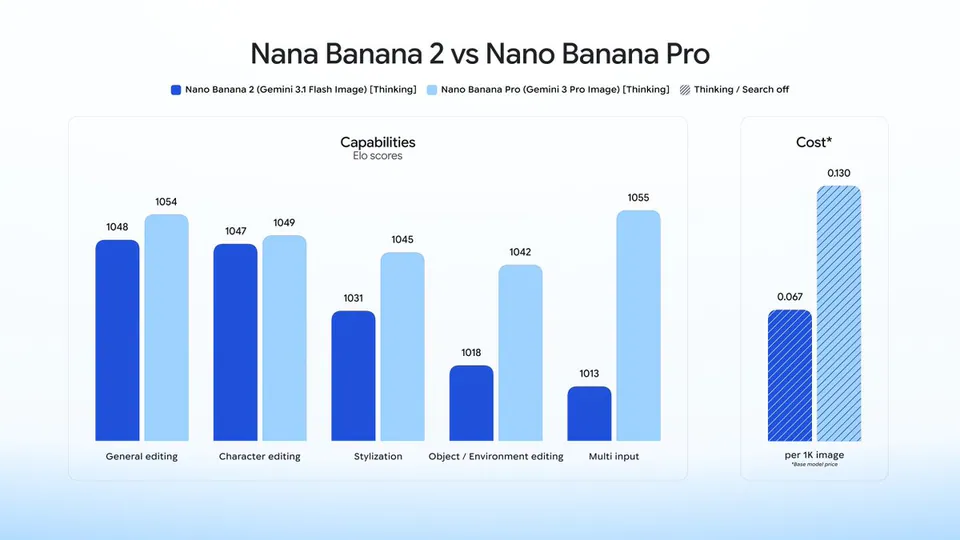
While standard Nano Banana features are integrated into the AI Studio build workflow, access to the higher-performance Nano Banana Pro model is restricted. Users must have a Google AI Pro or Ultra subscription to use the Pro version of the image model within the prototyping environment. This model is designed for professional-tier asset creation with higher fidelity and precision.

Yes, the redesigned edit tool in Google AI Studio allows for manual control over the visual assets created during the generation process. Users can select any AI-generated image or icon within their application and swap it for a different asset. This ensures that developers maintain creative control over the final look and feel of their functional prototypes.

Share this update