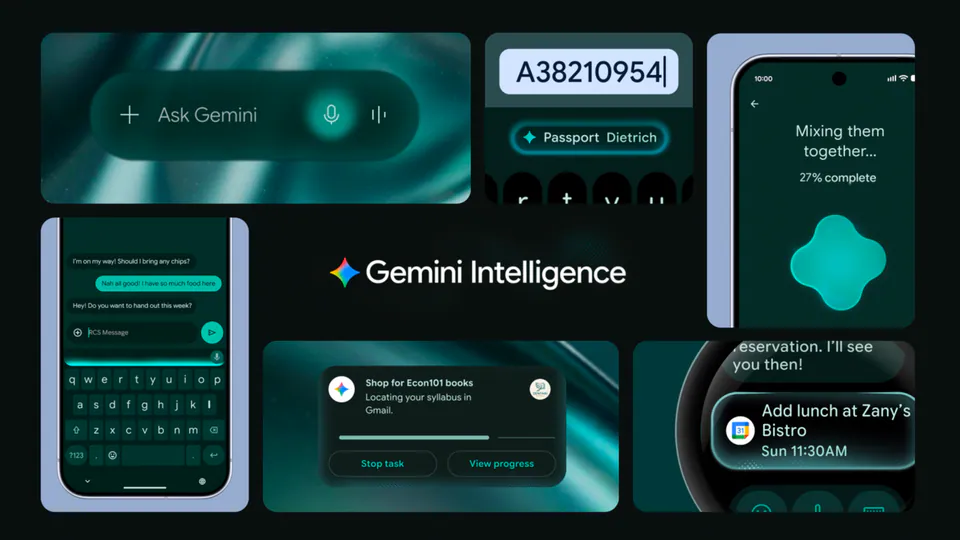
Prepare to integrate to the intelligence system with the new AppFunctions (Android MCP) API. ⚡ This platform API and Jetpack library lets your app act like an on-device MCP server, turning its functions into tools for assistants like Gemini. Let agents handle complex, cross-app tasks → https://t.co/LZxUdOUlL8
Google Integrates MCP Into Android to Turn Apps Into Agentic Tools
Google launched AppFunctions, a platform API and Jetpack library that enables Android apps to function as on-device MCP (an open standard for connecting AI models to tools) servers. This framework allows developers to annotate code to expose specific app capabilities—like creating notes or searching emails—as discoverable tools for AI assistants like Gemini.
- OS Requirement
- Android 16 or higher
- Execution
- Local (on-device)
- Permission required
- EXECUTE_APP_FUNCTIONS
- Gemini integration
- Private preview
The integration follows the launch of Google's Gemini documentation MCP server, extending the protocol's reach from cloud-based documentation to local application logic. This reduces latency and privacy risks while enabling complex workflows that span multiple local applications.
You can prepare apps for Android 16 by using the new bootstrapping skill to generate function schemas from existing code. A dedicated test agent is available on GitHub for deterministic debugging. While the Gemini integration is in private preview, you can register for the Early Access Program to test end-to-end agentic workflows.
Android Developers
@AndroidDev
4retweets45likes
View on XStill wondering? A few quick answers below.
AppFunctions is a new Android platform API and Jetpack library that allows mobile applications to expose their internal features as tools for AI agents. By using this framework, developers can turn standard app actions into self-describing functions that assistants like Google Gemini can discover and execute to complete complex tasks.
While both allow AI agents to orchestrate tools, AppFunctions are built-in OS-level hooks exclusive to Android that execute locally on the device. Standard MCP servers typically rely on cloud execution and network round-trips. AppFunctions use the existing app state directly on-device, eliminating the need for developers to maintain external services.
AppFunctions is a platform feature available on devices running Android 16 or higher. Developers can begin integrating the API and Jetpack library now to prepare their apps for this environment. The system uses a built-in registry to index available functions, which authorized callers can then execute once they have the proper system permissions.
The end-to-end integration between AppFunctions and Google Gemini is currently in a private preview with a limited number of trusted testers. While any developer can implement and test functions locally using the provided sample agent, full system-level access is restricted to participants in the Early Access Program during this experimental phase.
Google provides a specialized test agent sample app that allows developers to execute their functions deterministically to see exactly how an agent will interact with them. Developers can also use a bootstrapping skill to generate functions from existing code and verify registration on a device using specific command-line tools via adb.