HeadsUpAI

JetBrains Adds MCP Server for Real-Time AI Interaction With Compose Apps

JetBrains released Compose Hot Reload 1.2.0-alpha01, adding an experimental Model Context Protocol (MCP) server (a standard for connecting AI models to external tools). This allows AI agents to "see" and manipulate a live UI. By connecting to the hot reload layer, agents can capture screenshots or inspect the semantic tree to verify code changes.
Version
1.2.0-alpha01
Default Runtime
JetBrains Runtime 25
Launch Command
hotMcpServer
Agent Tools
click, type_text, take_screenshot, and 5 others
Status
Experimental

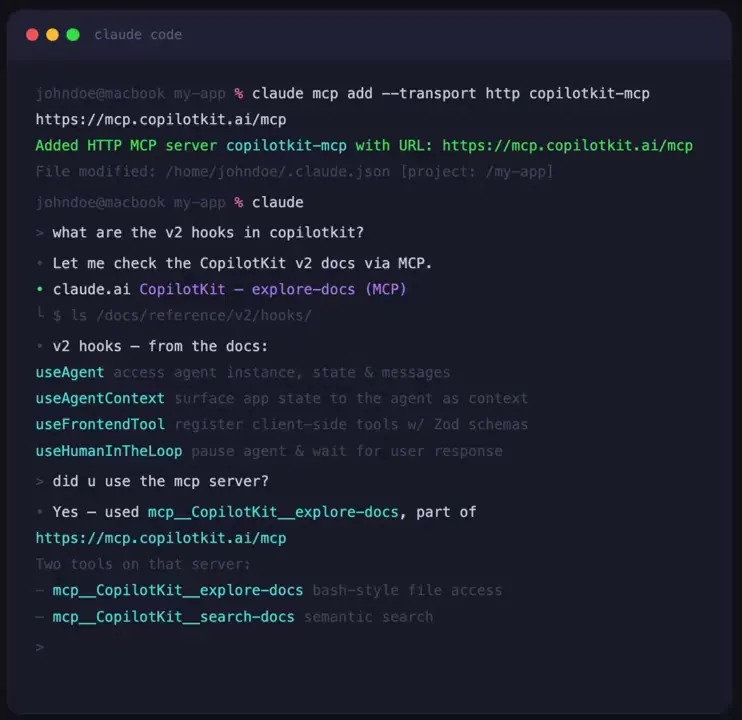
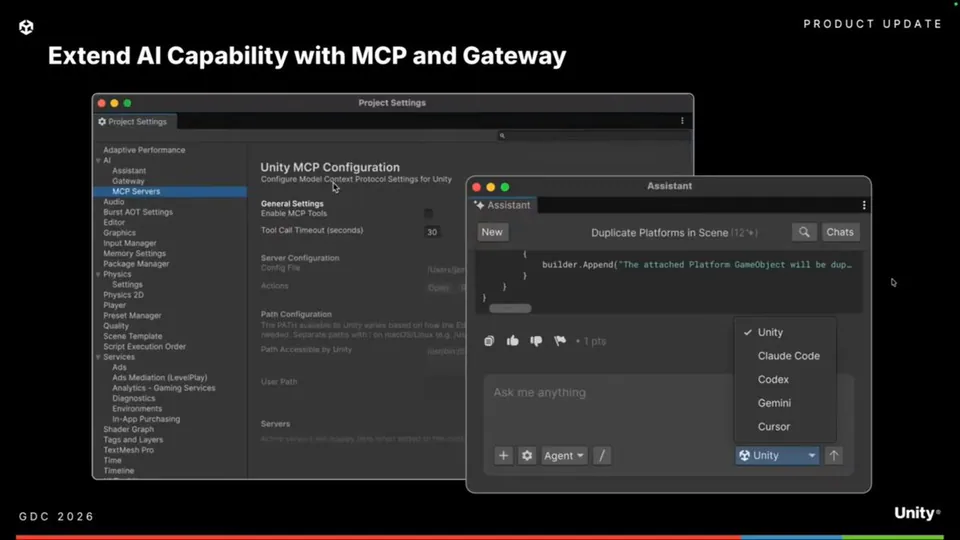
This follows a trend of exposing environments to agents via MCP, similar to Chrome DevTools and Unity. It enables agentic coding (AI that autonomously writes and tests software) by letting agents verify UI results in real time, ensuring generated code produces the intended visual outcome.

Use the hotMcpServer Gradle task to launch the server. It exposes eight tools, including click and type_text, for autonomous navigation. This release also sets JetBrains Runtime 25 as the default. The feature is experimental and available for testing in Compose Multiplatform projects.

Kotlin by JetBrains
Kotlin by JetBrains
@kotlin
X

🚀 Great news for Compose developers! Compose Hot Reload 1.2.0-alpha01 introduces an experimental MCP server that enables AI agents to interact with running Compose apps in real time. Be the first to try it and help shape what comes next 👇 https://t.co/NhB5iwXGM3 https://t.co/7hWO7HUWDc

7retweets66likes
View on X

Still wondering? A few quick answers below.

The Compose Hot Reload MCP server is an experimental tool that standardizes how AI agents interact with running Compose Multiplatform applications. By implementing the Model Context Protocol, JetBrains allows external AI tools to programmatically inspect the UI and perform actions, enabling agents to verify their own code changes in a live environment without manual developer input.

To start the server, developers can run the hotMcpServer Gradle task within their Compose Multiplatform project. Once launched, the server connects to the hot reload orchestration layer and begins polling for a running application. It is designed to automatically detect application shutdowns and reconnect when the app is restarted, maintaining a persistent link for AI agents.

AI agents can use the server to perform eight distinct actions on a running app. These include capturing screenshots, inspecting the semantic tree of UI components, and simulating user interactions like click, long_click, type_text, and scroll. These capabilities allow agents to autonomously navigate through an application to test functionality or verify visual layouts in real time.

Every HeadsUpAI update is written based on its original source and reviewed before it's published. Read our editorial standards →

Share this update