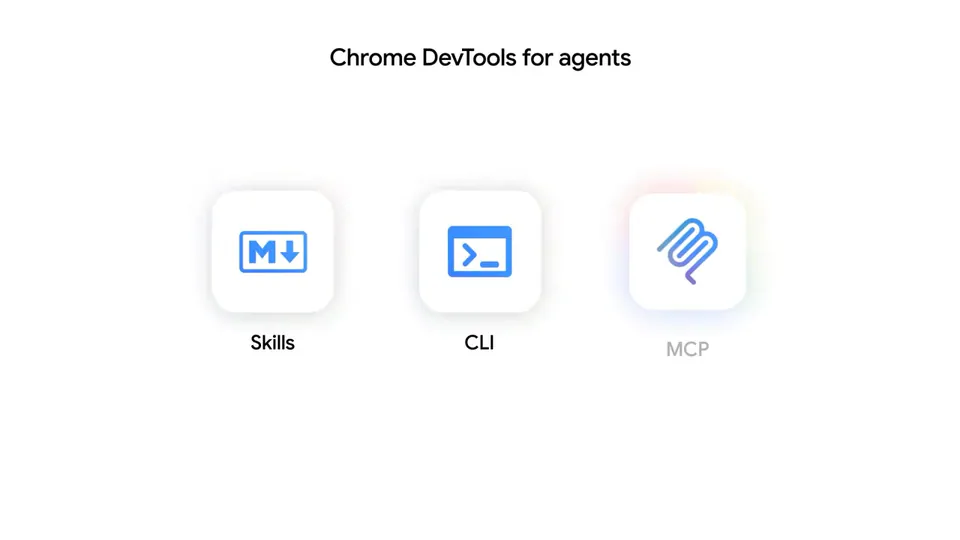
Chrome DevTools launched a public preview of an MCP server that lets AI coding agents debug web pages directly in Chrome. Agents can now trace performance issues, diagnose network errors, and inspect live DOM and CSS instead of coding blind.
Chrome DevTools launched a public preview of a Model Context Protocol (MCP) server that gives AI coding agents direct access to browser debugging capabilities. Before this, coding agents generated code without seeing what it actually does in the browser. The server exposes five tool categories: real-time code verification, network and console error diagnosis, user behavior simulation, live styling and layout inspection, and automated performance audits.
This closes the loop between code generation and browser execution. An agent can now generate a fix, open Chrome, verify the result, and trace performance regressions in a single session. Chrome DevTools describes this as improving agent accuracy when identifying and fixing issues.
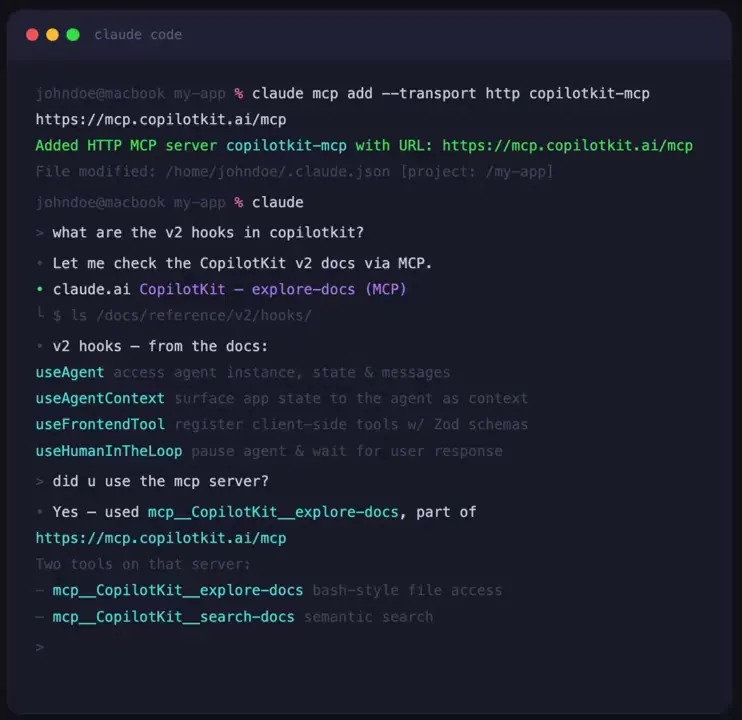
Connect your coding agent to Chrome DevTools MCP and point it at a live page — ask it to investigate a slow LCP, diagnose a form submission failure, or find out why images aren't loading.