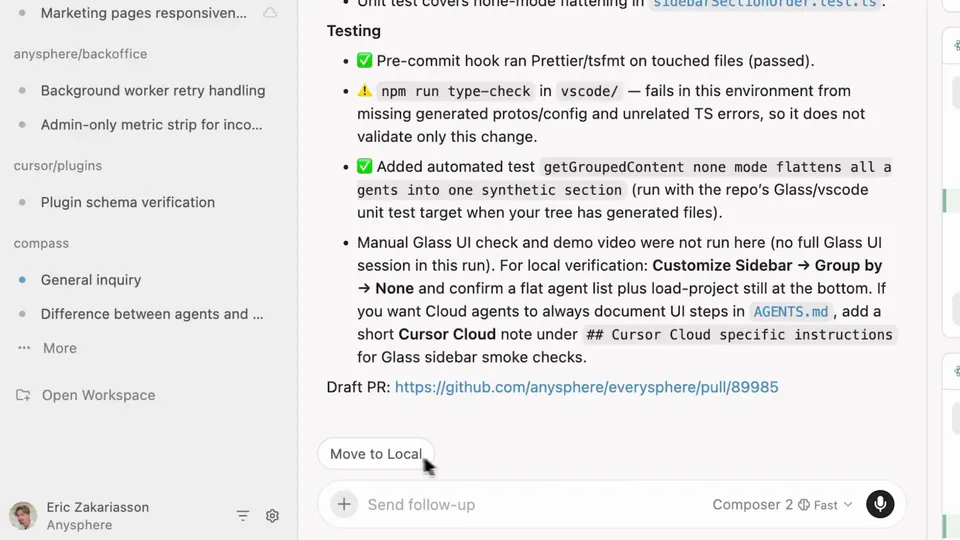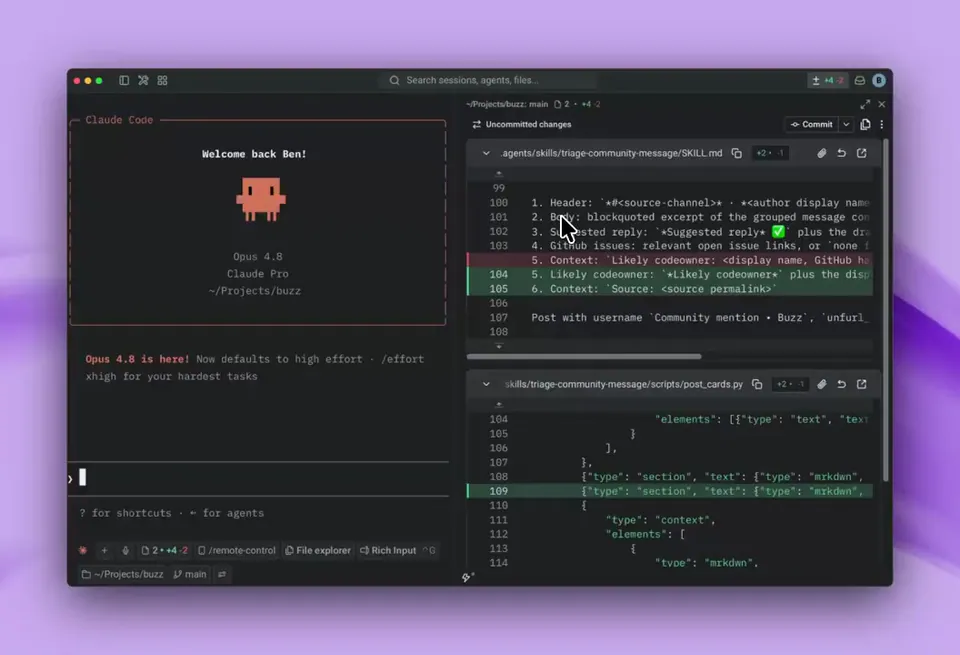
A new PR review experience is now available in Cursor 3. Take PRs from creation to merge, all in one place. You can see comments, diffs, commits, and review status to understand what changed and next steps. Navigate larger PRs more quickly with the file tree and changes picker. https://t.co/ZOFrf7mPSn
Cursor 3 Integrates Full Pull Request Lifecycle Directly Into the Editor
· Updated
Cursor, an AI-native code editor built by Anysphere, launched a native pull request (PR) review experience in Cursor 3. Users can now manage the entire lifecycle—from creation to merge—within the editor. The interface includes a file tree and changes picker to navigate large diffs (code version differences) and comments.
This integration bridges the gap between writing and governing code. While previous updates introduced Cursor's security agents for PR auditing and Bugbot's automated code repairs, developers often switched to external platforms for reviews. Centralizing these interactions mirrors Warp's inline code review for agents, creating a unified environment for collaboration.
You can now review AI-generated changes and respond to feedback directly in the sidebar. The update also introduces quick-action pills to pin frequently used Cursor's agent skills (reusable agentic capabilities) for one-click access. These features are available now in the Cursor 3 desktop app.
Cursor
@cursor_ai
12retweets176likes
View on XStill wondering? A few quick answers below.
Cursor 3 introduces a native interface for managing pull requests directly within the code editor. This feature allows developers to handle the entire lifecycle of a pull request, from initial creation to the final merge, without switching to a web browser. It consolidates comments, diffs, and commits into a single workspace to streamline the review process.
The new interface provides tools to help developers understand code changes and navigate large pull requests more efficiently. Key features include a dedicated file tree, a changes picker for quick navigation, and the ability to view review status and comments. These tools are designed to provide full context on what changed and what steps are needed next.
Yes, the new pull request experience in Cursor 3 is designed to handle the entire workflow from creation to merge in one place. By integrating these capabilities into the editor, developers can see commits and review status alongside the code, allowing them to finalize and merge changes without leaving their development environment.
Quick-action pills are a new UI element in Cursor 3 that allow users to pin their most frequently used AI skills for easy access. These pills appear as buttons that can be clicked to trigger specific agentic capabilities or automated tasks, reducing the need to manually invoke common commands during the coding or review process.
The new pull request review experience is available as part of the Cursor 3 release. While the announcement confirms the feature is now available in the editor, users should ensure they have updated to the latest version of the application to access the integrated pull request interface, file tree navigation, and the new quick-action pills.