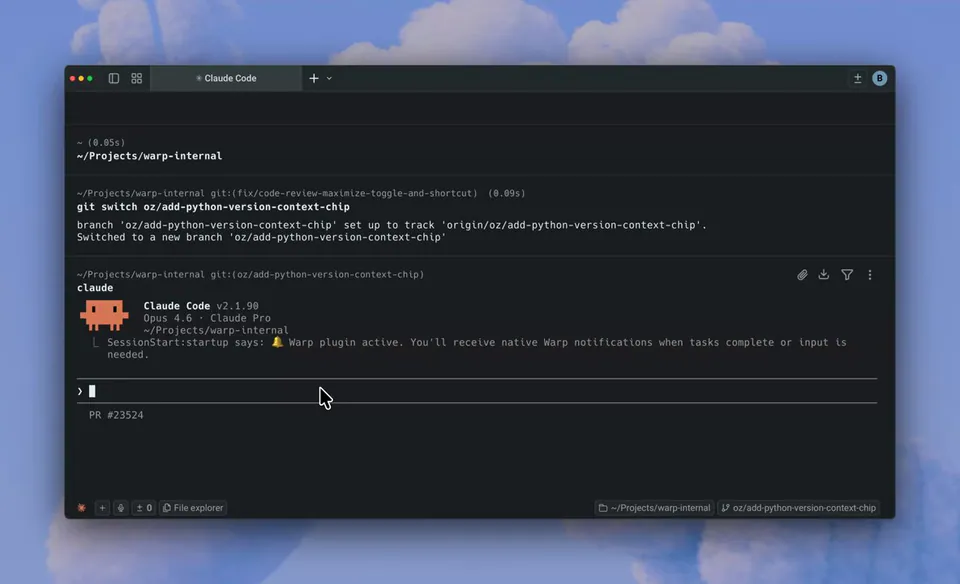
Warp now has buttons to commit, push, and PR the code your agents write. Open the code review panel to try it out. https://t.co/ZAKes4Hs5C
Warp Adds Git Workflow Buttons to Close the Agentic Coding Loop
Warp, an agentic development environment combining a terminal and code editor, added Git lifecycle buttons to its Code Review panel. Users can now commit, push, and open pull requests directly from the interface where they review agent-generated diffs. This follows Warp's rebrand as an agentic development environment.
- Supported Git actions
- Commit, Push, and Pull Request
- Supported agents
- Claude Code, Codex, and Warp Agent
- Review features
- Inline comments and diff editing
- Availability
- Latest Warp version
The update addresses administrative friction in autonomous coding. While the platform already supported Warp's inline agent code review, developers still had to manually execute Git commands to finalize work. By integrating these actions, Warp enables a "prompt-to-PR" workflow where the human acts as a high-level orchestrator and gatekeeper.
The panel also supports interactive feedback for third-party CLI agents like Claude Code and Codex. You can leave inline comments that agents act on in real time, then use the new buttons to ship verified results. These features are available in the latest Warp version for all users working in Git-tracked repositories.
Warp
@warpdotdev
48likes
View on XStill wondering? A few quick answers below.
The Code Review panel is a dedicated interface within the Warp terminal that allows developers to inspect, edit, and manage Git diffs in real time. It serves as a central hub for reviewing uncommitted changes, comparing branches, and providing interactive feedback to AI agents before finalizing code for production.
Warp has added native buttons for committing, pushing, and creating pull requests directly within the Code Review panel. Once you are satisfied with the code changes generated by an AI agent or written manually, you can execute these standard Git lifecycle actions through the UI instead of typing manual terminal commands.
Yes, Warp supports an interactive workflow where you can leave inline comments on specific code diffs. Supported AI agents, including third-party tools like Claude Code and Codex, can receive these comments as a batch of feedback and autonomously apply the requested changes to the codebase within the same session.
Warp provides native support for its own internal agent as well as third-party command-line agents such as Anthropic's Claude Code and OpenAI's Codex. The Code Review panel allows you to attach diffs as context for these agents and send them inline feedback to refine their generated code.
You can open the panel by clicking the Git diff chip in the terminal input, using the Review Changes button at the bottom of an agent conversation, or clicking the Code Review icon in the top-right tab bar. It can also be toggled using the keyboard shortcut Command-Shift-Plus on macOS.