ClaudeDevs
@ClaudeDevs
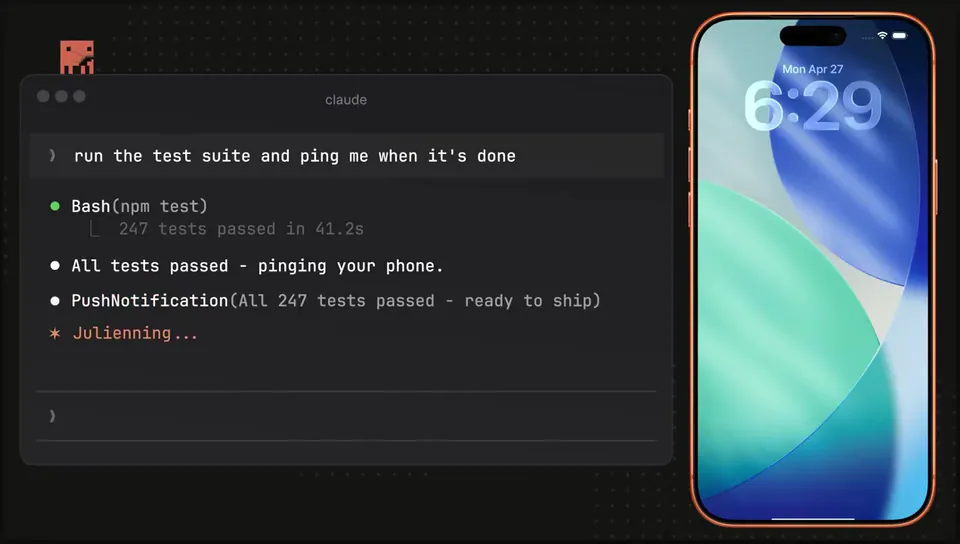
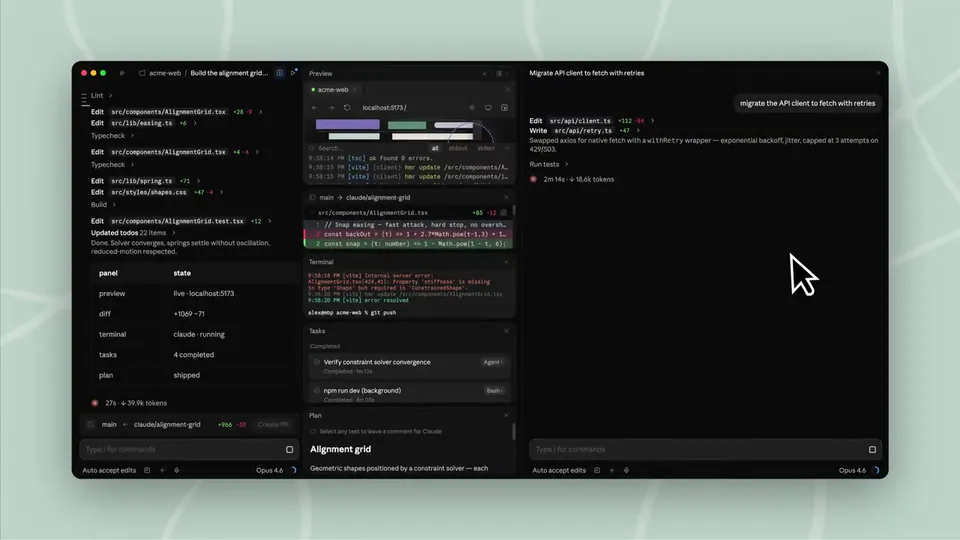
We’ve refreshed Claude Code on the web and mobile. A few things that recently shipped 🧵 https://t.co/hJHIckTxx3
175retweets3.3klikes
View on X Anthropic
· Updated
Anthropic updated the Claude Code interface on web and mobile to support session handoffs to the local terminal. Start a task on your phone and one command resumes the exact state, history, and git branch in the CLI.
claude --teleport command, which synchronizes active coding sessions between the web app and the local command-line interface.This update builds on Claude Code's session mobility by removing the friction of manual environment setup when switching devices. It also adds to session recaps for Claude Code for summarizing progress, ensuring the terminal automatically checks out the correct git branch and loads the full conversation history.
Access the refreshed interface at the official Claude Code web portal or via the mobile app. To resume a web session locally, run claude --teleport in your terminal. This feature is available to users on the research preview, which follows Anthropic's ultrareview command for multi-agent bug hunting.
We’ve refreshed Claude Code on the web and mobile. A few things that recently shipped 🧵 https://t.co/hJHIckTxx3
Still wondering? A few quick answers below.
Every HeadsUpAI update is written based on its original source and reviewed before it's published. Read our editorial standards →