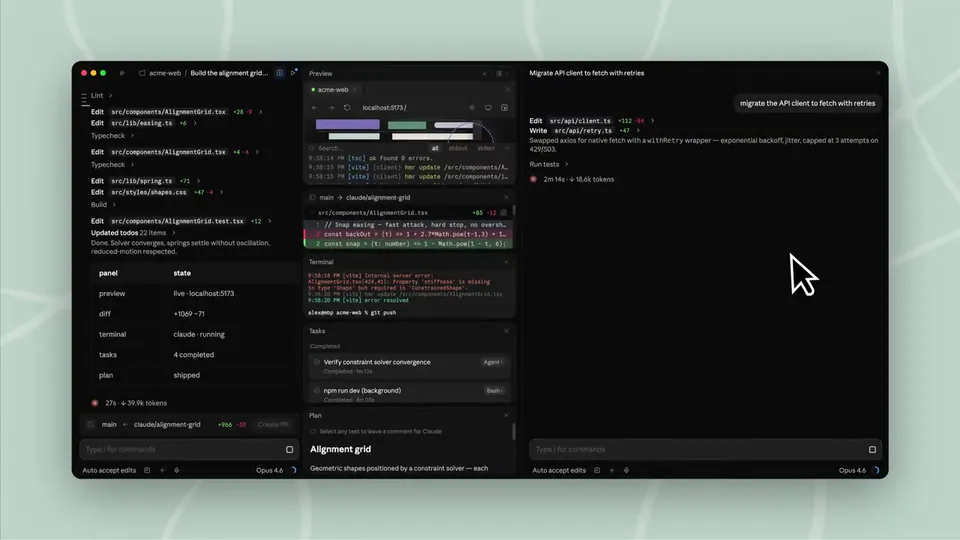
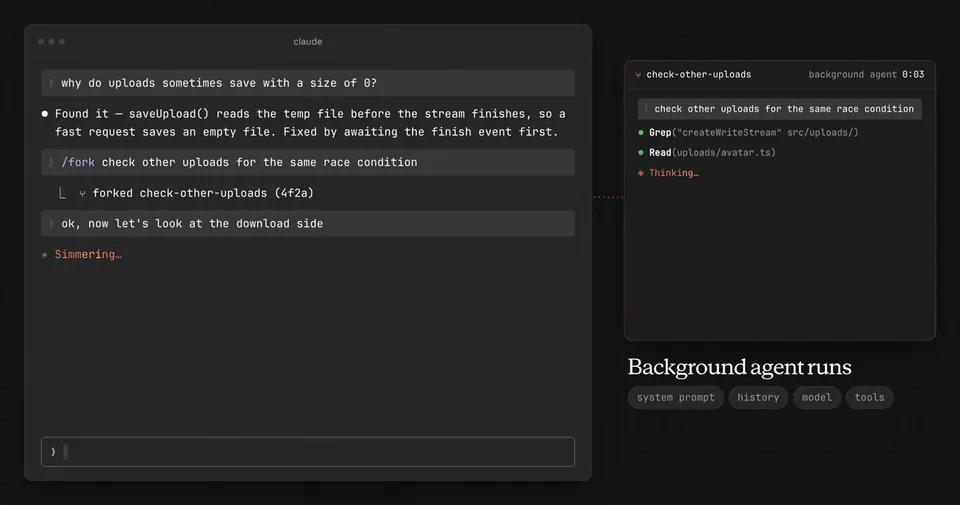
Claude Code in the terminal will now show recaps when you switch focus away from the session and then come back. This should help you stay more in flow while multi-clauding. https://t.co/zig8AoTAsj
Anthropic Adds Session Recaps to Claude Code for Managing Parallel Agentic Tasks
· Updated
Anthropic added session recaps to Claude Code, its terminal-based agentic coding tool (AI that autonomously writes and debugs code). When you return to a session, the tool now displays a summary of recent actions. You can also trigger these manually using the
/recap command, which adds to the ultrareview swarm.This update addresses the cognitive strain of managing multiple autonomous agents. It builds on the ability to run parallel agentic sessions by shifting the bottleneck from writing code to tracking background tasks. Providing automated context helps prevent the scrollback fatigue common when re-entering a long-running terminal session.
You can use recaps to stay oriented while running several Claude Code instances or following Claude Code session handoffs between devices. The feature is available now in the latest CLI version. If you prefer a cleaner interface, you can disable automatic recaps in your settings and rely on the manual command.
ClaudeDevs
@ClaudeDevs
309retweets6.1klikes
View on XStill wondering? A few quick answers below.
Session recaps are a new feature in Claude Code that provides a summary of recent activity when you return to a terminal window. This helps developers quickly regain context after switching focus to other tasks. The recaps appear automatically to show what the agent has accomplished while you were away from the session.
You can manually request a summary of your current progress by typing the /recap command directly into the Claude Code terminal. This allows you to see a concise overview of the agentic session's state at any time, which is useful for verifying work or catching up on long-running autonomous tasks without scrolling through history.
Multi-clauding refers to the practice of running multiple Claude Code agentic sessions simultaneously across different terminal tabs or repositories. Because these agents work autonomously, session recaps were introduced to help developers manage the mental overhead of switching between these parallel workflows and staying updated on each agent's individual progress.
Yes, you can disable the automatic recap feature in your Claude Code settings if you prefer a more minimal terminal interface. Once disabled, the summaries will no longer appear automatically when you switch focus back to the session, though you can still use the manual /recap command to see a summary whenever needed.