
Cursor
@cursor_ai
Cursor now supports MCP Apps. Agents can render interactive UIs in your conversations. https://t.co/LMpuntembS
162retweets2klikes
View on X Cursor
· Updated
Cursor 2.6 adds MCP Apps support, letting agents render interactive UIs like charts, diagrams, and whiteboards directly inside your conversation. Teams and Enterprise users can also create private plugin marketplaces to share and govern internal plugins centrally.
This brings a new dimension to the coding agent workflow — instead of switching context to external tools to view dashboards or diagrams, information surfaces inline. Having MCP Apps inside the editor signals that Cursor is positioning itself as a full development environment, deepening integration with the broader AI tooling ecosystem.
On Teams and Enterprise plans, admins can create team marketplaces to distribute private plugins internally with central governance and access controls. To try MCP Apps, connect a supported MCP server from the Cursor marketplace and interact with it in an agent conversation.
Cursor now supports MCP Apps. Agents can render interactive UIs in your conversations. https://t.co/LMpuntembS
Every HeadsUpAI update is written based on its original source and reviewed before it's published. Read our editorial standards →
More like this
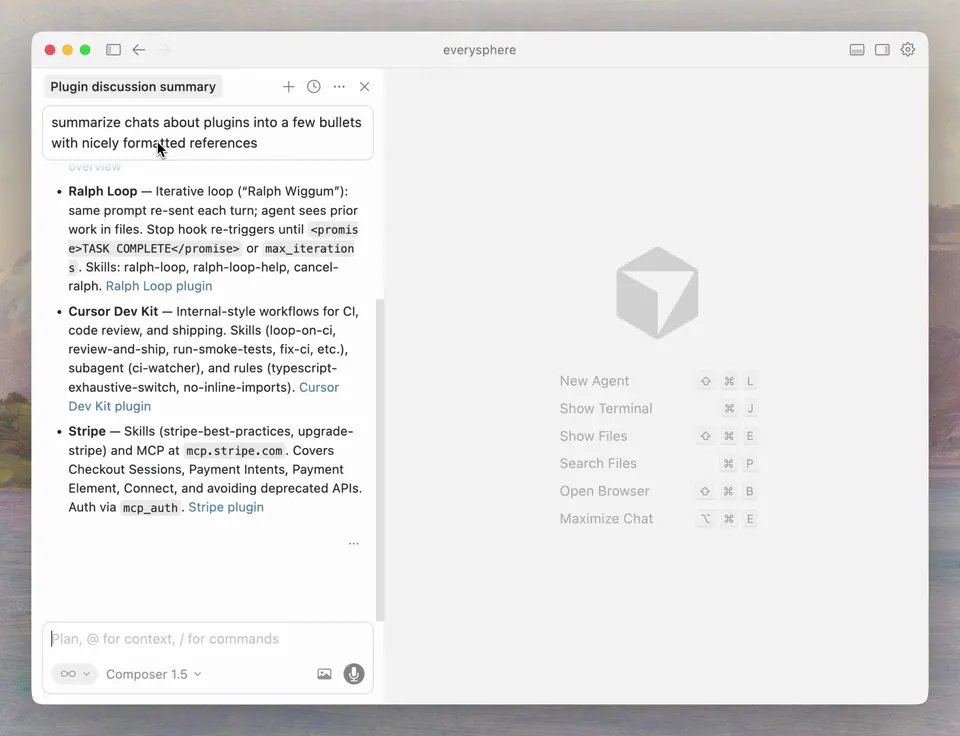 CursorFeb 18
 SanityMar 20
 FigmaMar 15
 CopilotKit🪁Mar 21