
v0
@v0
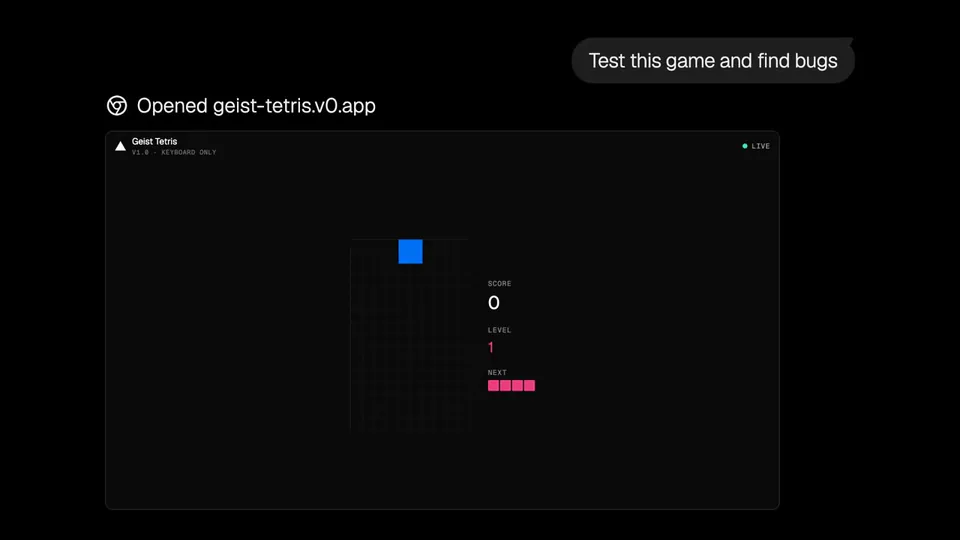
v0’s Snowflake integration is now in public preview. Prompt v0 to use Snowflake, connect your account, and watch as it generates polished dashboards with your data. https://t.co/FYfZTaULMk
15retweets196likes
View on X v0
v0· Updated
v0 has released a public preview of its Snowflake integration, allowing users to query warehouse data and deploy full-stack applications directly to Snowflake infrastructure. This update transforms the generative UI tool into a functional data agent that bridges the gap between natural language prompts and enterprise-hosted analytics.
This integration shifts v0 from a UI generator to a functional data agent. By connecting directly to the warehouse, it eliminates the manual overhead of exporting data. This follows a pattern seen in Perplexity and Claude, where agents gain native access to enterprise data silos to automate reporting.
Users can prompt v0 to build analytics tools by connecting their Snowflake account via OAuth. The agent respects role-based permissions to ensure it only accesses authorized tables. The integration is in beta for team accounts; owners must configure account identifiers before members can publish apps to the Snowflake cloud.
v0’s Snowflake integration is now in public preview. Prompt v0 to use Snowflake, connect your account, and watch as it generates polished dashboards with your data. https://t.co/FYfZTaULMk
Still wondering? A few quick answers below.
Every HeadsUpAI update is written based on its original source and reviewed before it's published. Read our editorial standards →
More like this
 v0May 19
 PerplexityMay 15
 SnowflakeJun 9
 VercelJun 5