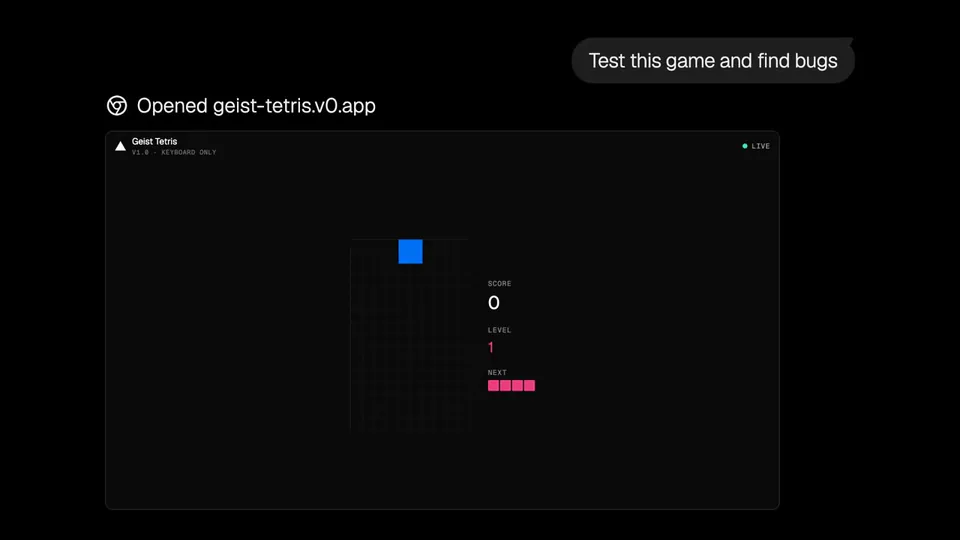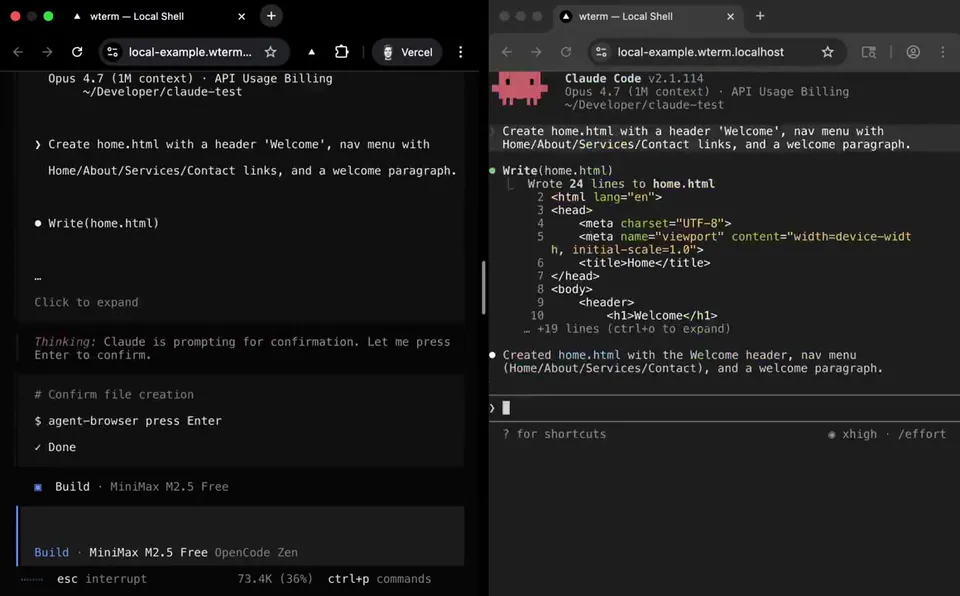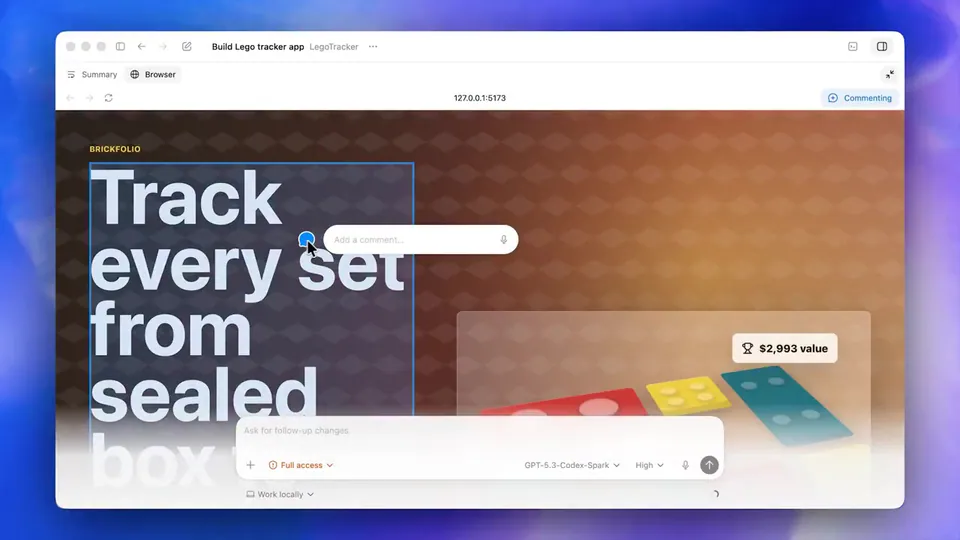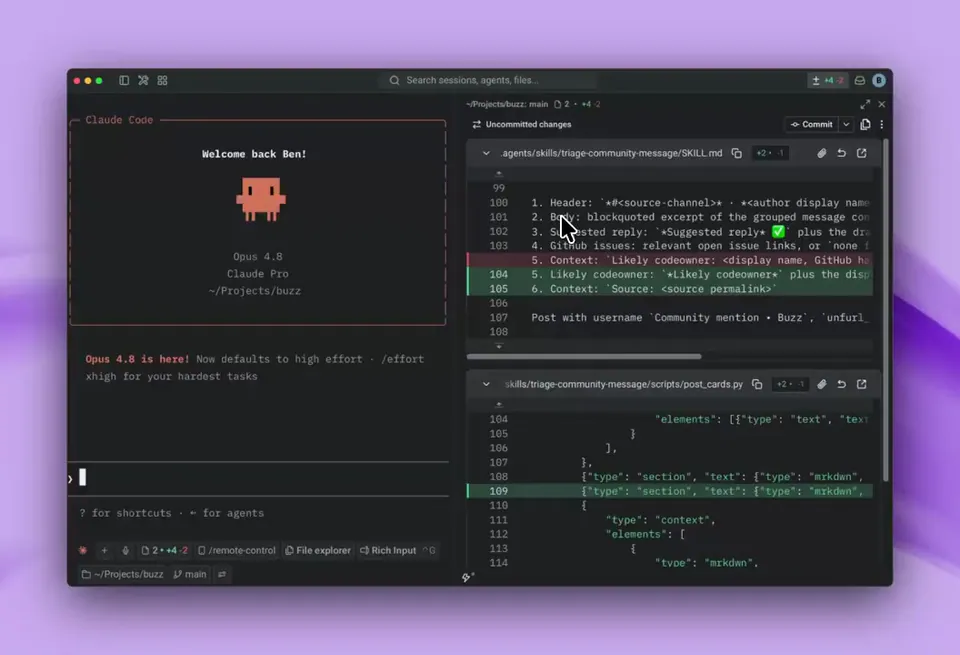
v0 can now run terminal commands, which means it can: • Spin up a browser session to test interactions • Look through your commit history to understand past changes • Write and run unit tests • Use CLIs to interact with platforms like Vercel and GitHub https://t.co/LLyl2puyJD
v0 Adds Terminal Access to Automate Testing and GitHub Workflows
v0, a full-stack development platform from Vercel, added terminal command execution. This allows the AI to perform engineering tasks like spinning up browser sessions for testing, reading git history for context, and writing unit tests. It incorporates terminal access similar to Vercel's wterm emulator.
This move signals a transition from "vibe coding" to agentic engineering, where AI operates professional developer tools. By granting v0 terminal access, Vercel is closing the gap between generation and verification. It mirrors the industry-wide push toward autonomous agents like Claude Code that navigate and edit entire codebases.
You can now use v0 to handle end-to-end workflows, such as debugging production issues via Vercel's CLI metrics or managing infrastructure through automated marketplace integrations. These capabilities are available now for all users. The agent can also use GitHub and Vercel CLIs to manage repositories and deployments without manual input.
v0
@v0
12retweets118likes
View on XStill wondering? A few quick answers below.
v0 can now execute terminal commands to automate complex development tasks. This includes launching browser sessions to test user interactions, analyzing a project's git commit history to understand past changes, and writing or running unit tests. It also allows the AI to interact directly with platforms like GitHub and Vercel using their respective command-line interfaces.
v0 uses its new terminal capabilities to perform automated testing during the development process. It can programmatically spin up a browser session to verify that UI components and interactions work as intended. Additionally, the AI can autonomously write new unit tests for your code and execute them in the terminal to ensure functional correctness before deployment.
Yes, v0 can now use command-line interfaces to interact with external platforms. This allows the AI agent to perform actions on GitHub, such as managing repositories or commits, and on Vercel, such as triggering deployments or configuring project settings. These integrations enable v0 to manage the entire software development lifecycle from code generation to production hosting.
v0 accesses a project's git commit history to gain a deeper understanding of the codebase's evolution. By reviewing past changes and commit messages, the AI can understand the rationale behind specific technical decisions or architectural patterns. This historical context helps the agent make more informed suggestions and ensures that new code changes remain consistent with previous development work.