Google's NotebookLM has launched a new Source Attribution feature. This update provides visibility into the exact prompts and source materials that generate AI outputs, enhancing transparency and control over the content. It also enables customization of these underlying "formulas" to refine AI-generated artifacts.
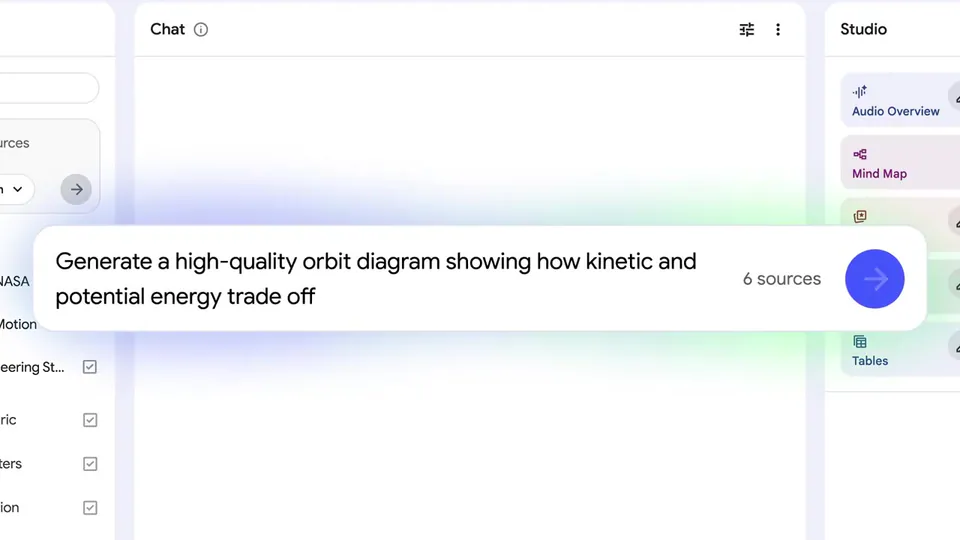
NotebookLM, Google's AI-powered research and writing assistant, has introduced a new Source Attribution feature. This update allows users to view the precise "formula"—the specific prompts and source documents—that an AI model used to create each of its generated outputs, referred to as "artifacts."
This capability addresses the need for greater transparency in AI-generated content, enabling users to verify the information. By exposing the underlying prompts and sources, Source Attribution provides clarity on how AI outputs are generated.
NotebookLM provides an "Iterate" button, allowing you to customize the prompts and sources used for any artifact. This gives you direct control over the AI's generation process, enabling refinement of outputs by adjusting the input "formula" to better suit your needs.