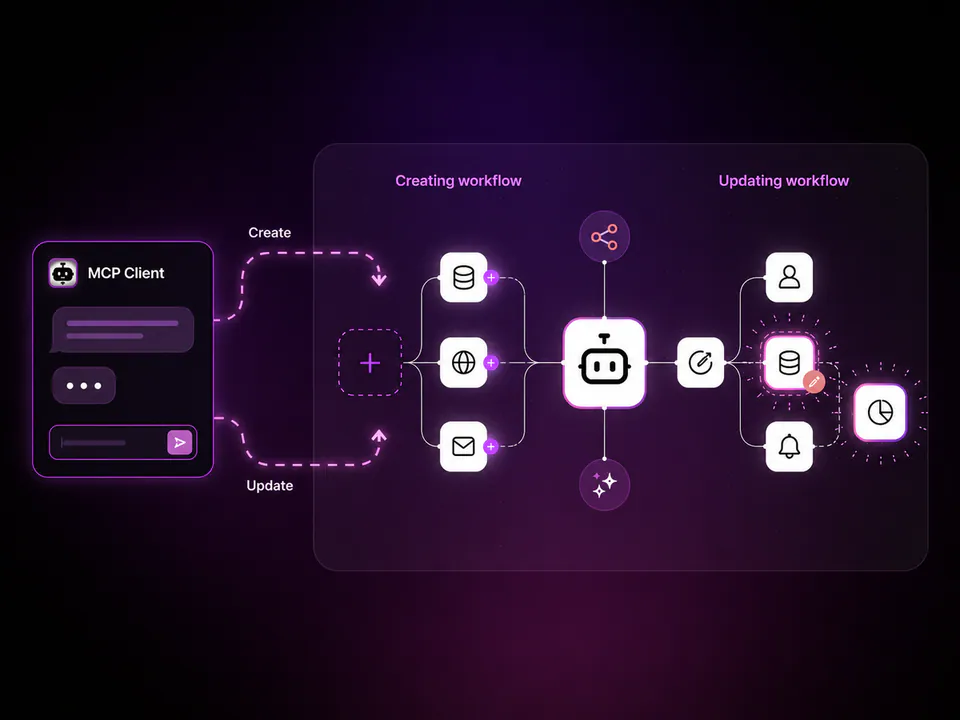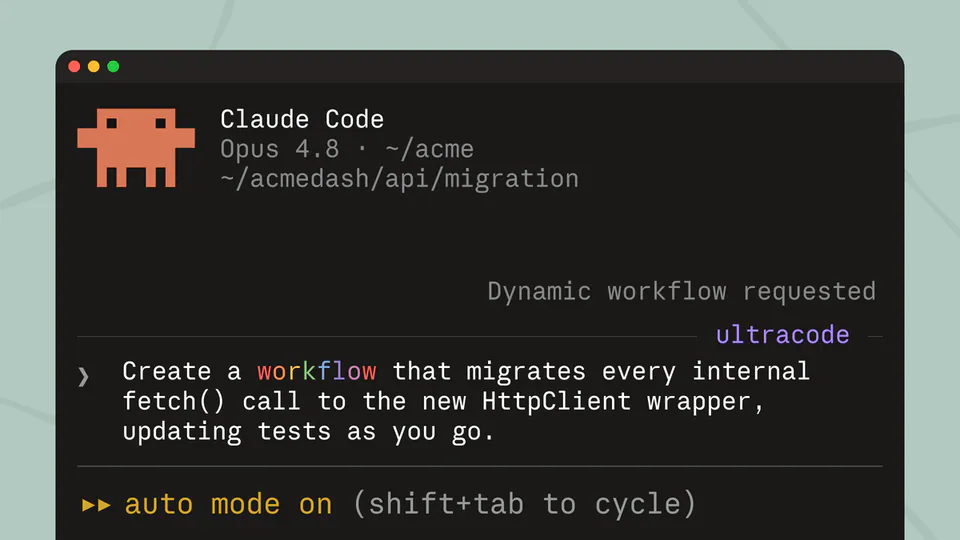
n8n's official Claude Code connector can now create and edit workflows! This goes way beyond plugging an API into MCP. It's purpose built for LLMs. Includes a new workflow TypeScript SDK so workflows are written as code instead of JSON, with more reliable validation. Works anywhere MCPs are supported (n8n 2.18.5+). 🔗 Full video: https://t.co/9D8H2VgHaY
n8n Updates Claude Code Connector to Build and Edit Workflows
· Updated
n8n's official Claude Code connector now allows AI agents to create and modify automation workflows directly from the terminal. By introducing a TypeScript SDK designed for LLMs, the platform replaces complex JSON structures with code-based logic that improves validation and reliability.
- Minimum version
- n8n 2.18.5
- Protocol
- Model Context Protocol (MCP)
- Workflow definition
- TypeScript SDK
- Agent capabilities
- Create, edit, and execute workflows
- Supported clients
- Claude Code, Cursor, and other MCP hosts
This update addresses the difficulty LLMs face when generating large, nested JSON files for complex automations. By providing a purpose-built SDK, n8n enables agents to reason about workflow steps as structured code. It mirrors a trend where platforms like Atlassian's Rovo MCP server and Unity's AI agent connectivity use MCP to grant agents direct control.
You can use these capabilities in any environment that supports MCP, including Claude Code and Cursor. The feature requires n8n version 2.18.5 or higher. This allows you to describe an automation in natural language and have the agent generate the production-ready workflow without manual configuration.
Still wondering? A few quick answers below.
Every HeadsUpAI update is written based on its original source and reviewed before it's published. Read our editorial standards →