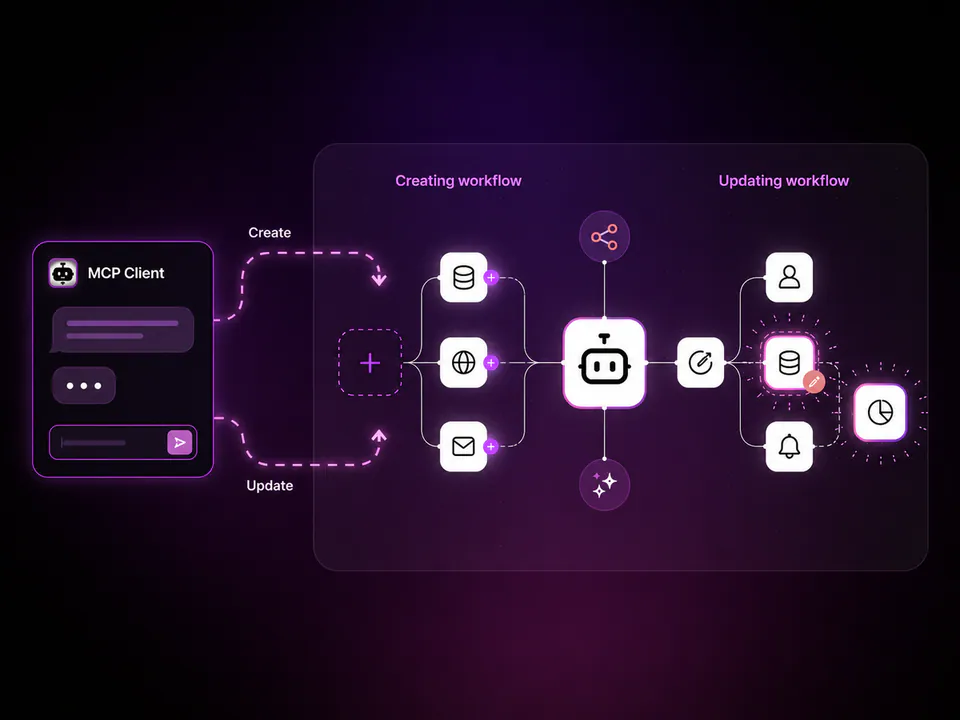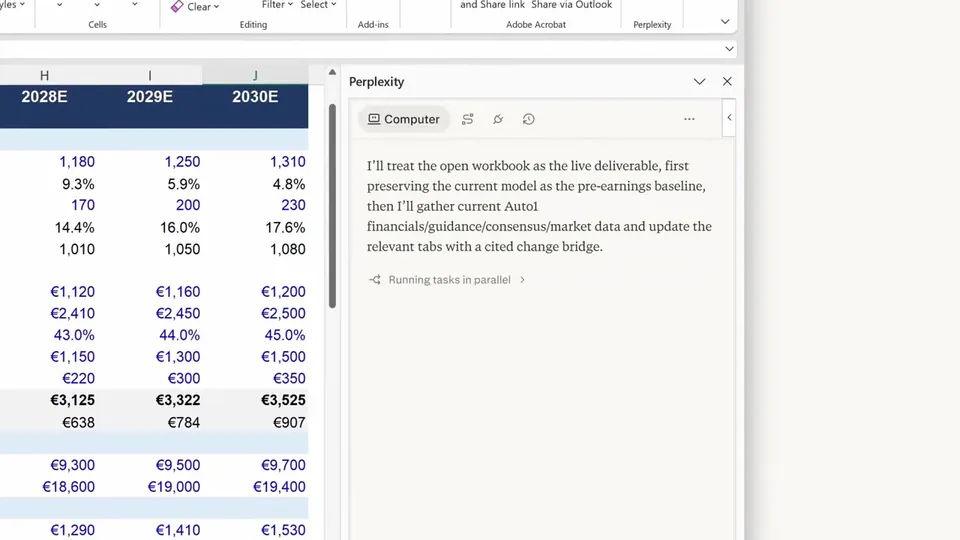
Build agents in n8n that show up as members of the team inside Microsoft apps 🤖 (@msPartner) Use the Microsoft Agent 365 node to craft agents wired to your n8n workflows, tools, and MCP servers - then mention them in Microsoft Teams, add them to Outlook, or tag them in Word to bring them into your work. 🔗 See how it comes together: https://t.co/r8384Amo2o
n8n Launches Microsoft Agent 365 Node to Embed AI Agents in Teams
· Updated
n8n, an open-source workflow automation platform, launched the Microsoft Agent 365 node to integrate AI agents into the Microsoft ecosystem. This trigger allows n8n-built agents to function as native team members within Microsoft Teams, Outlook, and Word, alongside tools like n8n's Claude Code connector.
- Availability
- n8n platform
- Supported Apps
- Microsoft Teams, Outlook, Word
- Integration Type
- Microsoft Agent 365 Trigger node
- Connectivity
- n8n workflows, MCP servers, and RAG pipelines
- Interaction Methods
- Mentions, tags, and direct additions
This move shifts AI from a separate chat interface into the primary enterprise workspace, mirroring Perplexity's Microsoft Teams integration. While native assistants like Copilot offer general help, n8n allows teams to build agents with deterministic logic (rule-based steps ensuring reliable outputs) and specific tool access via PayPal's MCP integration.
You can now @mention an agent in a Teams channel to trigger a RAG (grounding AI in external data) pipeline or tag an agent in Word. The node is available within the n8n platform for users to wire into existing workflows and MCP servers, enabling deployment of governed agents to staff.
n8n.io
@n8n_io
7retweets86likes
View on XStill wondering? A few quick answers below.
The Microsoft Agent 365 node is a trigger in the n8n automation platform that allows you to build AI agents that appear as team members inside Microsoft applications. These agents are connected to your custom n8n workflows and can be summoned using native Microsoft features like mentions to perform specific tasks and trigger automated processes.
You can deploy n8n agents into Microsoft Teams, Outlook, and Word using the Microsoft Agent 365 node. This integration allows you to mention agents in Teams chats, add them to Outlook communications, or tag them in Word documents, bringing your automated AI workflows directly into the primary tools your team uses for daily communication and document creation.
Agents built with this node are wired to n8n workflows, which can include RAG pipelines (grounding AI in your own data) and MCP servers (standardized tool access). When an agent is triggered from a Microsoft app, it uses these connections to retrieve information or execute actions across any service or API integrated with your n8n instance.
The Microsoft Agent 365 node is available to technical teams using the n8n platform to build AI solutions. It is designed for users who want to create highly customized agents that use specific tools and deterministic logic (rule-based steps that ensure reliable outputs), providing a flexible alternative to native assistants by embedding them directly into the Microsoft 365 ecosystem.