Google Gemini
@GeminiApp
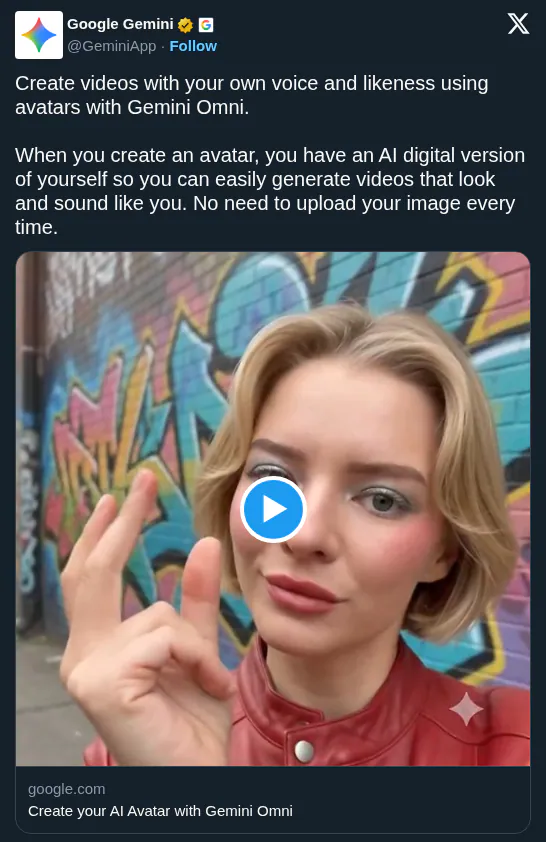
Easily add yourself to your video creations in Gemini. Here’s how to create your own digital avatar that looks and sounds like you with Gemini Omni. 🧵
349retweets2.1klikes
View on X Gemini
· Updated
Google released a personal avatar feature for Gemini Omni that lets users create digital twins of their face and voice. By moving from generic generation to persistent personal likenesses, Google is turning its assistant into a personalized production studio where users can star in content via simple text prompts.
@ mention of your username.Gemini Omni will replace Veo in the Gemini app, shifting toward personalized media. By integrating identity into the assistant, Google competes with platforms like HeyGen by making digital clones accessible in a general-purpose app. It maintains character consistency, so the subject looks and sounds identical across generated scenes without re-uploading reference media.
Paid subscribers can set up avatars in the Gemini app settings to generate 10-second clips. You can prompt scenarios like "Create a video of @[username] singing with an orchestra." The feature is limited to English-speaking users aged 18+ and is currently unavailable in the EEA, UK, and Switzerland.
Easily add yourself to your video creations in Gemini. Here’s how to create your own digital avatar that looks and sounds like you with Gemini Omni. 🧵
Still wondering? A few quick answers below.
Every HeadsUpAI update is written based on its original source and reviewed before it's published. Read our editorial standards →
More like this
 GeminiMay 20
 Google DeepMindMay 20
 Google AI StudioApr 15
 GoogleApr 24