Google Gemini
@GeminiApp
You’re in luck! Users in India can now upload videos (from their camera roll or saved files) and use Gemini Omni to edit and transform them. Give it a try and let us know what you think.
11retweets213likes
View on X Gemini
· Updated
Google rolled out Gemini Omni's video-to-video editing capabilities to users in India, allowing direct uploads from camera rolls for AI-powered transformations. This expansion brings high-fidelity video remixing to the region, allowing users to transform personal media directly within the assistant app.
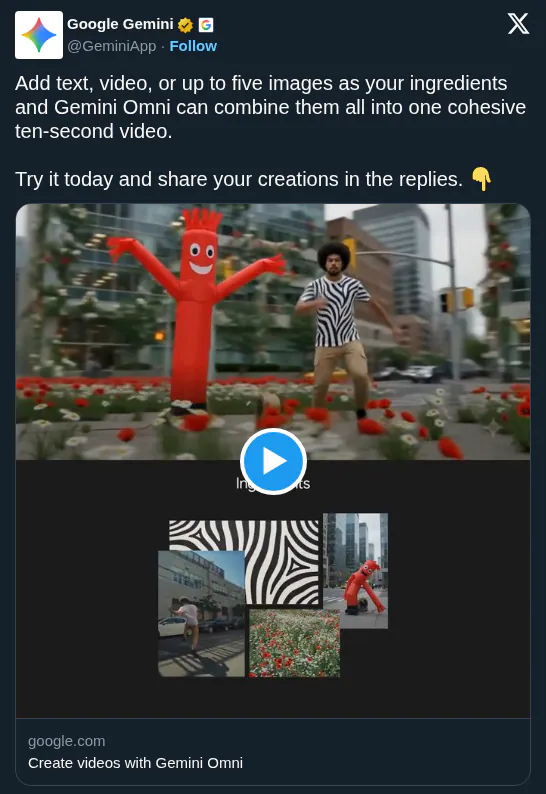
This regional rollout follows the recent Gemini Omni launch and the introduction of Gemini Omni video composition features that synthesize text and images into clips. By targeting India, Google is scaling its most compute-intensive multimodal features to a massive mobile-first audience, positioning its assistant as a viable alternative to specialized creative tools.
You can now use the Gemini app in India to upload files from your camera roll and apply natural language prompts to transform your footage. The update allows for direct media uploads from local storage, enabling users to remix their own content using the model's video-to-video reasoning capabilities.
You’re in luck! Users in India can now upload videos (from their camera roll or saved files) and use Gemini Omni to edit and transform them. Give it a try and let us know what you think.
Still wondering? A few quick answers below.
Every HeadsUpAI update is written based on its original source and reviewed before it's published. Read our editorial standards →