HeadsUpAI

Google AI Studio Adds Web Grounding and Multi-Chat to Build Mode

· Updated

Google added web search grounding and multi-chat functionality to Build mode in Google AI Studio. The coding agent can now perform real-time web searches to retrieve current documentation, ensuring generated code reflects the latest API changes. This follows the recent launch of Build mode for natural language app creation.

Static training data often leads coding agents to hallucinate (generate plausible but factually incorrect information) deprecated syntax. By grounding sessions in live web data, Google addresses the reliability gap in agentic coding. Multi-chat further improves productivity by allowing users to explore side-features in fresh threads without cluttering their primary build session.

You can now build prototypes that require the most recent technical specifications or external data points. The multi-chat feature is accessible within the Build mode interface, enabling you to jump between implementation ideas while maintaining project state. These features are live for users building with Gemini models.

Google AI Studio
Google AI Studio
@GoogleAIStudio
X

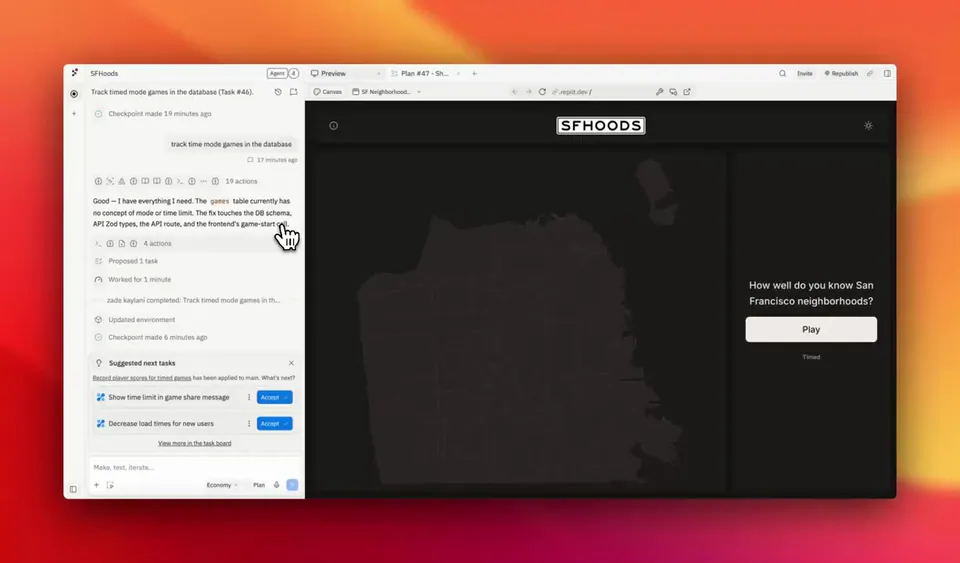
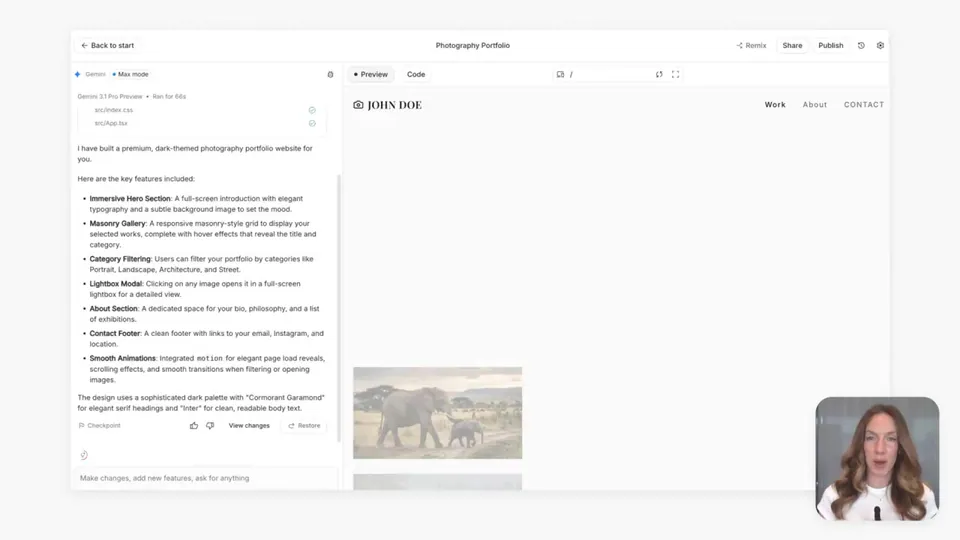
multi-chat and web search are live in build mode the coding agent can now pull real-time info from the web to ground your session in the latest documentation and with multi-chat you can spin up a fresh conversation to explore a new feature or idea, and jump back to previous sessions whenever you need

47retweets450likes
View on X
Still wondering? A few quick answers below.

Build mode is a specialized environment within Google AI Studio designed for rapid application prototyping. It allows users to interact with a coding agent using natural language to generate functional code and full-stack applications. The environment is built to transition developers quickly from an initial prompt to a working software prototype using Gemini models.

Web search grounding allows the coding agent in Build mode to pull real-time information from the internet during a session. This capability ensures the agent can reference the latest documentation and technical specifications, reducing the risk of errors caused by outdated training data when generating code for rapidly evolving software libraries or external APIs.

Multi-chat is a workflow feature that lets users start fresh conversations within a single Build mode session. This allows developers to explore new ideas, debug specific features, or test alternative implementations in a separate thread without losing the context or progress of their main conversation. Users can jump back to previous sessions whenever they need.

These features are currently live and available to users working within the Build mode environment of Google AI Studio. The platform is designed for developers and builders using Gemini models to create prototypes. Access is integrated directly into the web-based interface, allowing for immediate use of web grounding and multi-chat during the application development process.

Share this update