Cursor 3.2 Parallelizes Agent Workflows With Async Subagents and Multi-Repo Support

Agentic Coding
AI Agent
Performance

Cursor 3.2 Parallelizes Agent Workflows With Async Subagents and Multi-Repo Support
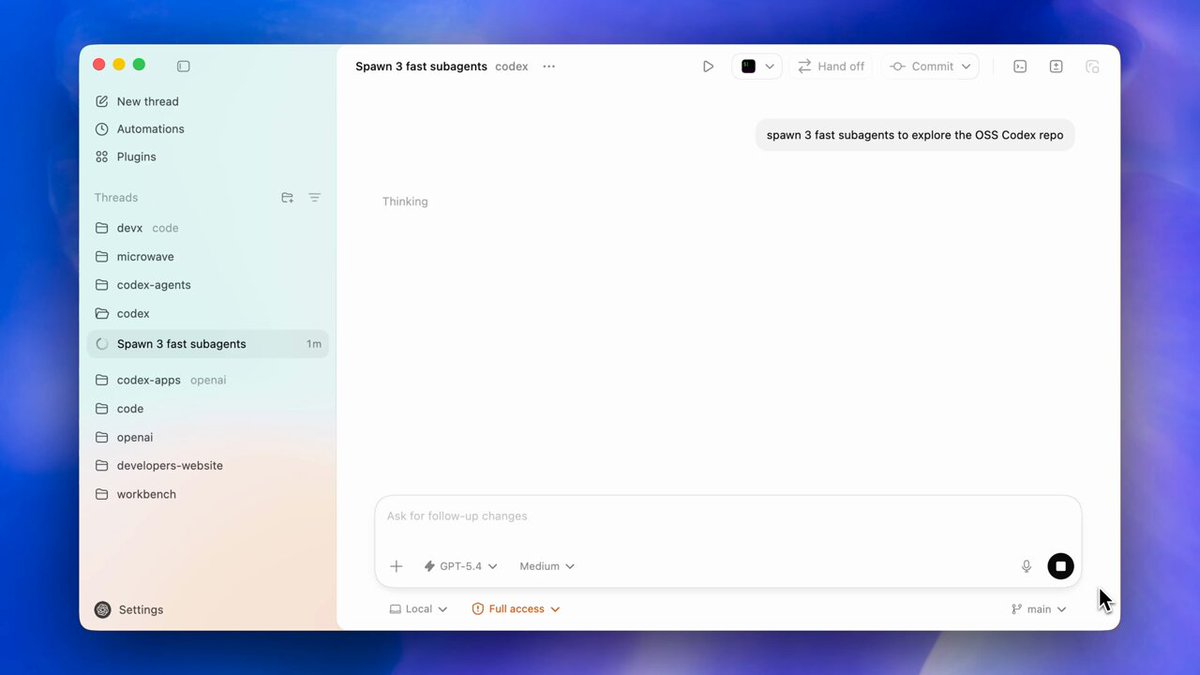
Cursor, an AI-native code editor built by Anysphere, released version 3.2 featuring a new /multitask command for its agentic coding (AI that autonomously writes, tests, and iterates on code) interface. The update allows the editor to spawn asynchronous subagents that execute multiple requests in parallel instead of using a sequential queue.

This shift addresses the latency bottleneck in orchestrating multiple autonomous agents for complex engineering. By enabling parallel execution, the system builds on parallel subagent workflows introduced in earlier versions to handle large-scale refactors and multi-file features without stalling the developer's flow.

You can now also target multi-root workspaces, allowing a single agent session to modify code across several repositories simultaneously. These features are available in the Agents window of the 3.2 desktop application. For queued tasks, you can manually trigger them to multitask rather than waiting for the current run.

Read the full update →

Frequently asked questions

What is the multitask command in Cursor 3.2?
The multitask command is a new feature in the Cursor 3 interface that allows the AI to run asynchronous subagents. Instead of placing your requests into a sequential queue where each task must finish before the next begins, this command parallelizes your requests so multiple coding tasks can execute at the same time.
How do async subagents work in the Cursor Agents window?
Async subagents are independent AI processes that can handle different parts of a coding request simultaneously. In the new Agents window, you can trigger these subagents to work in parallel. If you have messages already waiting in a queue, you can specifically ask Cursor to multitask on them instead of waiting for the current run to complete.
Does Cursor 3.2 support multi-repository development?
Yes, Cursor 3.2 introduces support for multi-root workspaces. This allows a single AI agent session to target a workspace made of multiple folders or repositories. The agent can reason about and apply code changes across these different directories at once, making it easier to manage complex projects that span multiple repos.
How can I access the new parallel agent features in Cursor?
To use these new features, you need to download and install Cursor version 3.2. Once updated, the parallel subagent capabilities and the multitask command are accessible within the Agents window. This interface is specifically designed to help developers orchestrate and manage multiple autonomous AI tasks running concurrently across their local codebase.