Claude Code can now push your UI code into Figma as design frames - prompt it to visualize your screens and each one lands on the Figma canvas. The updated Figma MCP adds this code-to-Figma path, completing a bidirectional workflow.
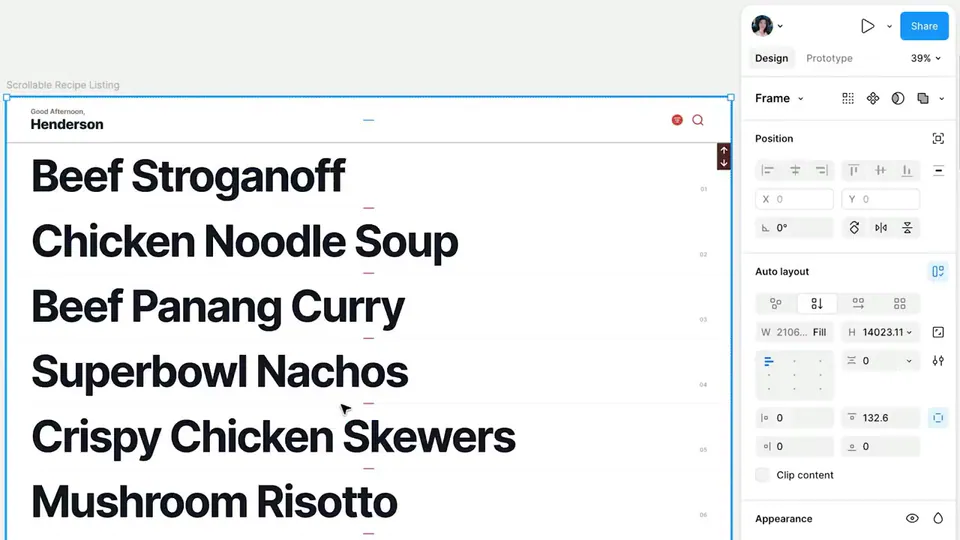
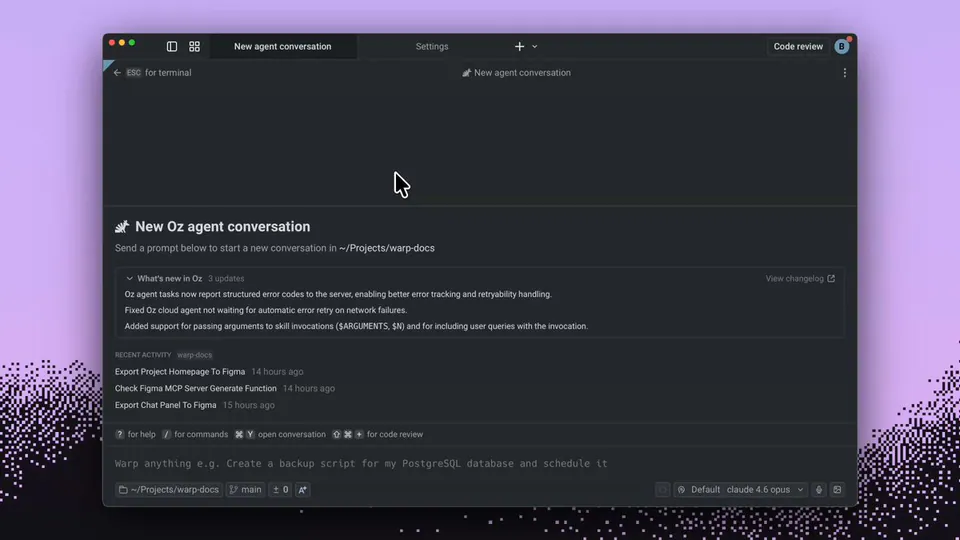
Claude Code now pushes code into Figma via an updated MCP server. Prompt Claude to visualize your UI states - "visualize all states of our onboarding flow and push each screen to figma" - and it calls generate_figma_design for each, rendering the code and placing frames on the Figma canvas for design review or exploration.
This reverses the usual Figma MCP direction. Previously the integration read Figma designs to generate code. Now the path is bidirectional: build in code, push to Figma for stakeholder review or design documentation without manual screenshots.
Install with claude mcp add --transport http figma-remote-mcp https://mcp.figma.com/mcp, then prompt Claude to visualize your UI states and push them to Figma. Once set up, every code iteration can land on canvas for stakeholder review without manual screenshots.