GitHub Copilot now connects to the Figma MCP server for a bidirectional design-to-code workflow in VS Code. Developers can pull design context into code and push rendered UI back as editable frames. Any GitHub Copilot subscriber can use this today.
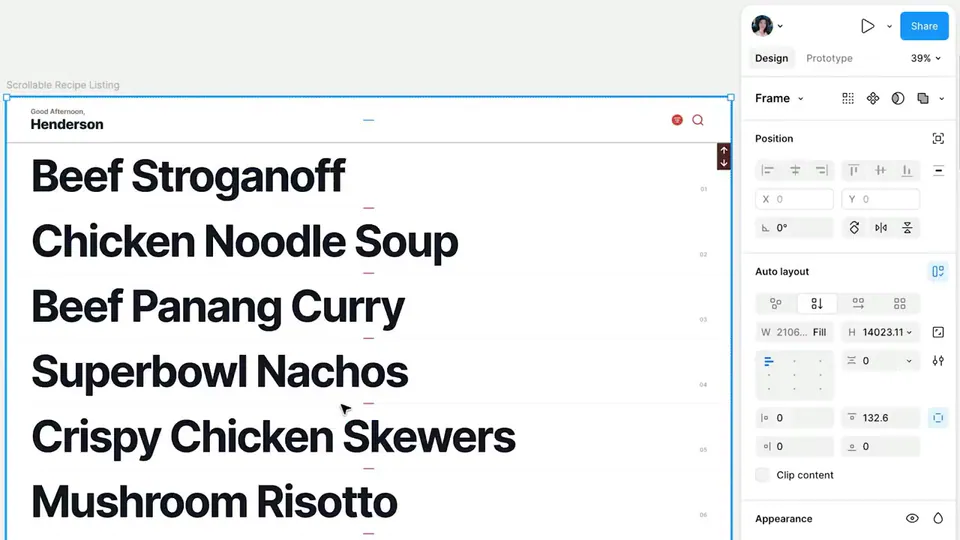
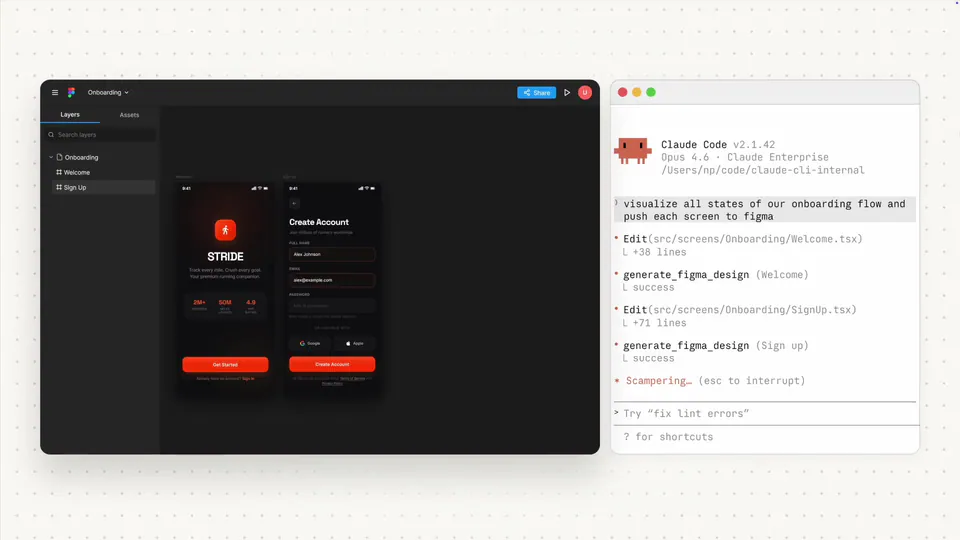
GitHub Copilot now supports a bidirectional integration with Figma through the Figma MCP (Model Context Protocol) server, available in VS Code today with Copilot CLI support coming soon. Developers can pull design context from Figma into Copilot to generate code from existing designs, then send the rendered UI back to Figma as editable frames. Capturing UI as editable frames requires the remote MCP server, available on all Figma seats and plans.
Design-to-code has traditionally been one-directional — designers hand off static specs, developers interpret them, and feedback loops run through screenshots and staging links. A bidirectional MCP bridge shortens that loop by keeping both sides working from the same live artifact instead of trading static snapshots.
If your team works across Figma and VS Code, this integration means design iteration and code generation happen within the same connected workflow rather than as separate handoff steps.