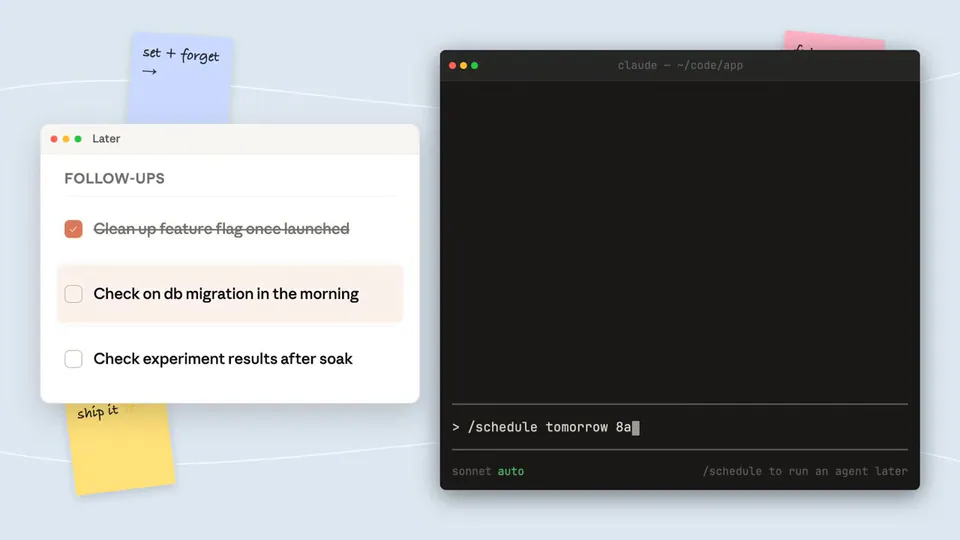
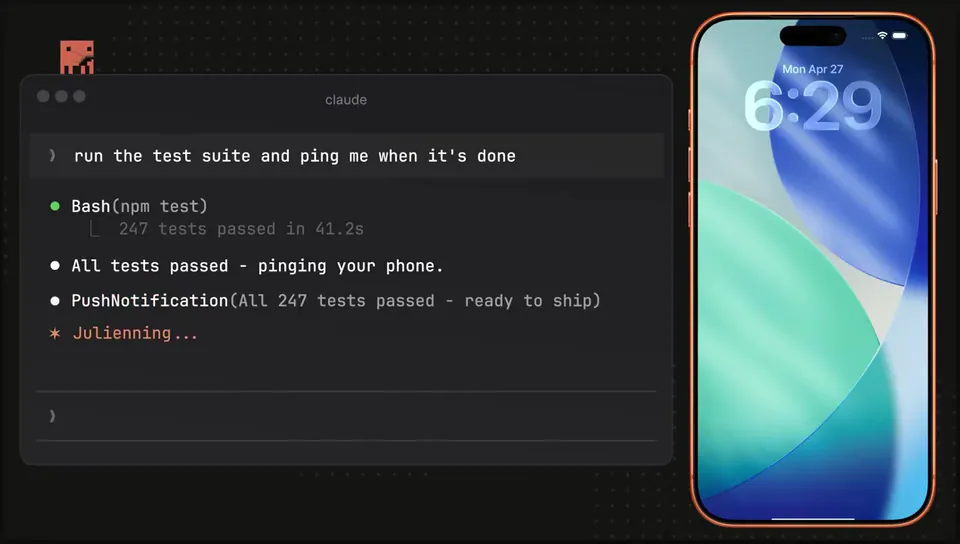
Anthropic introduced the /schedule command to Claude Code, allowing users to create recurring AI jobs that run on managed cloud infrastructure. This shifts the tool from a local session-based assistant to an autonomous background operator that continues executing tasks even when a user's computer is offline.
Anthropic added the /schedule command to Claude Code, its terminal-based agentic coding tool. This feature allows users to define recurring prompts that execute on managed cloud infrastructure. These persistent jobs remain active and continue to run even after a user closes their laptop or terminates their terminal session.
Most AI coding assistants require active human triggers and local execution environments. By moving automation to the cloud, Anthropic enables Claude to act as a background engineer for routine repository maintenance. This transition allows for autonomous workflows, such as resolving CI failures or keeping documentation in sync without manual intervention.
Use /schedule to automate repetitive tasks like maintaining library parity or polling for status updates. Tasks are manageable via the terminal or a dedicated web dashboard. To access this, ensure you are on version 2.1.81 or higher. The feature is available to users on Claude Pro and Max plans.