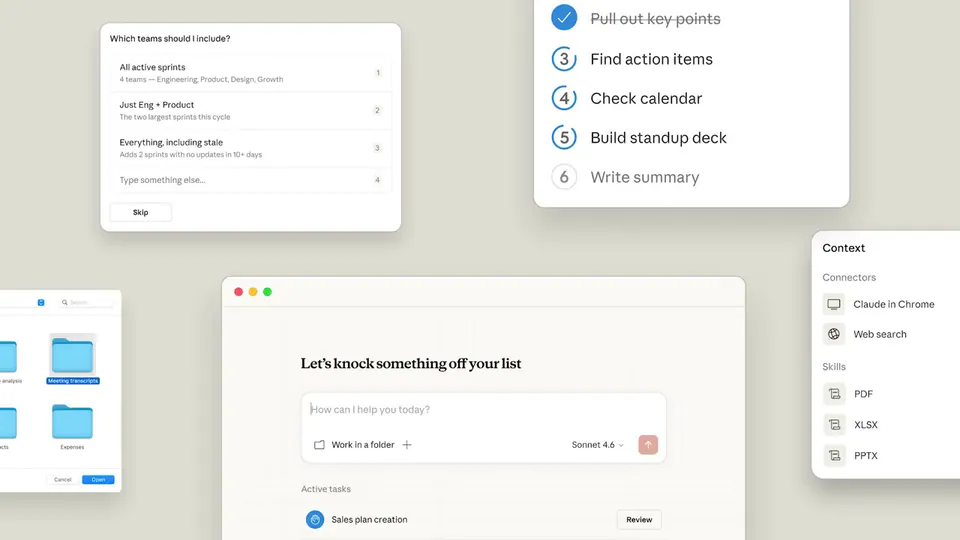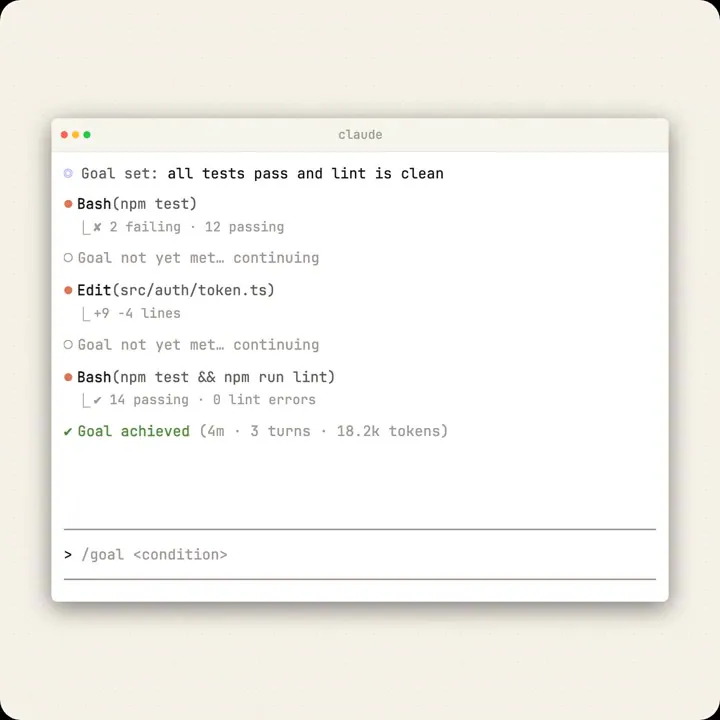
We ship new little improvements every single day, but this one was requested so much that I'm tweeting about it: Skip all permissions for Claude Cowork. Use with care, brought to you by @dreamofabear https://t.co/H9na82L5Em
Anthropic Adds Permission Bypass to Claude Cowork for Autonomous Task Execution
· Updated
Anthropic added a "skip all permissions" toggle to Claude Cowork, the agentic task-execution mode within the Claude desktop application. This follows the launch of Cowork on AWS Bedrock and allows the agent to modify files or run terminal commands without manual approval for tool calls (a structured request to invoke an external function).
This shift addresses friction in agentic coding workflows where safety-first defaults often slow down experienced users. While Anthropic previously introduced auto mode to skip low-risk actions, this update provides a total override. It signals a move toward user-managed risk, shifting responsibility from the system to the operator.
You can enable this bypass within the Claude Cowork settings to accelerate tasks like codebase refactors or autonomous background routines. Note that switching models mid-session requires a full replay of the conversation history, incurring costs for re-ingesting all tokens. The feature is rolling out now to all research preview users.
Felix Rieseberg
@felixrieseberg
48retweets1.1klikes
View on XStill wondering? A few quick answers below.
Claude Cowork is an agentic task execution mode integrated into the Claude desktop application. Unlike standard chat, it uses an autonomous architecture to perform multi-step actions like managing files and executing terminal commands. It is designed to work toward specific outcomes described by the user rather than just providing conversational responses.
You can skip permission prompts by enabling the new bypass setting within the Claude Cowork configuration menu. This feature allows the AI agent to write to files and execute bash commands automatically without requiring manual human approval for every action. It is intended to increase developer velocity by removing repetitive confirmation steps during complex tasks.
Switching models in an active session is technically impossible because the system must replay the entire conversation history using the new model. This process requires re-ingesting all previous tokens, which results in additional costs for the user. Anthropic implemented this replay mechanism to ensure the new model has the full context of the ongoing task.
Anthropic advises users to use the permission bypass with care because it removes the human-in-the-loop safety check for consequential actions. By disabling these prompts, you allow the agent to modify your local environment and execute code autonomously. It is recommended for experienced users who understand the risks of granting an AI agent full system access.
The permission bypass feature is currently available to users of the Claude desktop research preview. It is part of a series of daily improvements being shipped to the Claude Cowork and Claude Code platforms. Users can access these settings within the desktop app to customize how the agent handles tool permissions and autonomous execution.