ClaudeDevs
@ClaudeDevs
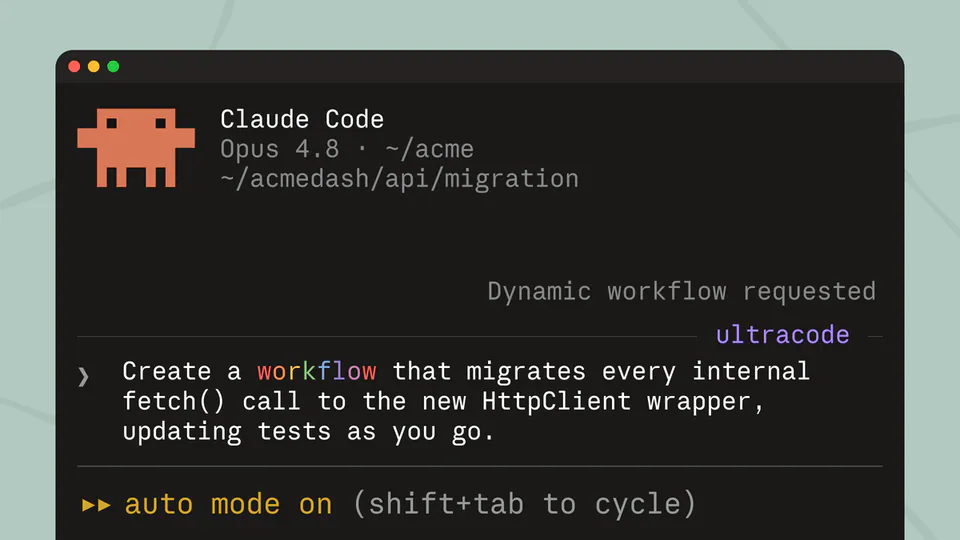
How do you keep Claude working until the job is done? Claude Code helps with this in a few ways, including one we shipped recently: /goal. https://t.co/QtVPmwoKct
1kretweets14klikes
View on X Anthropic
· Updated
Anthropic released the /goal command for Claude Code, allowing developers to set specific completion conditions that the agent pursues autonomously across multiple turns. This update shifts the developer's role from iterative prompting to high-level supervision, enabling the AI to handle complex migrations without human intervention between steps.
/goal command for Claude Code, its terminal-based agentic coding tool. The feature allows users to define a verifiable end state—like passing a test suite—which the agent pursues across multiple turns without human prompting. This follows recent reliability hardening for Claude Code.This update addresses the "human-in-the-loop" bottleneck by using a secondary evaluator model to gate the agent loop. After each turn, a small fast model (a lightweight AI optimized for speed) checks the transcript against the goal. This mirrors OpenAI's Codex goal command, signaling that autonomous persistence is now a standard.
You can now automate long-running tasks like API migrations by setting a condition and enabling auto mode. Goals persist across sessions via the --resume flag and can be bounded by turn limits to prevent infinite loops. The feature is available now for all Claude Code users.
How do you keep Claude working until the job is done? Claude Code helps with this in a few ways, including one we shipped recently: /goal. https://t.co/QtVPmwoKct
Still wondering? A few quick answers below.
Every HeadsUpAI update is written based on its original source and reviewed before it's published. Read our editorial standards →