Claude Code's new auto mode lets the coding agent make permission decisions autonomously, skipping manual approval on every action. A classifier reviews each tool call — safe ones proceed, risky ones get blocked. Research preview on the Team plan.
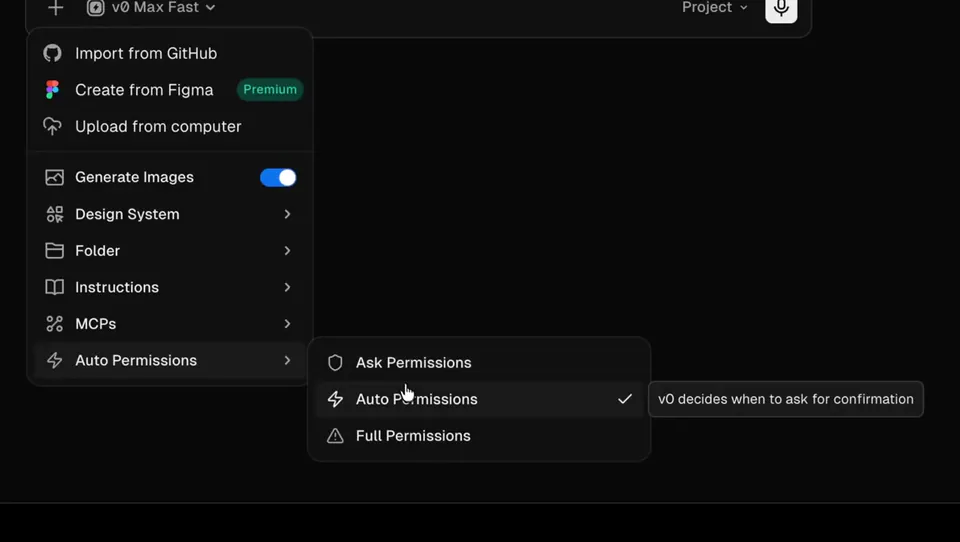
Claude Code adds auto mode, a new permission tier between full manual approval and unrestricted access. Before each tool call, a built-in classifier reviews the action for potentially destructive behavior. Safe actions proceed automatically; risky ones get blocked and Claude takes a different approach. Available now as a research preview on the Team plan, with Enterprise and API access rolling out in the coming days.
This closes the gap between two extremes in agentic coding workflows — approve everything (slow, interrupts flow) or skip permissions entirely (fast but risky). Auto mode handles the classification layer so developers in isolated environments get throughput without losing a safety net.
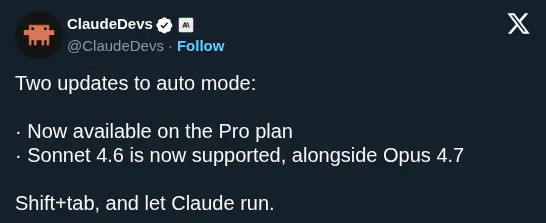
Enable it with claude --enable-auto-mode and cycle between permission modes using Shift+Tab. Anthropic recommends using it in isolated environments while the feature remains in research preview.