Agent8 Update ā”ļø ā¢ MCP server changes no longer restart your session ā context stays intact, prompts run faster ⢠Added AI agent setup progress dialog ā clearer visibility during long setup flows ⢠System status updates now appear directly in chat history ā easier to track containers & agent states ⢠Added Preview Capture ā instantly capture your preview and attach it to chat Weāre continuing to build toward a clear position: AI Game Maker. As more users vibe-code games and constantly share screens, features like these become essential.
Verse 8 Updates Agent8 to Preserve Context During MCP Server Changes
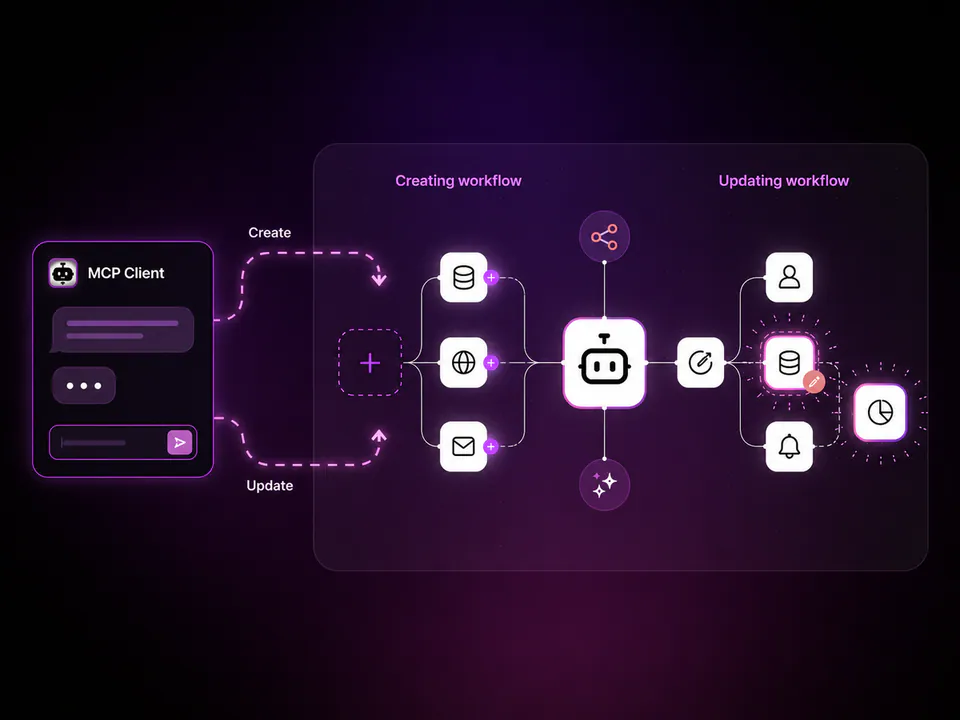
Verse 8, an AI-native creation platform for interactive games, updated its Agent8 assistant with persistent Model Context Protocol (MCP) sessions. Previously, changing an MCP serverāa standard for connecting AI to toolsāforced a session restart. The agent now maintains its context window, enabling faster iterative prompts without losing progress.
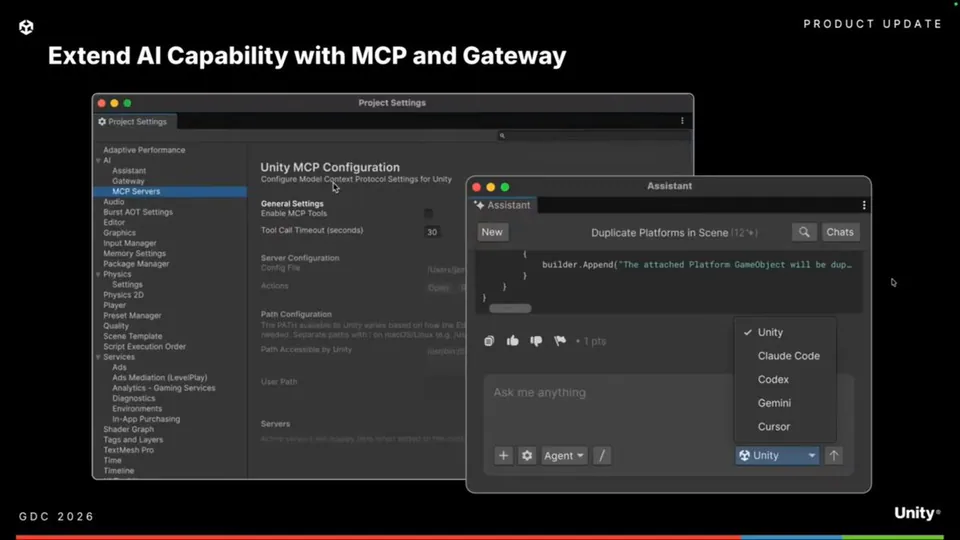
This update addresses a friction point in agentic game development where tool reconfigurations often break the reasoning loop. It mirrors Unity AI's third-party agent support and Roblox Studio's agentic coding loops by prioritizing stability. The shift matches Basedash's MCP-enabled operational hub, supporting the vibe-coding workflows essential for interactive game creation.
You can now track agent states and container updates directly within the chat history, alongside a new progress dialog for setup flows. A new Preview Capture tool also allows you to instantly attach game screenshots to the chat. These features are available now within the Verse 8 environment.
Verse 8 | Why Code, Just Verse 8
@Verse_Eight
4retweets13likes
View on XStill wondering? A few quick answers below.
Agent8 is an AI-native creation tool from Verse 8 designed to help users build interactive games and stories through natural language. It operates as an autonomous agent that handles the technical aspects of game development, allowing creators to focus on ideas and interactive logic through a process known as vibe-coding.
The latest update ensures that changes to Model Context Protocol servers no longer force a session restart. By keeping the AI model's context intact during these transitions, the system eliminates the need to re-initialize the conversation. This results in significantly faster prompt execution and a more stable workflow for complex game-building tasks.
Preview Capture is a new tool that allows users to instantly take a snapshot of their current game preview and attach it directly to the chat history. This enables the AI agent to see exactly what the user is seeing, making it easier to provide feedback, debug visual issues, or iterate on game design.
System status updates, including the state of containers and the AI agent itself, now appear directly within the chat history. This integration provides clearer visibility into the underlying technical processes of the game-making environment, allowing users to track progress and identify potential issues without leaving the main conversational interface.
Verse 8 added an AI agent setup progress dialog to provide better visibility during long initialization flows. This feature ensures that users can see exactly where the agent is in the setup process, reducing uncertainty during complex multi-step tasks and making the overall experience of starting a new game project more transparent.