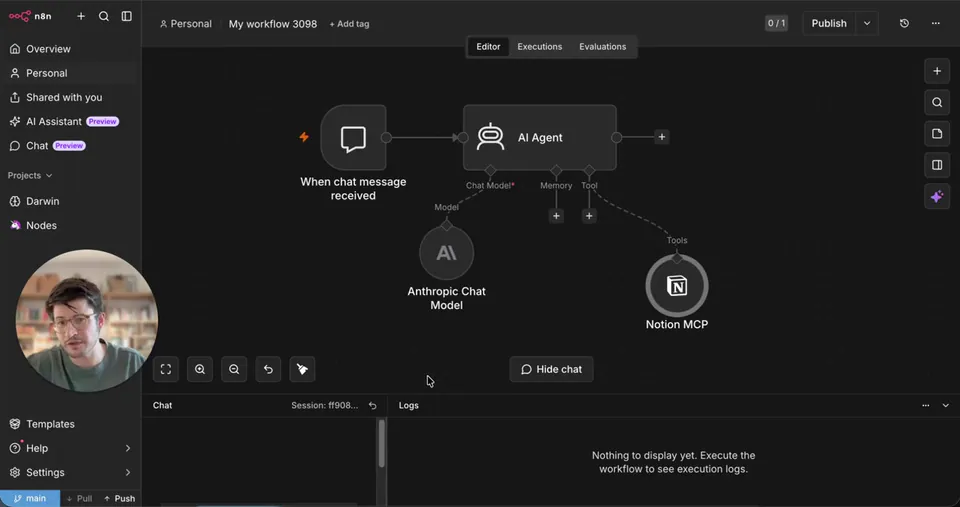
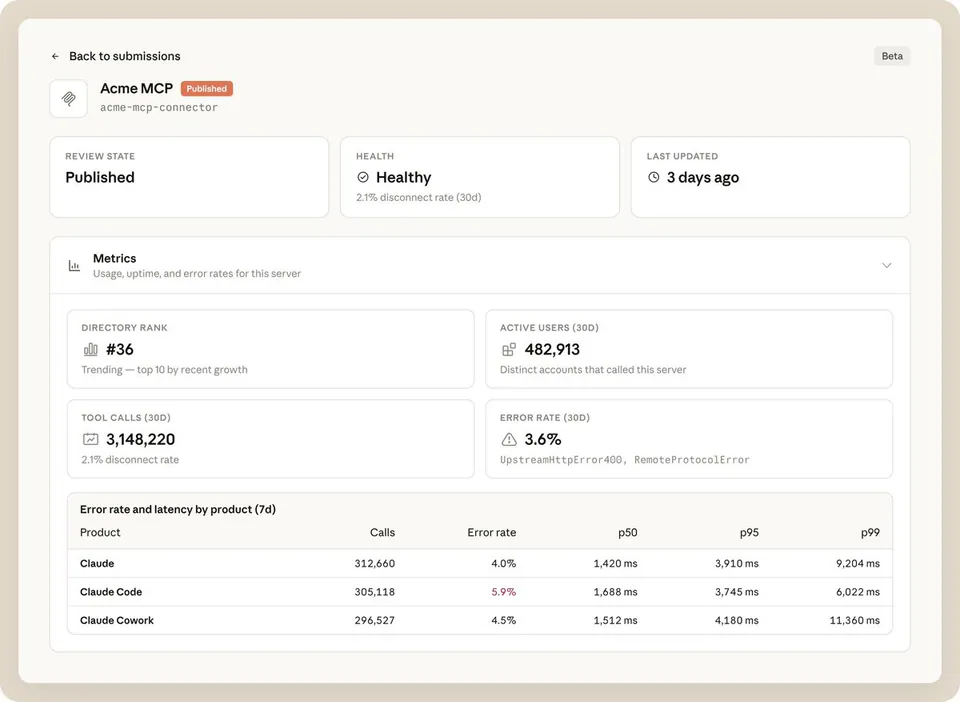
MCP connectors are now available in Basedash. Basedash already reads from your databases and SaaS tools. Now it can act on them too. Connect any MCP server (Linear, HubSpot, Slack, Resend, Notion, GitHub, your own internal one) and the Basedash agent gets new tools it can use right inside chat. Try it today.
Basedash Integrates MCP Connectors to Enable Agentic Actions Across Business Tools
Basedash, an AI-native business intelligence platform, integrated Model Context Protocol (MCP) support (a standard for connecting AI to tools) to allow its agent to perform actions in external tools. It can now connect to any MCP server, following a pattern seen in Resend's official MCP server, to execute tasks directly from chat.
- Supported integrations
- Linear, HubSpot, Slack, and more
- Protocol
- Model Context Protocol (MCP)
- Core capability
- Read and write access to external tools
- Customization
- Supports internal MCP servers
- Availability
- Live on Basedash platform
This update positions Basedash as a primary MCP client, mirroring how Cursor's MCP support turned the code editor into a tool-use hub. By adopting this standardized connector, Basedash allows teams to unify fragmented business operations under one reasoning agent, matching the industry shift toward Verse 8's Agent8 workflow updates.
You can now connect servers for tools like Linear, HubSpot, and Slack to give the Basedash agent specific skills. This enables workflows like creating engineering tickets or sending customer emails based on live data. The feature is available now, and users can also connect their own internal MCP servers.
Basedash
@Basedash
4retweets16likes
View on XStill wondering? A few quick answers below.
Basedash is an AI-native business intelligence platform designed to make data analysis accessible to everyone. It connects to a company's databases and SaaS tools to read and analyze information. With the recent addition of MCP support, the platform has expanded from just reading data to being able to perform actions within those connected external applications through its chat interface.
MCP connectors are integrations based on the Model Context Protocol, which is a universal standard for connecting AI models to external data and tools. By supporting these connectors, Basedash allows its AI agent to use specialized functions from other platforms directly within the chat interface, turning the BI workspace into a hub for taking real-world actions.
Basedash can connect to any compatible MCP server to expand its agent's capabilities. Specific examples of supported integrations include popular business and development tools such as Linear, HubSpot, Slack, Resend, Notion, and GitHub. Once connected, the Basedash agent can use these tools to perform multi-step actions across your entire software stack directly from the chat interface.
Yes, Basedash allows users to connect their own internal MCP servers in addition to public ones. This capability lets developers expose proprietary company logic or private APIs to the Basedash AI agent. Once integrated, the agent can use these custom tools to perform specialized tasks specific to your organization's unique workflows and data requirements alongside standard SaaS integrations.
When you connect an MCP server to Basedash, the platform's AI agent automatically gains new tools and skills that it can use during a conversation. Instead of just answering questions about your data, the agent can now act on that data by executing commands in the connected servers, such as sending messages or updating project management tickets.