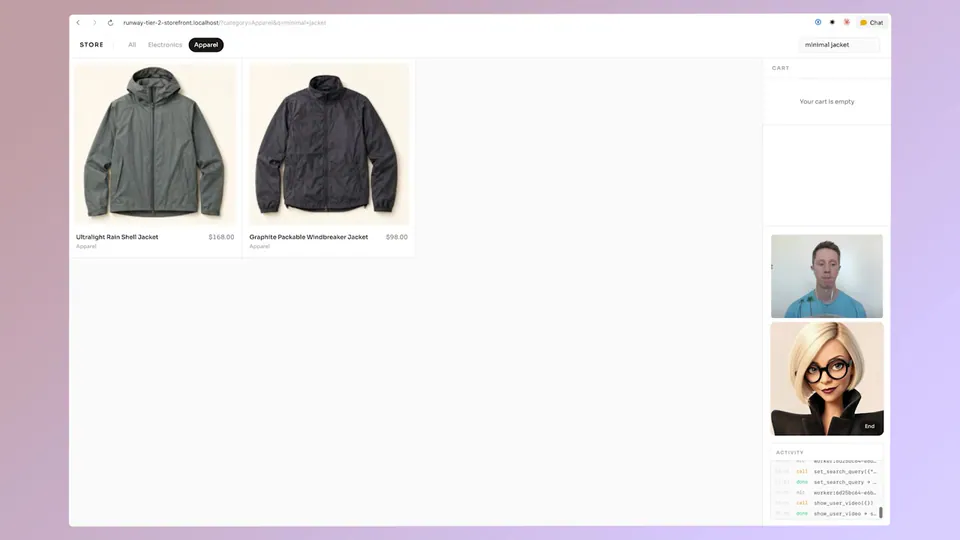
Runway launched a feature allowing users to deploy AI Characters directly into video calls on platforms like Zoom, Google Meet, and Microsoft Teams. This update transitions AI video from a creative generation tool to a real-time utility for digital presence. By pasting a meeting link, you can have a photorealistic or stylized avatar represent you in live conversations.
Runway, an AI creative platform for video generation, introduced a capability to send Runway Characters into live video calls. These characters are audio-driven video agents that simulate natural human motion and expression. Users can now select a character and paste a meeting link to have the AI join in their place.
This update marks a shift from asynchronous video generation to real-time agentic interaction. While previous models focused on creating cinematic clips, this feature leverages low-latency video synthesis to enable live digital presence. It allows you to maintain a consistent visual identity across platforms like Zoom, Google Meet, and Microsoft Teams.
You can start using this today by visiting the platform to choose or build a custom character. Once configured, you simply provide the URL for your scheduled meeting and click join. The feature is available through the web interface, bridging the gap between the API and everyday business workflows.