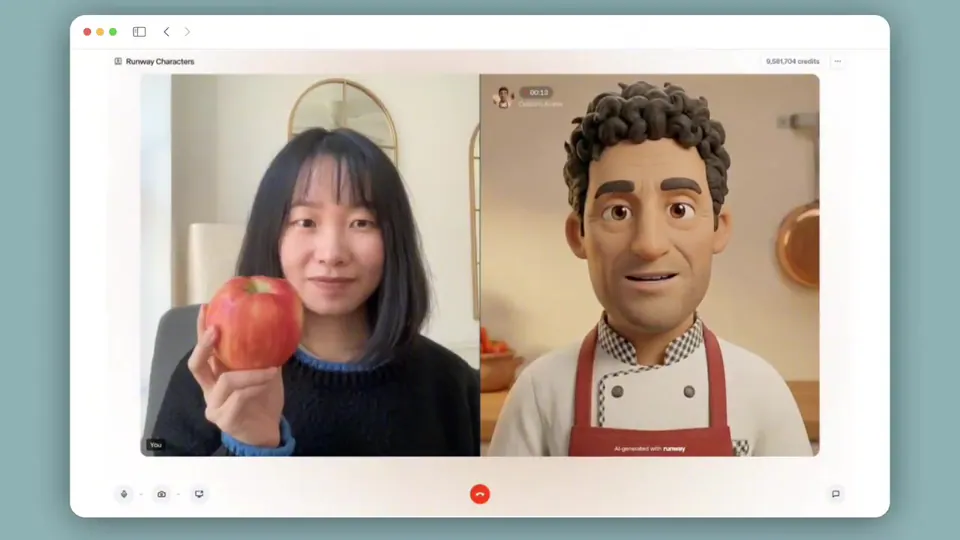
Runway Characters can now take actions, not just speak. Tell the real-time video agent what you want, and they can call tools for you. Learn more about how to integrate tool calling into your product at the link below. https://t.co/PTqdUXUC7s
Runway Characters Gain Tool Calling for Real Time Agentic Video
Runway, an AI creative platform for video generation, launched tool calling for its Runway Characters API. This feature enables real-time video agents to invoke named functions during a live session. The model autonomously decides when to trigger these tools based on user intent, moving beyond pure dialogue.
- Tool types
- Client tools and Server tools
- Invocation format
- Structured JSON
- Client execution
- Browser-side UI and navigation
- Server execution
- HTTP-style backend requests
- Availability
- Runway API
This update transitions video avatars from passive interfaces into active participants. While previous updates focused on Runway's 1.75s latency benchmark and Runway Characters' vision features, tool calling provides the action layer. It allows a character to not only see and hear but also interact with the underlying software environment.
You can implement two types of integrations: client tools for driving frontend UI changes and server tools for backend tasks like checking order statuses. The capability is available now via the Runway API, where developers can define custom tool schemas to ground agent responses in live data.
Runway
@runwayml
14retweets105likes
View on XStill wondering? A few quick answers below.
Tool calling is a feature that allows Runway real-time video agents to perform actions instead of just speaking. When a user makes a request, the underlying model analyzes their intent and generates a structured function call to execute specific tasks, such as fetching live data or updating a website interface during the conversation.
The process begins when a user speaks to the video agent. The model determines if it needs external information or actions to respond. It then generates a structured JSON function call which is executed either on the client side for UI changes or on the server side via an HTTP request to retrieve data.
Client tools are executed directly in the browser to drive user interface elements like overlays, page navigation, or clicking buttons. Server tools are executed on a developer's own server to handle backend logic or fetch private data. Developers can combine both tool types within a single real-time video session to create complex agent behaviors.
Yes, server tools in Runway Characters are specifically designed to fetch dynamic, real-time data during a conversation. A developer defines an HTTP endpoint, and when a user asks a relevant question, the video agent automatically calls that endpoint to retrieve current information like inventory, account details, or order statuses before generating a response.
You add tool calling by defining a tool schema in JSON format when you initialize the Runway Characters API session. Each tool has a name, a description the model uses to decide when to call it, and a parameter schema. You then listen for tool call events from the API stream and execute the corresponding function on your client or server before returning the results to the session.