n8n.io
@n8n_io
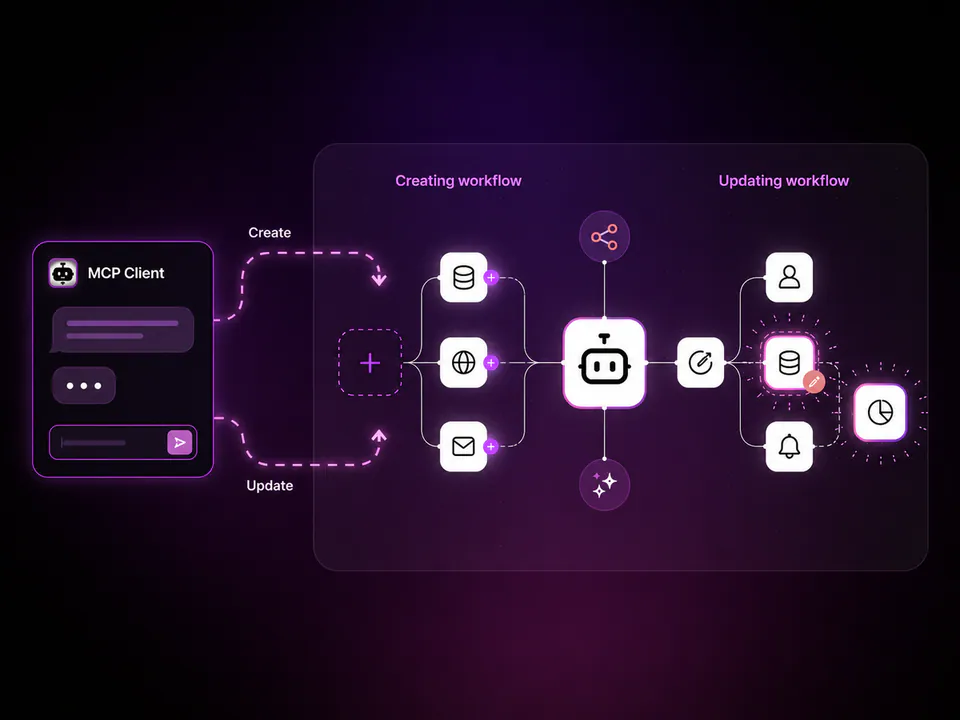
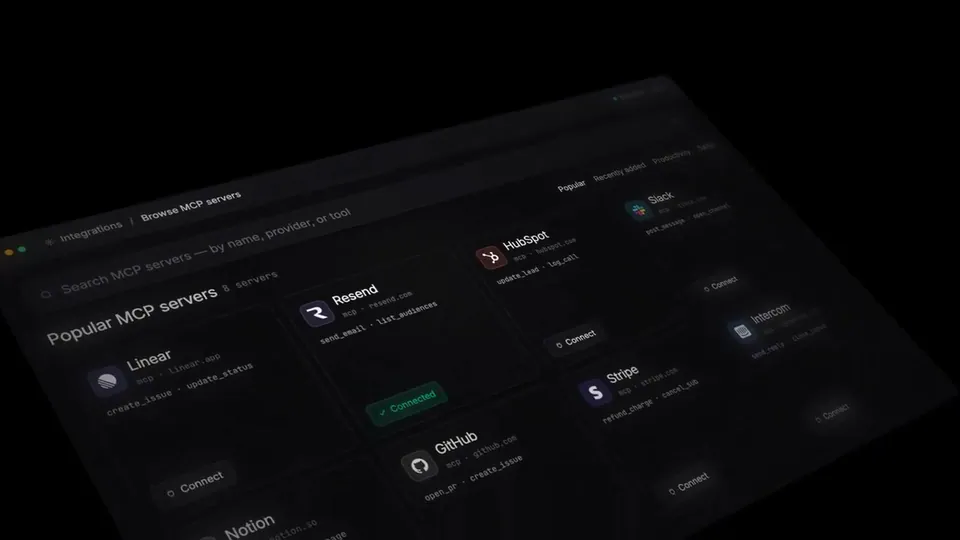
Wire up MCP credentials without the manual setup. Pick a server, sign in, done. Quick demo from our new PM Alex on what just shipped for AI Agents in n8n. (v2.22.4)👇 https://t.co/KqteZsUbEi
1retweets36likes
View on X n8n
n8n· Updated
n8n v2.22.4 introduces a streamlined UI for connecting AI agents to external tools via the Model Context Protocol. By replacing manual configuration with a pick and sign-in workflow, the platform removes the technical friction of wiring up specialized agent capabilities.
v2.22.4. This update targets the MCP integration layer, replacing manual environment variable and JSON configuration with a native authentication UI.Manual server setup and boilerplate code typically create a bottleneck when connecting agents to specialized tools. By moving this configuration into a native UI, n8n allows technical teams to integrate new capabilities into their agentic loops without managing the underlying infrastructure or environment variables.
The pick-and-sign-in workflow is now live for all users on version 2.22.4, including those running the self-hosted Community edition or the managed Cloud and Enterprise tiers. This update simplifies the 'last mile' of agent connectivity, enabling faster deployment of multi-step AI solutions that require secure access to external data sources.
Wire up MCP credentials without the manual setup. Pick a server, sign in, done. Quick demo from our new PM Alex on what just shipped for AI Agents in n8n. (v2.22.4)👇 https://t.co/KqteZsUbEi
Still wondering? A few quick answers below.
Every HeadsUpAI update is written based on its original source and reviewed before it's published. Read our editorial standards →