Manus
@ManusAI
Building a personal Chief of Staff in Manus is now easier than ever. With our new suite of native MCP connectors and Skills, you can get your Chief of Staff set up in minutes. https://t.co/Tbr0deLTv5
21retweets312likes
View on X Manus
Manus· Updated
Manus has simplified the setup of its "personal Chief of Staff" solution. This update introduces native Model Context Protocol (MCP) connectors and Agent Skills. Autonomous operational workflows are now configurable in minutes, integrating with existing tools and defining preferences without manual API key management. This streamlines the deployment of specialized AI agents for daily tasks.
The update enables systems to autonomously plan and execute multi-step actions. Integrating native MCP connectors, Manus standardizes how its agents connect with external tools and data, similar to Basedash. This rapid setup pushes for practical AI agents.
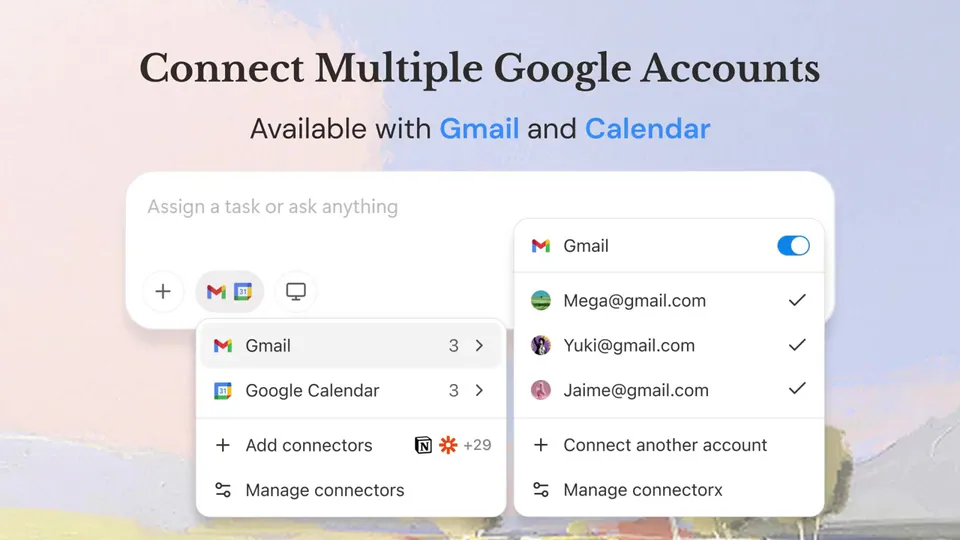
The Manus Chief of Staff automates meeting prep, follow-up drafting, and daily briefings. Connect tools like Gmail, Slack, and Calendar. Define preferences with Skills for tone or briefing formats. Scheduled Tasks 2.0 runs prompts on repeat.
Building a personal Chief of Staff in Manus is now easier than ever. With our new suite of native MCP connectors and Skills, you can get your Chief of Staff set up in minutes. https://t.co/Tbr0deLTv5
Still wondering? A few quick answers below.
Every HeadsUpAI update is written based on its original source and reviewed before it's published. Read our editorial standards →