HeadsUpAI

Google Launches Chrome Extensions Skill to Help AI Agents Build and Ship

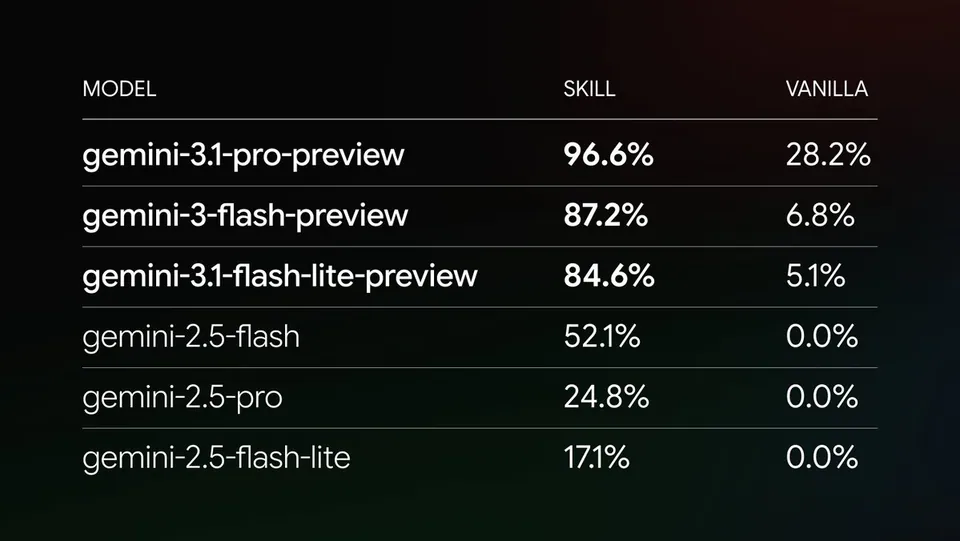
Google launched the Chrome Extensions skill, a specialized capability for AI coding agents that provides the latest Manifest V3 API patterns. Delivered through Modern Web Guidance, the skill gives agents access to technical constraints and architectural rules released after a model's knowledge cutoff (the date through which training data extends).
Availability
modern-web-guidance CLI
Supported Agents
Claude Code, Gemini CLI, Antigravity, and others
Core Components
Extensions skill, DevTools MCP, CHROMEWEBSTORE.md
API Support
Manifest V3
Installation
npx modern-web-guidance@latest

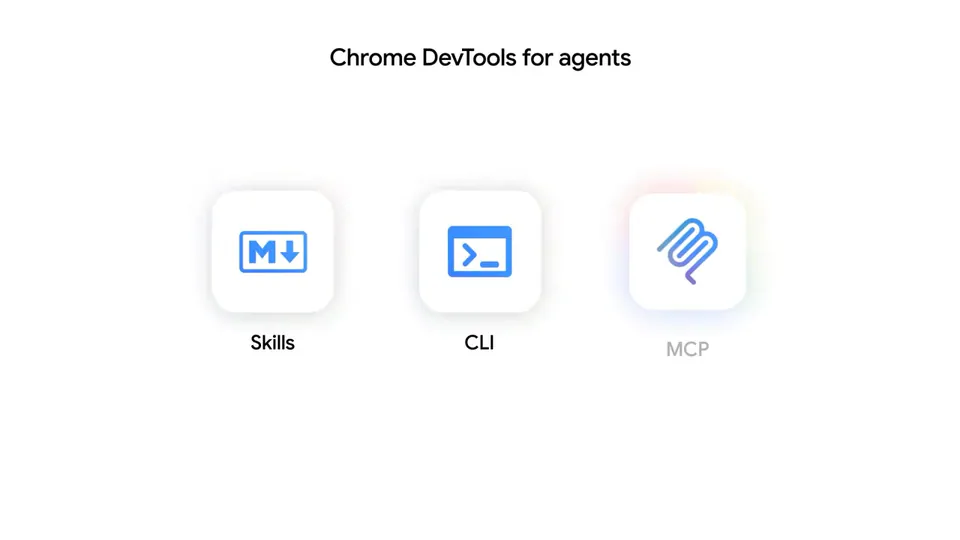
This update extends the Chrome DevTools for agents feature, giving assistants the "eyes" to install and debug their own code in a running browser. By bridging code generation and runtime verification, Google is moving extension development into the realm of agentic engineering—the discipline of building reliable AI systems.

You can now automate distribution using a new CHROMEWEBSTORE.md file, which agents use to track permission justifications for store reviews. The skill is available via the modern-web-guidance CLI and integrates with Google's Agent Skills library. Install it today using npx modern-web-guidance@latest to support agents like Claude Code and Gemini CLI.

Chrome for Developers
@ChromiumDev
X

AI agents can already write extension code, and now we're helping to level them up. At #GoogleIO, we launched the Chrome Extensions skill via Modern Web Guidance and Chrome DevTools for agents. Learn how to build extensions faster → https://t.co/CmycoQ5759 https://t.co/BnNbVBtG76

1retweets63likes
View on X

Still wondering? A few quick answers below.

The Chrome Extensions skill is a specialized knowledge layer for AI coding agents that provides up-to-date information on the latest web platform APIs and best practices. It ensures that agents have access to modern API patterns and architectural rules that may have been released after the model's initial training data cutoff.

AI agents use a dedicated Model Context Protocol server to connect directly to a running instance of Chrome. This allows the agent to autonomously install, uninstall, and reload extensions. The agent can then trigger specific extension actions and inspect various surfaces, such as popups and service workers, to verify that the code works.

This file is a standardized document that AI agents use to track and manage the metadata required for publishing to the Chrome Web Store. It specifically helps agents document justifications for every permission requested in the extension's manifest, ensuring the project complies with the store's single-purpose policy and is ready for submission.

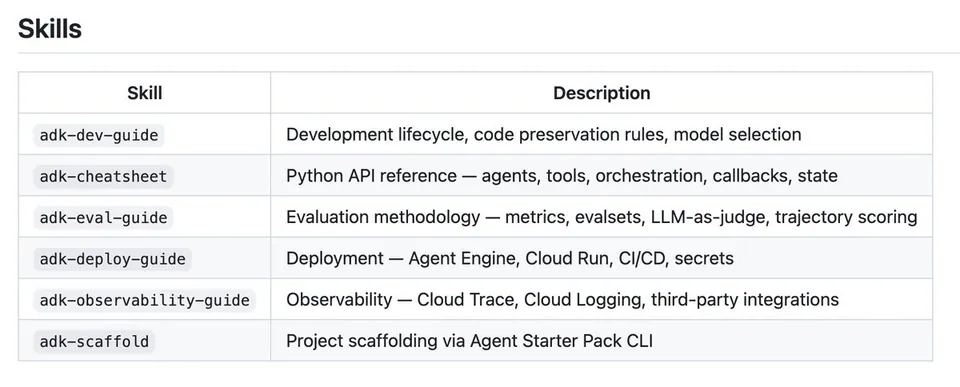
The skill is designed to work with a variety of popular agentic coding tools, including Gemini CLI, Claude Code, and Codex. It is also available as a plugin for the Antigravity development environment. Developers can install and manage these skills across different agents using the modern-web-guidance command-line interface tool provided by Google.

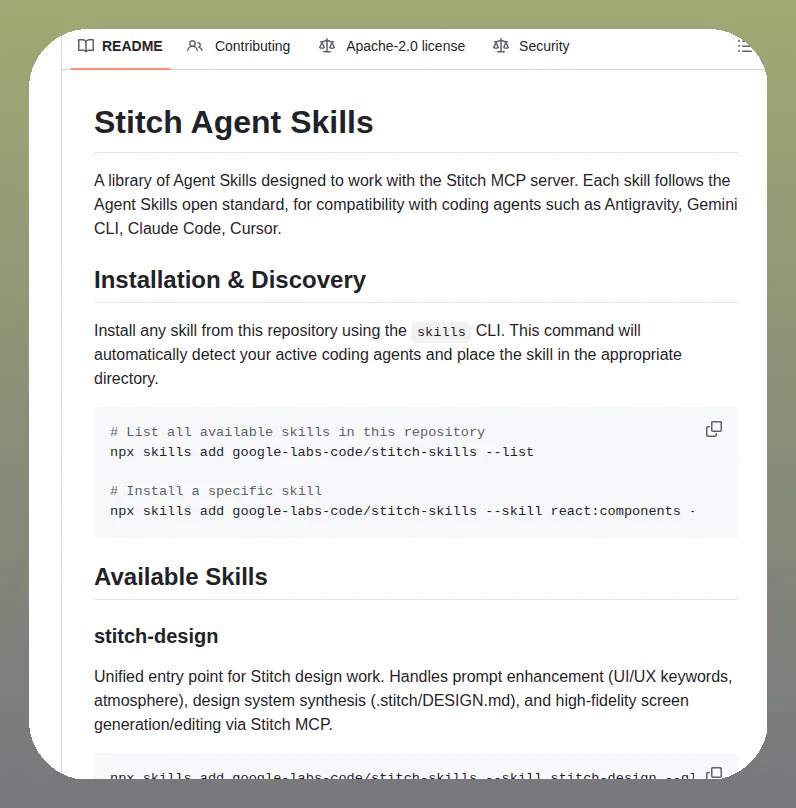
You can install the skill by running the modern-web-guidance command through npx in your terminal. This launches an interactive wizard that allows you to select your preferred coding agent and choose the specific extension and web guidance skills you want to install. The CLI automatically keeps these skills updated with the latest guidance.

Share this update