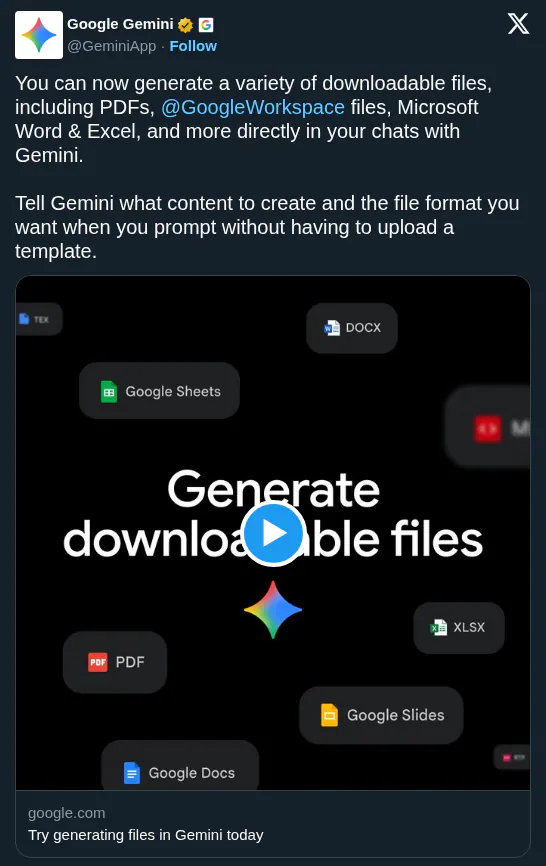
Google rolled out tailored Gemini beta features across Docs, Sheets, Slides, and Drive for AI Ultra and Pro subscribers. In Sheets, Gemini achieves 70.48% on SpreadsheetBench — nearing human expert ability — signaling reliable end-to-end spreadsheet automation.
Google Workspace ships tailored Gemini capabilities across Docs, Sheets, Slides, and Drive. Sheets achieves 70.48% on SpreadsheetBench — exceeding competitors, nearing human expert level — building and verifying spreadsheets from a prompt. Docs drafts from files and emails; Slides creates individual slides (full deck generation coming soon); Drive adds Ask Gemini to query documents, emails, and calendar with AI Overviews in results.
The Sheets benchmark signals a real shift: near-expert autonomous spreadsheet work narrows the gap between what you describe and what Gemini delivers. Across all four apps, Gemini now draws from files, emails, and the web — evolving from a chat panel into a context-aware layer across Workspace.
Access the beta via Google AI Ultra or Pro — in English globally for Docs, Sheets, and Slides; U.S. only for Drive. Use Ask Gemini in Drive to synthesize meeting pre-reads, or prompt Sheets to build a tracker from your inbox.