Cursor
@cursor_ai
Auto-review mode is now available in Cursor. It allows agents to run tool calls with fewer approval prompts and safer execution. https://t.co/GZQX89mgmq
126retweets2klikes
View on X Cursor
· Updated
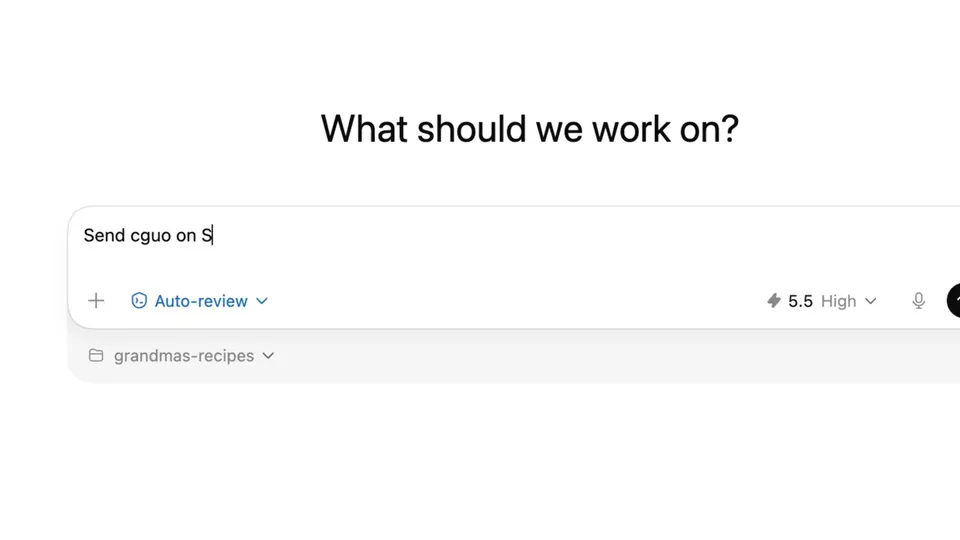
Cursor launched Auto-review, a new run mode that delegates tool call approvals to a specialized classifier subagent. By automating safety checks for terminal and API actions, the system allows coding agents to work longer without human interruption.
This update addresses the "approval fatigue" that often stalls complex development workflows. By using a dedicated reasoning model to judge the safety of Shell and MCP tool calls, Cursor reduces the need for manual human clicks. This shift parallels OpenAI's Auto-review for Codex, signaling an industry-wide push toward unattended agent operations.
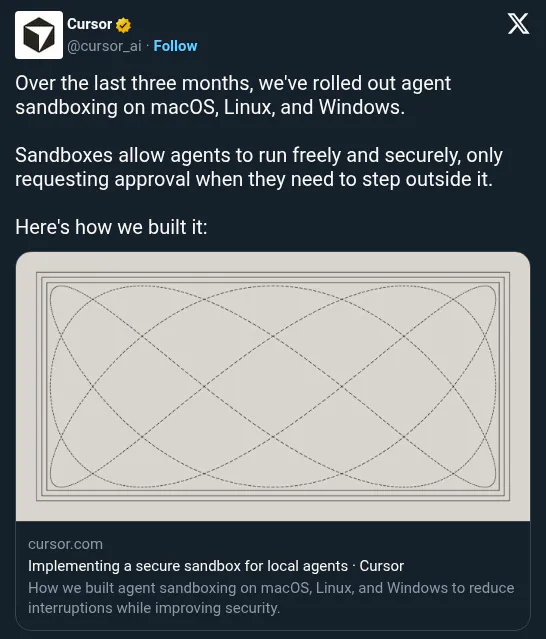
You can enable the new mode under the agent settings menu and provide custom instructions to steer the classifier's decision-making logic. The feature is available now for all Cursor users, applying to Shell, MCP, and Fetch tool calls. This builds on Cursor's cross-platform agent sandboxing to provide a more autonomous development experience.
Auto-review mode is now available in Cursor. It allows agents to run tool calls with fewer approval prompts and safer execution. https://t.co/GZQX89mgmq
Still wondering? A few quick answers below.
Every HeadsUpAI update is written based on its original source and reviewed before it's published. Read our editorial standards →