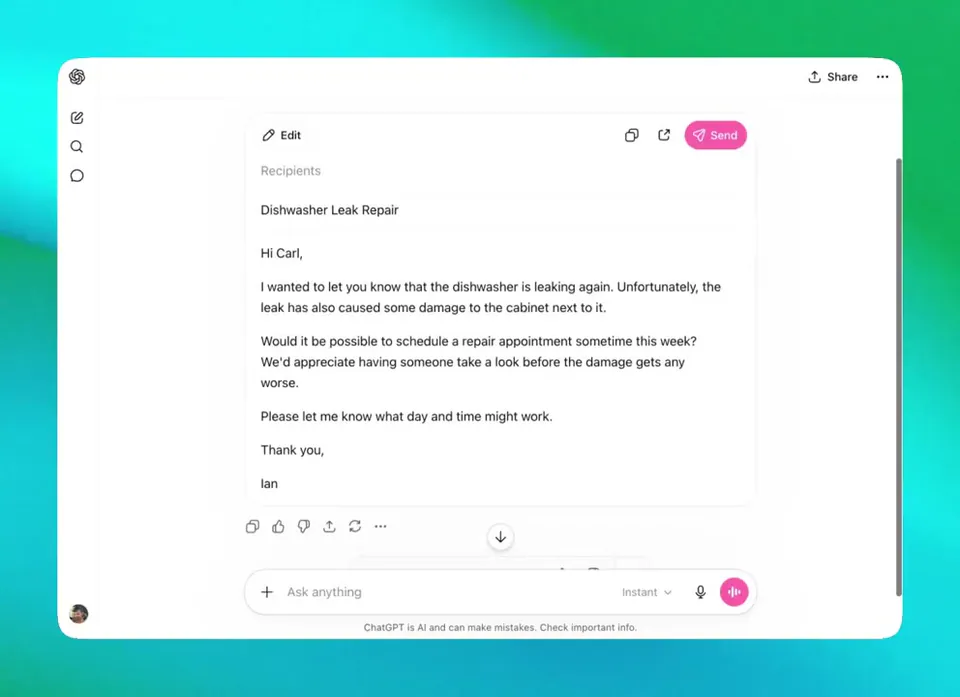
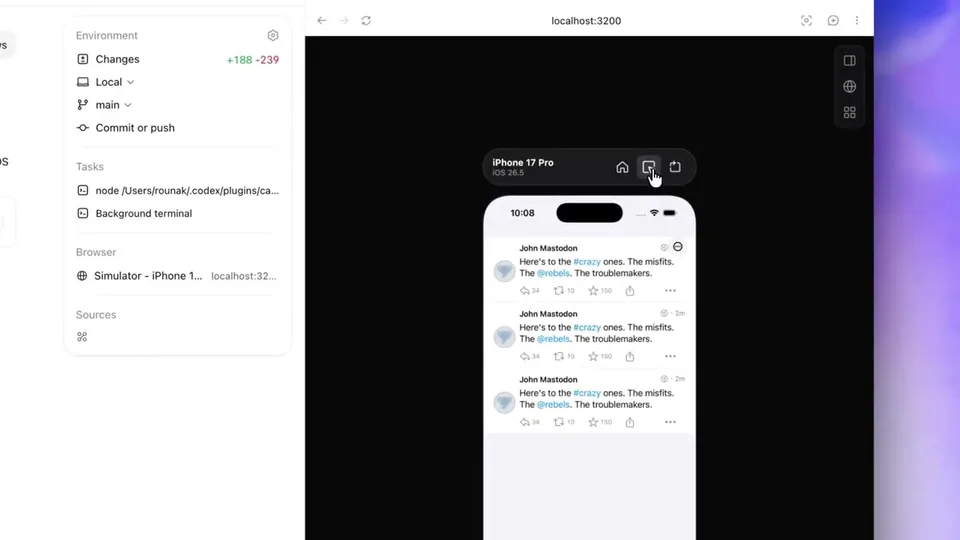
ChatGPT's code blocks now let you preview and run HTML, diagrams, and mini apps directly in chat without copying to external tools. Edit in split-screen, run full-screen, and debug inline - the write-copy-run loop is now write-preview.
ChatGPT added interactive code blocks that let you preview HTML pages, Mermaid diagrams, and mini apps directly inside the chat response. Code blocks now have edit and preview controls built in - split-screen shows code and output side by side, and a full-screen mode opens the running result in the browser tab. Debugging works inline too, showing code and output together.
This eliminates the copy-to-CodePen friction that's been part of ChatGPT-assisted coding since day one. You'd generate code, paste it somewhere to test, spot the issue, come back and describe it. Now the feedback loop closes inside the chat window.
The feature is available in ChatGPT now. Ask ChatGPT to build something - a game, a flowchart, a small UI component - and use the preview button that appears on the code block to run it instantly.