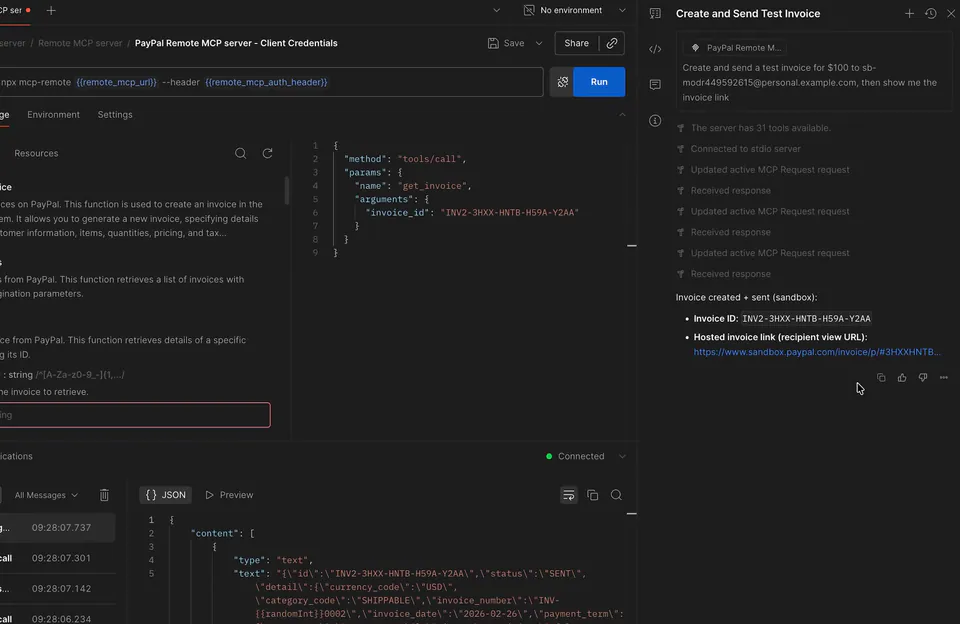
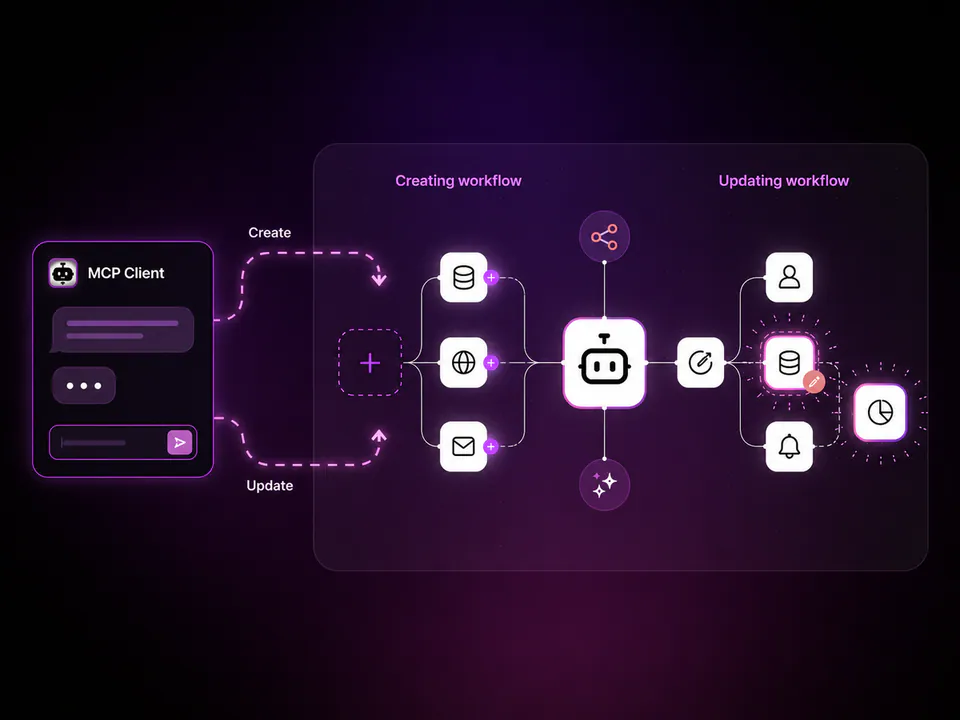
Webflow's MCP server is now in Postman's Agent Mode, letting developers query and manage sites, CMS collections, and pages via natural language. Ask the agent to fetch your data — it resolves the right API call and returns live results.
Webflow, the visual web development platform, has made its MCP (Model Context Protocol) server available in Postman's Agent Mode. The integration exposes the full Webflow API as AI-callable tools — sites, pages, components, CMS collections, fields, items, and custom code. Ask the agent "List my Webflow sites" or "Show me all blog posts" and it figures out which tools to call and returns real data from your account.
This eliminates the usual friction — no tab-switching to API docs, no manual request construction. Conversations save directly as reusable request collections the whole team can share, auth included. Webflow also published a prompt library with ready-made workflows for SEO audits, keyword optimization, and broken link checks.
Start with Webflow's prompt library to run an SEO audit or broken link check on your site — no request crafting needed, just copy a prompt and let the agent do the work.