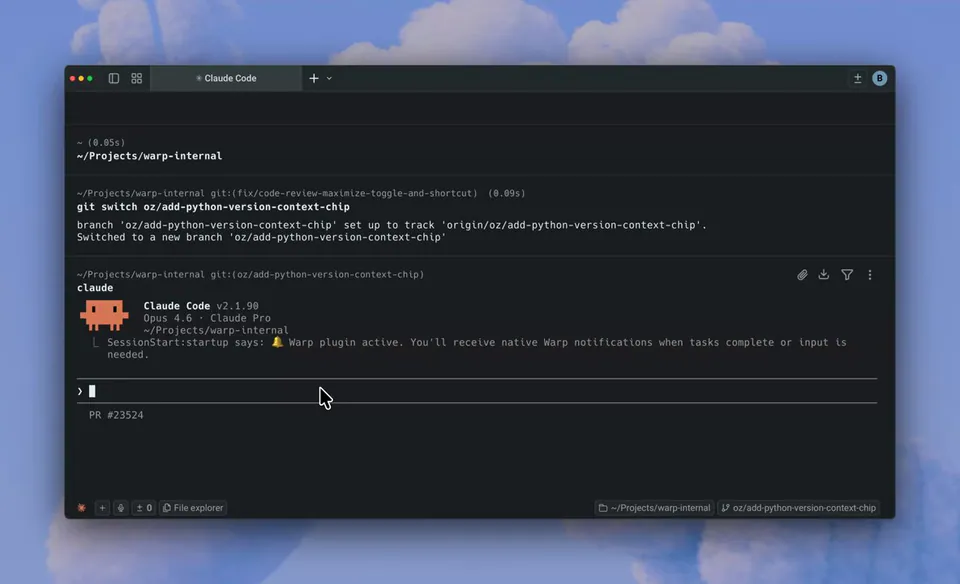
Have a bug report or feature you want to see in Warp? Just type /feedback in Warp. This skill lets you work with an agent to post a high-quality issue on our open-source repo. From there, we invite you to contribute a fix! https://t.co/Es26syf6za
Warp Launches Agentic Feedback Skill to Automate Open Source Contributions
· Updated
Warp introduced a /feedback command that uses an AI agent to draft and post high-quality GitHub issues directly from the terminal. This skill bridges the gap between identifying bugs and fixing them by guiding users through a report-and-repair loop within the same agentic environment.
/feedback skill to streamline community contributions. The command invokes an AI agent that collaborates with the user to draft structured bug reports, which are then automatically posted to the company's open-source repository.This update follows Warp's open-sourcing of its client codebase and its transition into an agent orchestration platform. By automating issue reporting, Warp is attempting to convert users into contributors. It creates a loop where an agent defines a problem before inviting the user to fix it using Warp's agentic coding capabilities.
You can access the feature by typing /feedback in the Warp terminal. Once an issue is live on GitHub, you can use the oz-agent to autonomously navigate the codebase and draft a pull request. The skill is available now as part of Warp's core agentic toolkit for all users.
Still wondering? A few quick answers below.
Every HeadsUpAI update is written based on its original source and reviewed before it's published. Read our editorial standards →