
v0
@v0
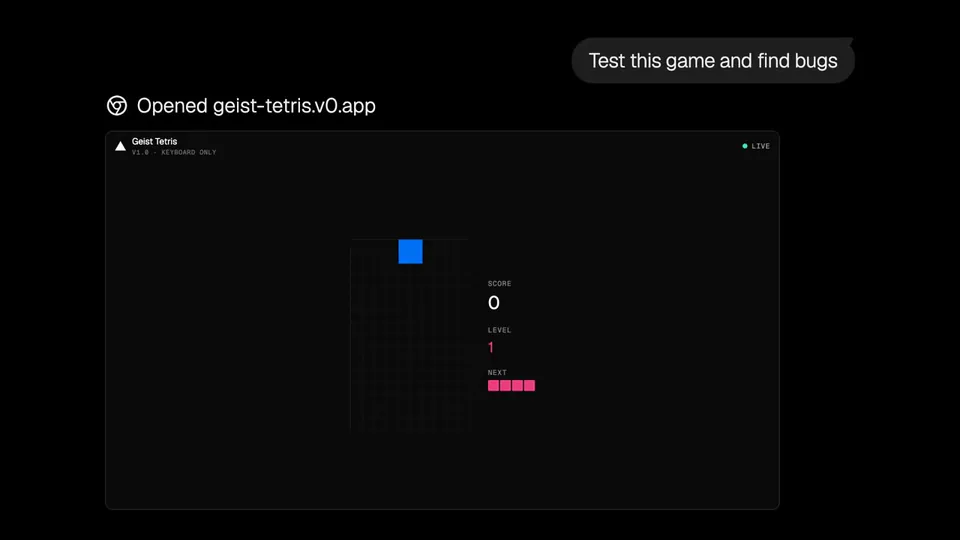
v0 Browser Use is now also available in the v0 iOS app. https://t.co/1A7VZKAODH https://t.co/5IZIFejgTU
42likes
View on X v0
v0· Updated
v0 expanded its Browser Use capability to iOS, allowing the AI agent to autonomously test and debug web applications from a mobile device. This update enables developers to trigger visual critique and proactive bug fixes for their projects while on the go.
Bringing agentic Computer Use (AI seeing and controlling digital interfaces) to mobile shifts the development bottleneck from the desktop. By allowing the agent to proactively fix bugs through visual feedback, Vercel is productizing the verification layer of software engineering. This mirrors the broader trend of AI agents controlling browsers.
You can now trigger these autonomous debugging sessions directly from the v0 mobile interface. While the agent works, it provides a live feed of its activity, allowing you to monitor its reasoning and navigation steps. The feature is available now within the v0 iOS app for all users with active projects.
v0 Browser Use is now also available in the v0 iOS app. https://t.co/1A7VZKAODH https://t.co/5IZIFejgTU
Still wondering? A few quick answers below.
Every HeadsUpAI update is written based on its original source and reviewed before it's published. Read our editorial standards →
More like this
 v0May 19
 VercelMar 28
 Chrome for DevelopersMay 20
 KimiMay 15