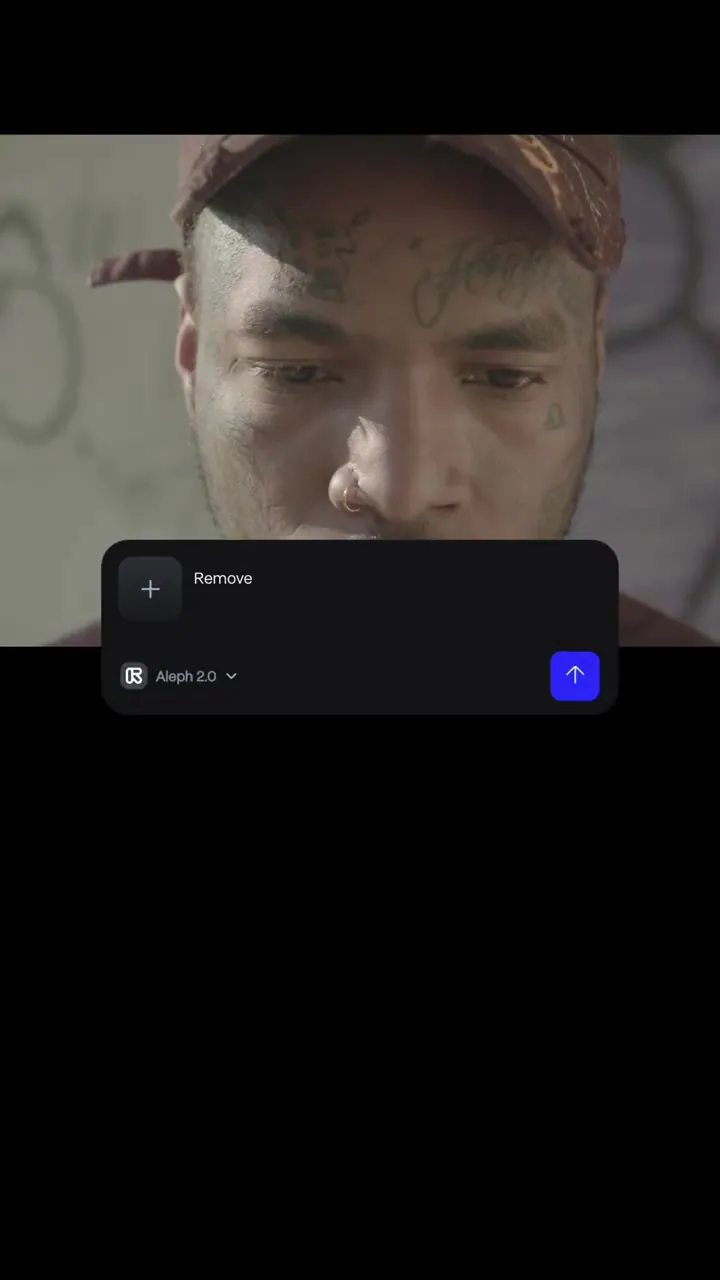
Aleph 2.0 is here. Now you can edit a single frame in your video, preview the change and then Aleph 2.0 carries that edit across the rest of your video. Try it now in the new Edit Studio on web at the link below. https://t.co/LA8NgAMnZA
Runway Aleph 2.0 Propagates Single Frame Edits Across Entire Video Sequences
· Updated
Runway released Aleph 2.0, an upgraded video editing model that allows users to modify a single frame and automatically apply those changes across a full clip. This shift from generation to precise editing enables consistent visual updates across multishot sequences up to 30 seconds long.
Aleph 2.0 inside a new web-based interface called Edit Studio. The model allows you to edit a single frame using natural language and then automatically carries that change across the entire sequence. It supports 1080p output for clips up to 30 seconds long.- Model
- Aleph 2.0
- Resolution
- 1080p
- Maximum duration
- 30 seconds
- Interface
- Edit Studio (web)
- Sequence support
- Multishot
This update addresses temporal consistency in AI video. By using one frame as a reference, Aleph 2.0 moves beyond the random nature of Runway's multi-shot video generation toward controlled post-production. It joins Google Flow's agentic video editing in shifting from raw generation to precision control.
Use Edit Studio to modify specific elements like characters or scenes without re-generating the entire video. The model processes multishot sequences, ensuring edits remain consistent across camera cuts. Aleph 2.0 is available now on the Runway web platform, with tutorials provided through Runway Academy.
Still wondering? A few quick answers below.
Every HeadsUpAI update is written based on its original source and reviewed before it's published. Read our editorial standards →