Nous Research
@NousResearch
The Hermes Web Dashboard got a major overhaul: it is now a feature-complete admin panel that you can manage entirely from your browser. https://t.co/3NZWA3SZ9x
199retweets2.8klikes
View on X Nous Research
· Updated
Nous Research overhauled the Hermes Web Dashboard into a centralized browser-based admin panel for managing autonomous agents. The update replaces manual command-line configuration with a graphical interface for API keys, tool servers, and messaging channels.
This GUI simplifies managing autonomous systems with hundreds of settings. By integrating the MCP Catalog, the dashboard enables one-click tool installation and messaging gateway setup. It also provides a visual control center for the Nous Portal, managing model subscriptions and tool routing through a unified web view.
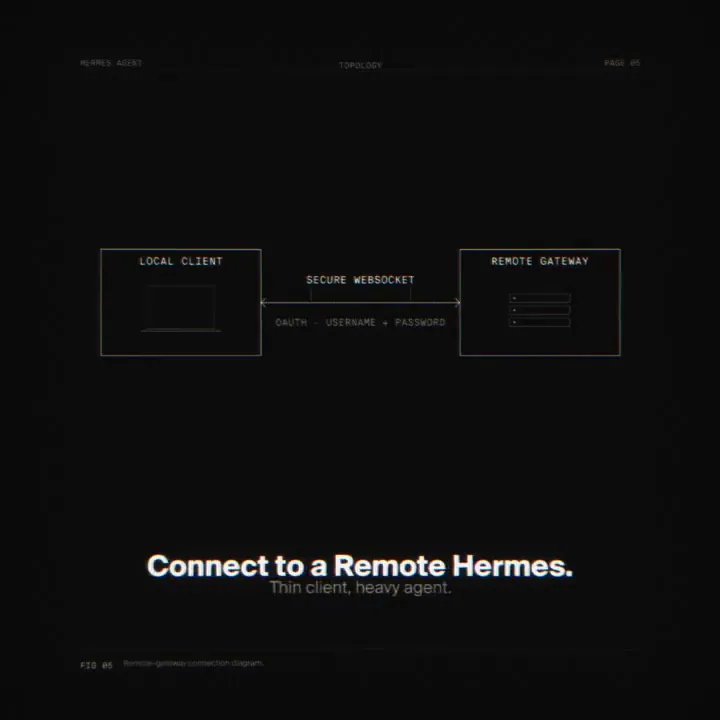
Launch the interface locally via hermes dashboard. For remote use, an OAuth-based (an open standard for access delegation) gate protects API keys on public binds. The update is available via pip install 'hermes-agent[web,pty]', and a new /reload command allows active sessions to pick up dashboard changes instantly.
The Hermes Web Dashboard got a major overhaul: it is now a feature-complete admin panel that you can manage entirely from your browser. https://t.co/3NZWA3SZ9x
Still wondering? A few quick answers below.
Every HeadsUpAI update is written based on its original source and reviewed before it's published. Read our editorial standards →
More like this