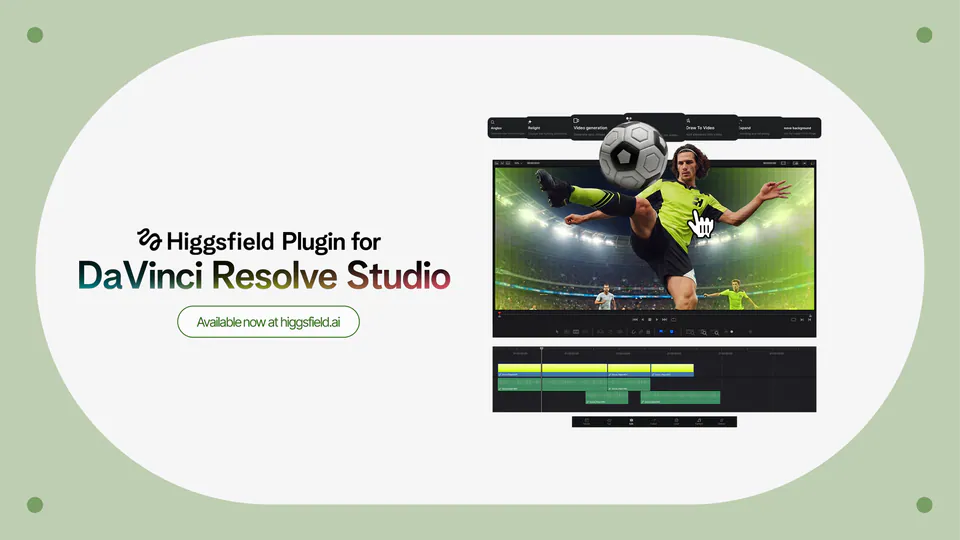
Higgsfield plugins for Adobe Premiere Pro and After Effects are live. Generate images, videos, and transitions. Drag them into your timeline. Reframe aspect ratios without cropping. Remove backgrounds from footage. Draw on a clip to edit what you want. Upscale to 4K on export. https://t.co/o91MJniCgN
Higgsfield Brings Generative Video and AI Editing Directly to Adobe Premiere
Higgsfield AI, an AI video and image generation platform, released five professional plugins for Adobe Premiere Pro and After Effects. The suite enables editors to generate clips, B-roll, and transitions using natural language prompts that drop directly into the timeline, alongside tools for upscaling footage to 4K or 8K resolution.
- Supported software
- Adobe Premiere Pro 2024+, After Effects 2024+
- Max upscale resolution
- 8K
- Core plugins
- Reframe, Remove BG, Upscale, and others
- OS compatibility
- macOS (Universal), Windows 10/11
- Pricing (Starter)
- $15 per month (billed annually)
This integration targets the "last mile" of production by automating tedious tasks like rotoscoping (isolating subjects from backgrounds) and reframing horizontal footage for social media. It expands on the team-based workflows introduced with Higgsfield Canvas by bringing those generative capabilities into the high-precision environment where professional video projects are actually finished.
Users can also use "Draw to edit" for inpainting (adding or replacing elements in a frame) by sketching changes directly on a clip. The plugins require Adobe 2024 or newer and are available for macOS and Windows, with usage consuming the same credits as the standard Higgsfield plans.
Higgsfield AI 🧩
@higgsfield
24retweets161likes
View on XStill wondering? A few quick answers below.
The Higgsfield AI plugins are compatible with Adobe Premiere Pro and Adobe After Effects, specifically version 2024 and newer. The suite is available for both macOS and Windows users. On macOS, the installer works natively on both Apple Silicon and Intel-based Macs, while Windows users require the free ZXP Installer to complete the setup.
The suite includes five professional tools: Generate Video and Image for creating assets from text, Reframe for smart aspect ratio switching with subject tracking, and Remove Background for subject isolation without green screens. It also features Upscale for boosting footage to 4K or 8K and Draw to Edit for sketching changes directly on frames.
The Reframe plugin allows editors to change a clip's aspect ratio to formats like 9:16 or 1:1 with a single click. Unlike standard cropping, it uses AI-driven smart subject tracking to keep the focal point centered as the frame changes. This ensures that the most important part of the footage remains visible across different social media formats.
Yes, using the plugins requires a Higgsfield account and an active subscription. The tools run on the same credit system as the Higgsfield web platform, and users must sign in to their account directly from the plugin panel. Generations made within Premiere Pro or After Effects consume credits based on the user's existing plan.
Content generated through the Higgsfield Adobe plugins is covered by the same usage rights as the Higgsfield web platform. This includes commercial use for projects created by users on paid subscription plans. Editors can generate professional-grade B-roll, transitions, and visual effects directly in their timeline for client work or commercial social media content.