GitHub introduced the /fleet command for Copilot CLI, enabling a central orchestrator to decompose complex tasks and dispatch multiple sub-agents to work on different files simultaneously. This shift from sequential to parallel execution allows developers to tackle multi-file refactors, documentation, and testing in a single pass.
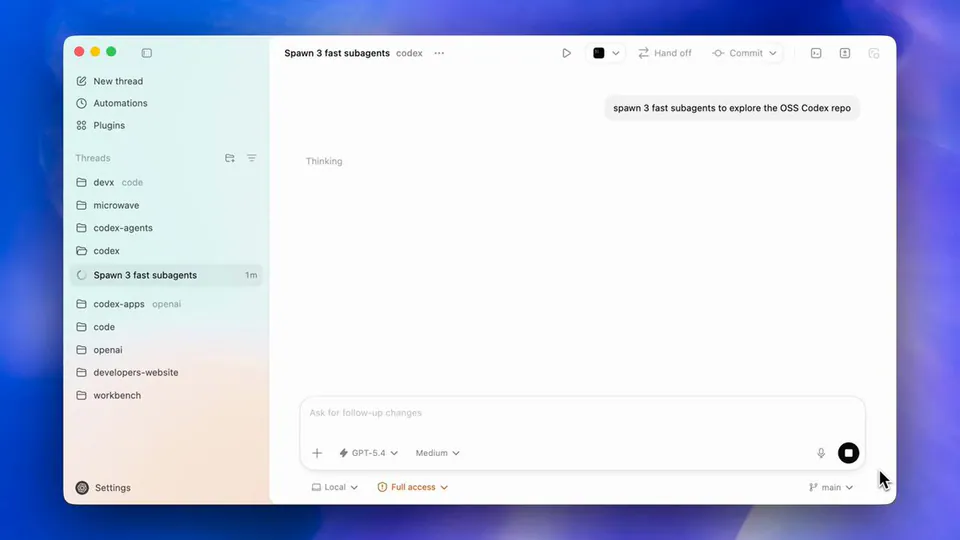
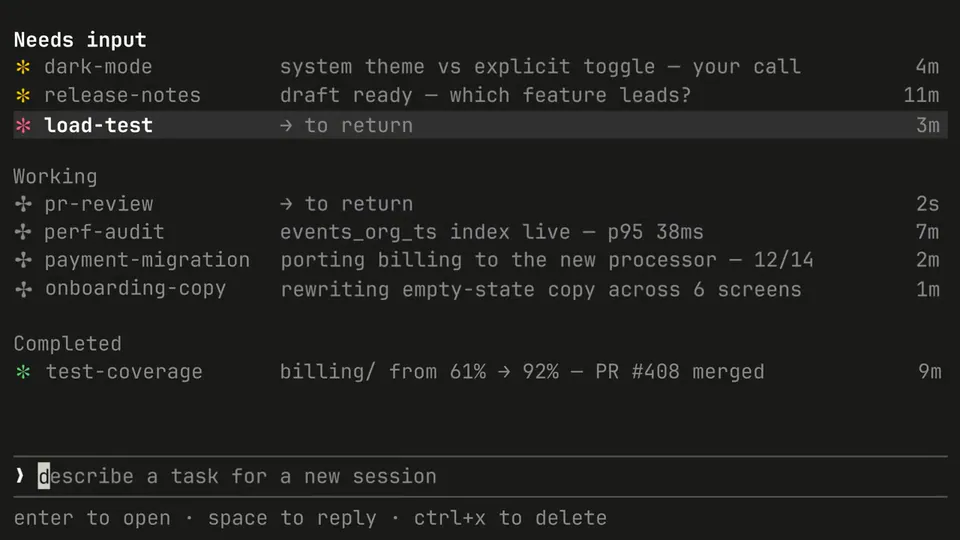
GitHub added a /fleet command to GitHub Copilot CLI that enables parallel multi-agent orchestration (the coordination layer managing multiple agents working together). Instead of processing tasks one by one, a central orchestrator decomposes a high-level prompt into discrete work items and dispatches background sub-agents to execute them simultaneously.
This update addresses the latency bottleneck of single-agent systems that edit files sequentially. By moving to a parallel model, developers can implement features spanning the API, UI, and documentation layers at once. It introduces a more complex agentic engineering (designing and managing reliable AI agent systems) workflow where the AI acts as a project lead.
You can trigger this mode by running /fleet followed by a multi-part objective. To optimize performance, you should define specialized agents in .github/agents/ and explicitly partition file boundaries in your prompts to avoid overwriting data, as sub-agents share a filesystem without file locking.