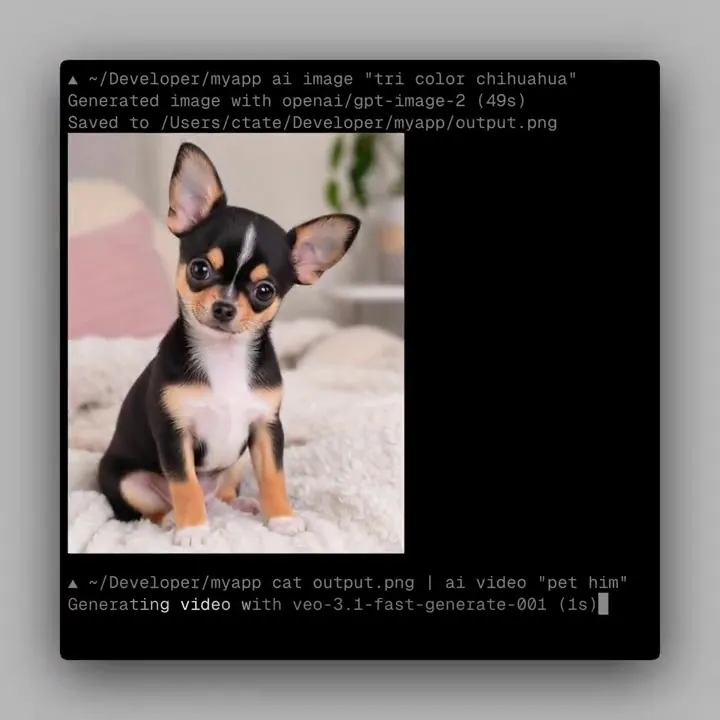
🚀 Introducing the genmedia CLI, generative media directly from the command line. Generate images, video, 3D and audio from your terminal, alongside Claude and other AI agents. • Native terminal workflows • Easy to plug into scripts + pipelines • No dashboards or tab-switching • Installable skills for consistent styles + workflows
fal Launches genmedia CLI to Give AI Agents Native Media Generation Powers
· Updated
fal, a generative media infrastructure platform for serverless inference (running AI models on demand), launched the genmedia CLI. This terminal tool enables the generation of images, video, 3D, and audio directly from the command line. It adds to fal's Grok Imagine Quality Mode hosting by providing a native environment to run high-fidelity models.
This release mirrors Vercel's AI CLI launch, which treats multimodal generation (creating text, images, and video) as a standard terminal utility. By providing a native CLI, fal allows generative media to be piped directly into scripts and CI/CD pipelines. This shift transforms creative production from a manual task into a programmable skill for autonomous agents.
The tool builds on fal's MCP server for AI assistants to let agents autonomously generate assets during development. The CLI is available via a one-line installation script, and the skills repository is open source. This setup turns complex media generation into a repeatable, version-controlled developer skill.
fal
@fal
31retweets203likes
View on XStill wondering? A few quick answers below.
The genmedia CLI is a command-line interface developed by fal that allows users to generate images, video, 3D assets, and audio directly from their terminal. It is designed to integrate into native developer workflows and run alongside AI agents like Claude Code, enabling automated media generation without the need for web-based dashboards or manual tab-switching.
You can install the genmedia CLI on your system using a single-line terminal command. By running a curl request to the official installation script at genmedia.sh and piping it to bash, the tool sets up the necessary environment to begin generating media and managing creative skills directly from your command-line interface.
Genmedia skills are installable, pre-configured style profiles that allow users to maintain a consistent creative look across different media generations. These skills define specific workflows and aesthetic parameters, ensuring that AI agents or automated scripts produce assets that follow a uniform style. Users can browse, remix, or publish their own skills through an open-source repository.
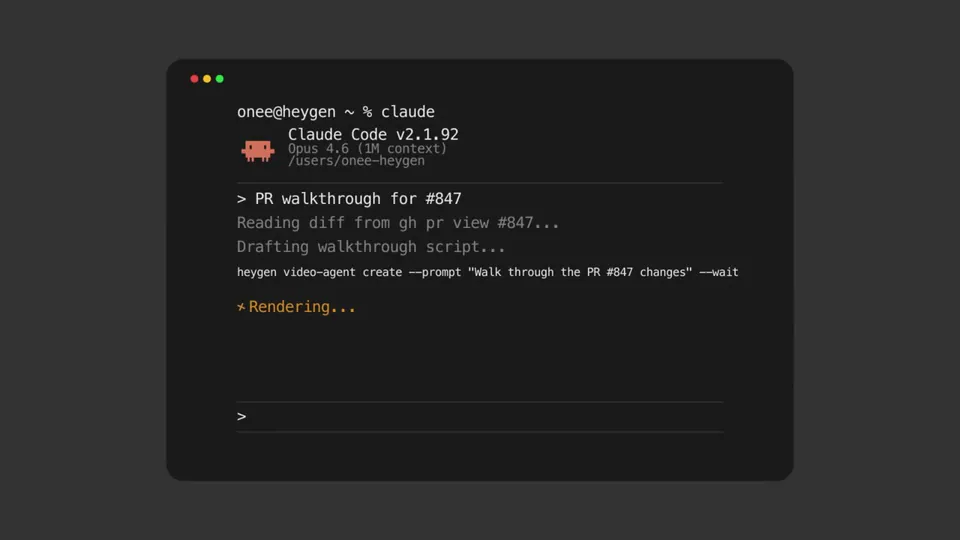
Yes, the genmedia CLI is specifically built to function as a tool for AI agents like Claude and other terminal-based assistants. By providing a command-line interface, it allows autonomous agents to execute media generation tasks as part of their reasoning loops, effectively giving them the ability to create images, videos, and audio files during agentic coding sessions.
While the core CLI is a product of the fal generative media platform, the repository for genmedia skills is fully open source. This allows the developer community to contribute, modify, and share custom style profiles and workflows on GitHub, fostering a collaborative ecosystem for standardized generative media commands that can be used across different terminal environments.