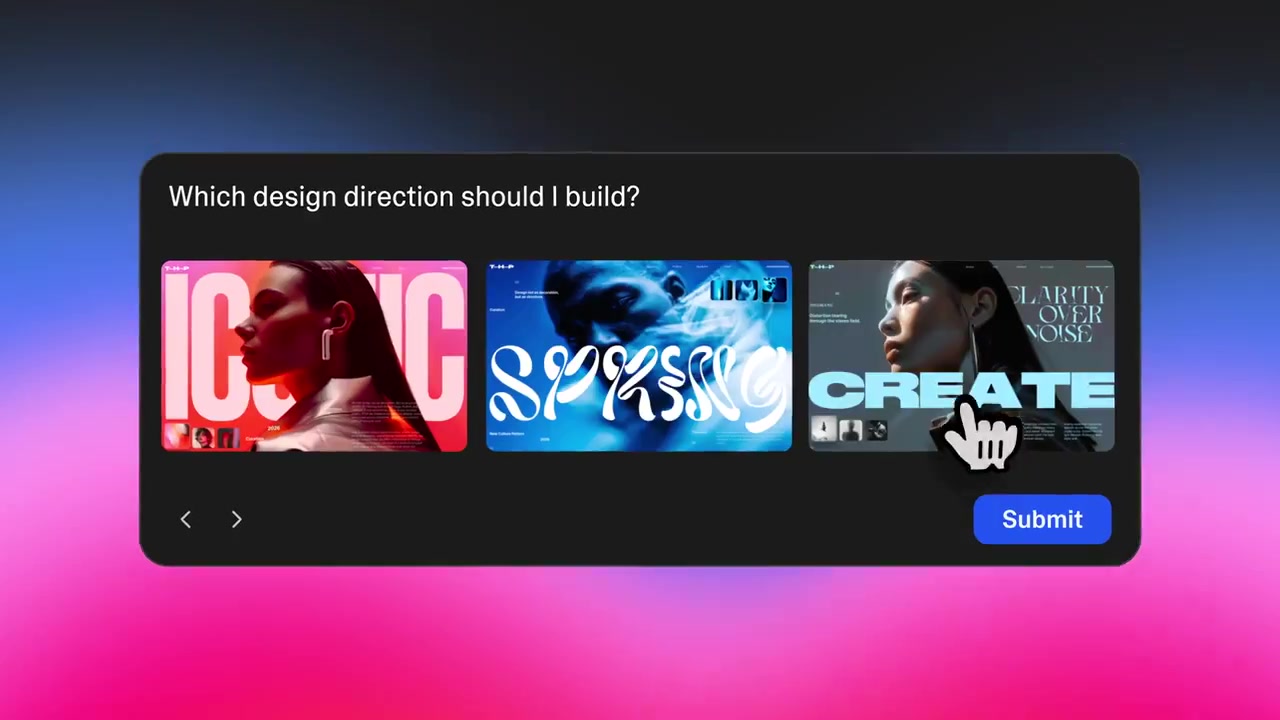
Bolt.new Launches Live Shaders to Automate High-End WebGL Visual Polish

Agentic Coding
AI Agent
Performance

Bolt.new Launches Live Shaders to Automate High-End WebGL Visual Polish
Bolt.new, a browser-based development platform from StackBlitz, enabled live support for Shaders. This integration allows the platform's AI agent to generate and implement complex WebGL (a JavaScript API for rendering high-performance graphics) backgrounds and visual effects using a single natural language prompt.

Creating custom animated backgrounds historically required specialized knowledge of shader math, often taking days of manual effort. This update builds on the Shaders connector to lower the barrier for vibe coding high-fidelity interfaces. It signals a shift where agentic tools move beyond functional logic to handle premium visual polish.

You can now prompt the agent to add interactive, moving backgrounds or distortion effects directly within the development environment. The feature is powered by an integration with Shaders.com, which provides presets that the agent configures automatically. These capabilities are available now for all users building within the platform's web-based IDE.

Read the full update →

Frequently asked questions

What are Shaders in Bolt.new?
Shaders in Bolt.new are specialized programs that run on a computer's graphics processor to render high-performance visual effects. This integration allows the platform's AI agent to create interactive, moving backgrounds and complex animations using WebGL. It simplifies the process of adding professional-grade visual polish to web applications without requiring manual graphics programming.
How do you add animated backgrounds in Bolt.new?
You can add animated backgrounds in Bolt.new by providing a single natural language prompt to the AI agent. The agent uses a live integration with Shaders.com to access a library of presets and automatically configures the necessary WebGL code. This allows you to implement sophisticated motion components and distortion effects directly within your web project.
What is the benefit of using Shaders in Bolt.new compared to manual coding?
Using Shaders in Bolt.new significantly reduces the time and expertise required to build high-end web visuals. Traditionally, creating custom WebGL animations could take a developer a week of manual effort. With this update, the AI agent handles the technical implementation instantly via a single prompt, allowing you to focus on the application's core functionality.
Is the Shaders feature available to all Bolt.new users?
The live Shaders feature is currently available to users building web applications within the Bolt.new browser-based development environment. It is powered by an integration with Shaders.com, giving the AI agent access to a wide range of animated presets. Users can start using these capabilities immediately by prompting the agent to add visual effects to their projects.