HeadsUpAI

Anthropic launches ant CLI to automate Claude Managed Agents from the terminal

The ant CLI provides terminal-native access to the Claude Platform, replacing manual curl requests with subcommands for the Messages API and Claude Managed Agents. The tool includes an interactive explorer and uses GJSON (a syntax for filtering JSON data) to reshape model outputs directly in the shell.
Command
ant
Auth Method
OAuth login, API key, WIF
Output Formats
json, yaml, jsonl, explore
Supported Resources
Messages, Models, Files, Agents, and others
Installation
Homebrew, curl, Go

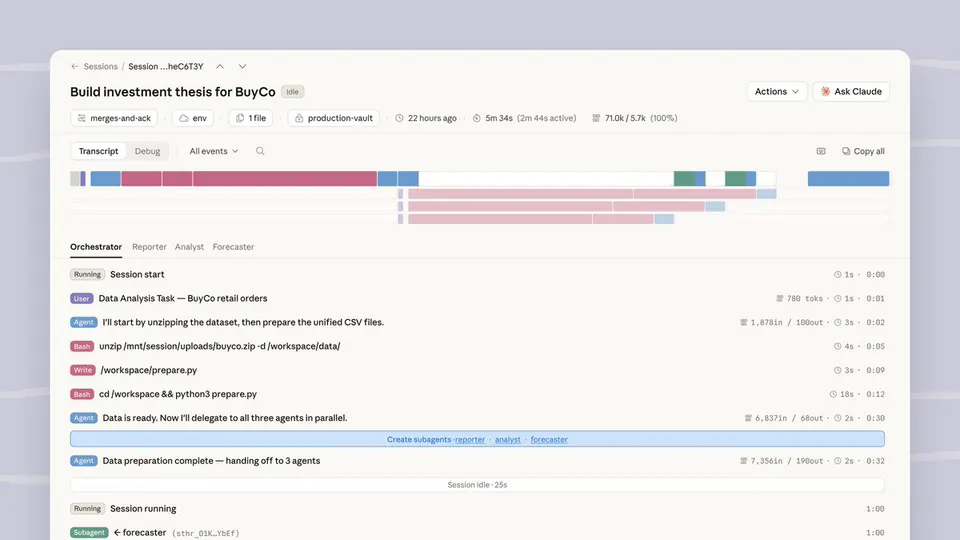
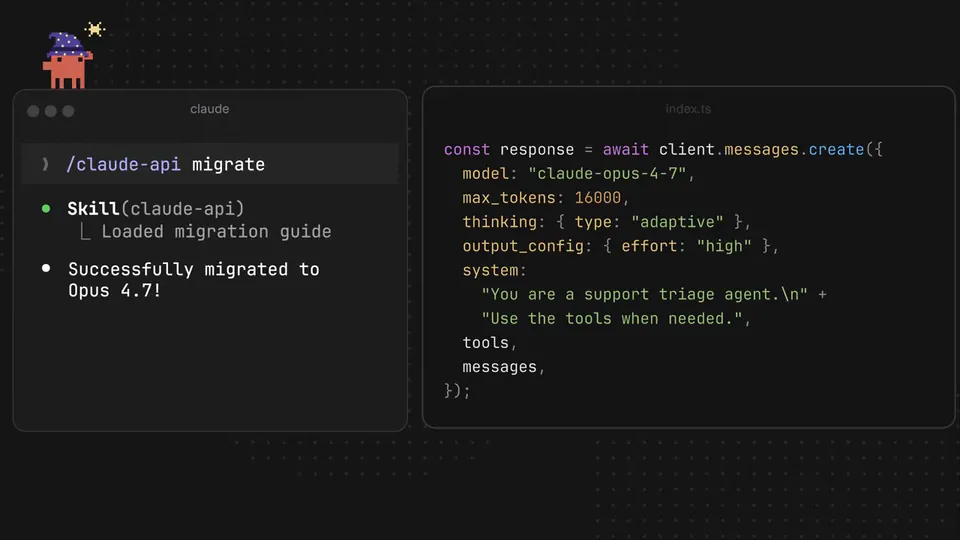
This release enables developers to version-control agent definitions and self-hosted sandboxes as YAML files. The terminal interface allows Claude Code to use the claude-api skill to autonomously manage infrastructure. This shifts AI development toward agent-led environment management and automated CI/CD synchronization without requiring custom glue code.

Install the tool via Homebrew or curl to automate agentic workflows. The CLI supports interactive OAuth login to manage workspace-scoped credentials and profiles. Use the beta:agents and beta:sessions commands to deploy, update, and trace agent runs. It is available now for all Claude API users.

ClaudeDevs
ClaudeDevs
@ClaudeDevs
X

We’ve added a CLI for Claude Platform to make every API endpoint runnable from your terminal. Call the Messages API, stand up Claude Managed Agents, pipe results straight into your shell. The ant CLI is well understood by coding agents (Claude Code) using the claude-api skill. https://t.co/t2ruhuAzRH

455retweets6.2klikes
View on X

Still wondering? A few quick answers below.

The ant CLI is a command-line tool for the Claude Platform that allows users to interact with every API endpoint directly from the terminal. It simplifies complex requests by using typed flags and YAML inputs instead of manual JSON, making it easier to automate workflows and manage AI resources.

Claude Code features a built-in skill that allows it to use the ant CLI natively. This enables the coding agent to autonomously perform tasks like listing active sessions, uploading documentation files, or debugging agent runs by executing CLI commands and reasoning over the structured output without custom glue code.

Yes, the CLI provides full support for Claude Managed Agents through the beta namespace. Developers can use it to create, update, and retrieve agents, as well as manage the environments and sessions they run in. This allows for version-controlling agent configurations as YAML files within a Git repository.

The CLI supports interactive login via a browser-based OAuth flow, which automatically scopes credentials to a specific workspace. It can also read API keys from environment variables or use Workload Identity Federation for non-interactive environments like CI/CD pipelines, providing flexible security options for different development stages.

Every HeadsUpAI update is written based on its original source and reviewed before it's published. Read our editorial standards →

Share this update