HeadsUpAI

HeyGen Adds Drag and Drop Editing to HyperFrames Video Framework

HeyGen, an AI video generation platform specializing in realistic digital twins, released v0.6.34 of its open-source HyperFrames framework. The update introduces direct manipulation to HyperFrames Studio, allowing users to drag elements within the preview window to adjust coordinates. This follows the launch of the HyperFrames Inspector, which first enabled manual visual adjustments.
Registry items
78 (58 blocks, 20 components)
Persistence method
Server-side DOM patching
License
Apache 2.0
Command
npx hyperframes@latest preview

This shift addresses the prompting tax inherent in agentic coding for visual tasks. While AI agents excel at scaffolding complex timelines, minor layout tweaks often require multiple chat turns. By enabling WYSIWYG editing, HeyGen is blending programmatic video with traditional design, mirroring its recent release of smart captions.

The update also integrates the full 78-item registry—including HyperFrames 3D device blocks—directly into a sidebar panel. A new server-side patching mechanism ensures visual edits are written back to the source HTML, preserving changes across refreshes. Access these features by running npx hyperframes@latest preview in any project directory.

HeyGen
HeyGen
@HeyGen
X

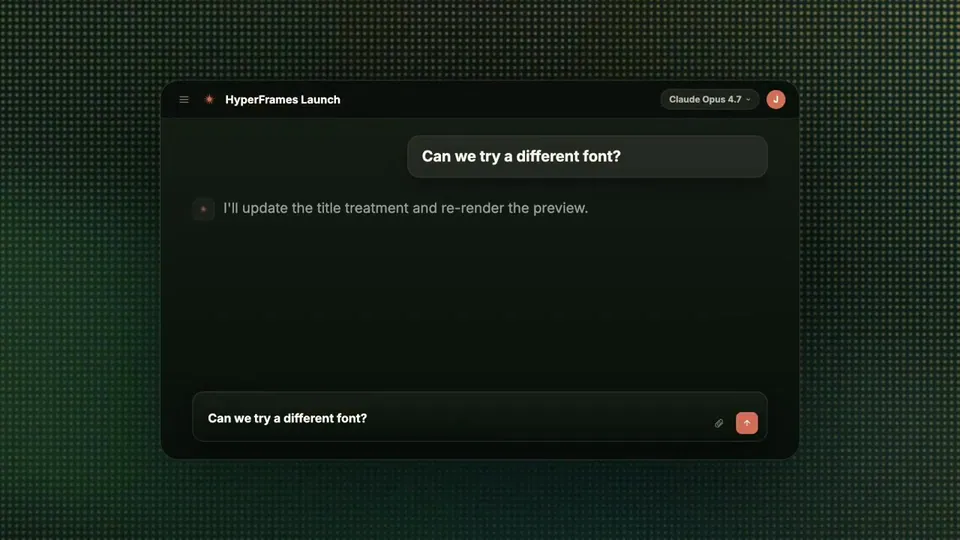
Creating with HyperFrames just got faster Drag elements in the studio to fix placement instead of prompting We also built the full component catalog right into the studio. Browse and add $ npx hyperframes@latest preview Follow @hyperframes_ for updates https://t.co/AtZu0SyHwY

27retweets107likes
View on X

Still wondering? A few quick answers below.

HyperFrames is an open-source video rendering framework from HeyGen that allows developers and AI agents to create video compositions using HTML, CSS, and JavaScript. Unlike traditional video editors, it treats video as code, enabling deterministic rendering where the same input always produces the identical high-quality MP4 output for automated workflows.

The latest update to HyperFrames Studio allows users to manually adjust the placement of elements by dragging them directly within the browser-based preview window. This visual editing capability automatically triggers server-side DOM patching, which writes the new coordinates back to the source HTML file so that changes persist across refreshes and sessions.

The HyperFrames registry is a collection of 78 pre-built visual items, including 58 blocks and 20 components like social overlays, cinematic effects, and data visualizations. These are now integrated into a dedicated sidebar in the studio, allowing users to browse by category and add them to a video composition via one-click installation.

Yes, HyperFrames is fully open source under the Apache 2.0 license. This allows individuals and companies to use the framework commercially at any scale without paying per-render fees or meeting company-size thresholds. The source code is available on GitHub, and the framework can be run locally or within Docker containers.

While both tools drive headless Chrome for deterministic video rendering, HyperFrames uses standard HTML and CSS as its primary authoring language instead of React components. This makes it specifically optimized for AI agents that already understand HTML, and it allows for a build-free workflow where the index file plays as-is in any browser.

Share this update