HeadsUpAI

HeyGen Launches HyperFrames Inspector to Enable Visual Fine-Tuning of AI Video

· Updated

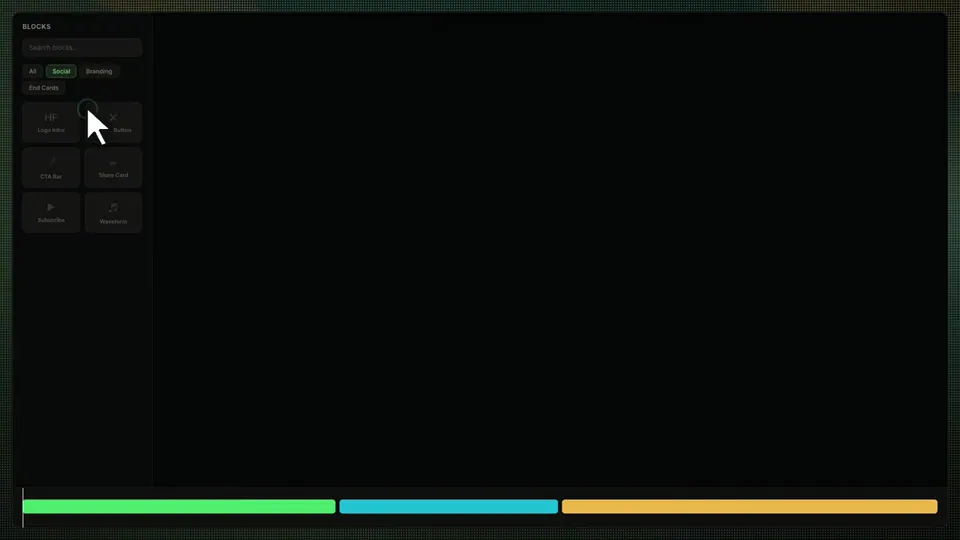
HeyGen, an AI video generation platform, launched the Inspector panel for HyperFrames, its open-source framework that renders HTML and CSS into video. The interface allows for direct visual manipulation of elements—like swapping fonts or nudging positions—within the local preview. These edits are persisted directly to the project's underlying source code.

This release shifts the HyperFrames agentic coding workflow from a purely conversational loop to a hybrid model. Previously, minor design changes required a round-trip through an AI model. By adding visual controls, HeyGen enables a human-in-the-loop pattern where agents handle complex scaffolding while humans apply visual intuition without the latency of AI prompting.

Access the Inspector by running npx hyperframes preview. The update includes a persistent undo/redo system and support for Tailwind CSS v4.2. HyperFrames remains fully open source under the Apache 2.0 license, allowing you to build deterministic video pipelines locally or in automated production environments.

HeyGen
HeyGen
@HeyGen
X

Every edit was a round-trip through the model Font swap. Color change. Nudge 20 pixels. Adjust an easing curve. Now they're a click in the Inspector panel @HyperFrames_ Inspector is live npx hyperframes preview Full source code for this video in the replies ↓ https://t.co/RFzL2lg0CG

57retweets358likes
View on X
Still wondering? A few quick answers below.

The HyperFrames Inspector is a visual editing interface launched in version 0.6.0 of HeyGen's video-as-code framework. It allows users to make real-time design adjustments, such as changing fonts, colors, and element positions, directly through a UI panel. These visual changes are automatically saved back to the project's underlying HTML and CSS source code.

HyperFrames v0.6.0 introduces a persistent history model for visual edits. The undo and redo stacks are stored in the browser's IndexedDB, meaning your edit history survives page refreshes. This system tracks manual DOM edits, timeline mutations, and source editor saves, allowing you to recover from visual property changes or accidental deletions without losing progress.

Yes, HyperFrames is completely open source under the Apache 2.0 license. Unlike source-available tools, it can be used commercially at any scale without per-render fees, seat caps, or company-size restrictions. Users can download the source code from GitHub to build and render deterministic video compositions locally or within their own automated production pipelines.

While both tools drive headless Chrome for deterministic video rendering, they differ in authoring. Remotion uses React components and requires a build step. HyperFrames uses standard HTML and CSS, allowing files to play as-is. Additionally, HyperFrames is fully open source, whereas Remotion requires a paid license for many companies.

To use HyperFrames, you need Node.js version 22 or higher and FFmpeg installed on your system. The framework is designed to work with AI coding agents like Claude Code or Cursor. You can initialize a new project by running npx hyperframes init and access the new visual Inspector panel by starting the preview server with npx hyperframes preview.

Share this update