HeadsUpAI

OpenAI Builds Custom Windows Sandbox to Secure Codex Agentic Workflows

OpenAI implemented a custom Elevated Sandbox for Codex on Windows, enabling its coding agent to execute local commands autonomously. This architecture uses write-restricted tokens—security objects requiring dual permission checks—to ensure the agent only edits files within designated workspaces. It follows the expansion of Codex's background computer use capabilities.
Network security
Windows Firewall (requires admin elevation)
File access control
Write-restricted tokens and synthetic SIDs
Sandbox identities
CodexSandboxOffline and CodexSandboxOnline
Supported interfaces
CLI, IDE extensions, and Desktop app
Setup requirement
One-time administrator elevation

Windows lacks native sandboxing utilities found in macOS or Linux, forcing users to choose between approving every command or granting full system access. This solution bridges that gap, allowing agents to perform complex tasks like running tests without constant oversight. It provides the security foundation for Codex's multi-day autonomous engineering sessions.

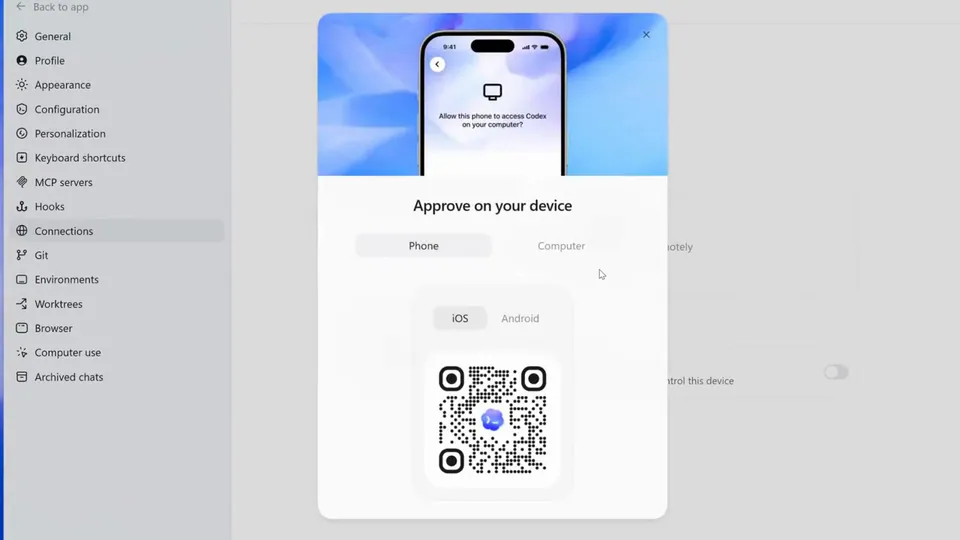
To use the sandbox, you must perform a one-time setup requiring administrator privileges to create dedicated local users and configure Windows Firewall rules. These rules block outbound network traffic for the agent, preventing data exfiltration. The sandbox is available for testing across the Codex CLI, IDE extensions, and desktop application.

OpenAI Developers
OpenAI Developers
@OpenAIDevs
X

To bring Codex to Windows, we had to answer a hard question: how do you let coding agents stay useful without forcing developers to choose between constant approval prompts and full machine access? Here’s how we built the Windows sandbox for Codex: https://t.co/U8JfOe3WIG

77retweets888likes
View on X
Still wondering? A few quick answers below.

The Codex Windows sandbox is a secure execution environment that allows OpenAI's coding agents to run local commands autonomously. It creates a boundary between the agent and the user's operating system, ensuring the AI can read and write files within specific project directories while preventing unauthorized access to sensitive system files or the broader internet.

The sandbox uses Windows security identifiers and write-restricted tokens to control file access. When an agent runs a command, it launches under a restricted token that only permits file modifications in approved locations. It also utilizes a dedicated command runner binary to manage the transition between the real user and the restricted sandbox environment safely.

Administrator elevation is required during the initial setup to create dedicated local user accounts and configure Windows Firewall rules. These system-level changes allow the sandbox to strictly enforce network restrictions and file permissions. Once this one-time setup is complete, the main Codex application can continue to run as a standard, unelevated user process.

Unlike the native Windows Sandbox, which is a disposable virtual machine that disappears after use, the Codex sandbox acts directly on the user's actual files and tools. It provides a persistent environment for developer workflows while maintaining security, whereas the standard Windows Sandbox is unavailable on Home editions and requires complex bridging to access local files.

Yes, the sandbox includes a dedicated offline mode that uses Windows Firewall rules to block all outbound network traffic. This prevents a coding agent from exfiltrating data or accessing the internet without explicit user approval. By running commands under a specific sandbox user, the system can target firewall restrictions to the agent's processes without affecting the user's other applications.

Share this update